




- 현재 위치
- HOME > Button > Rhythm Game Button > Samducksa Button
 View in Bigger Image
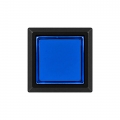
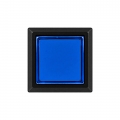
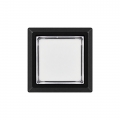
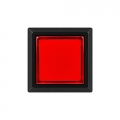


|
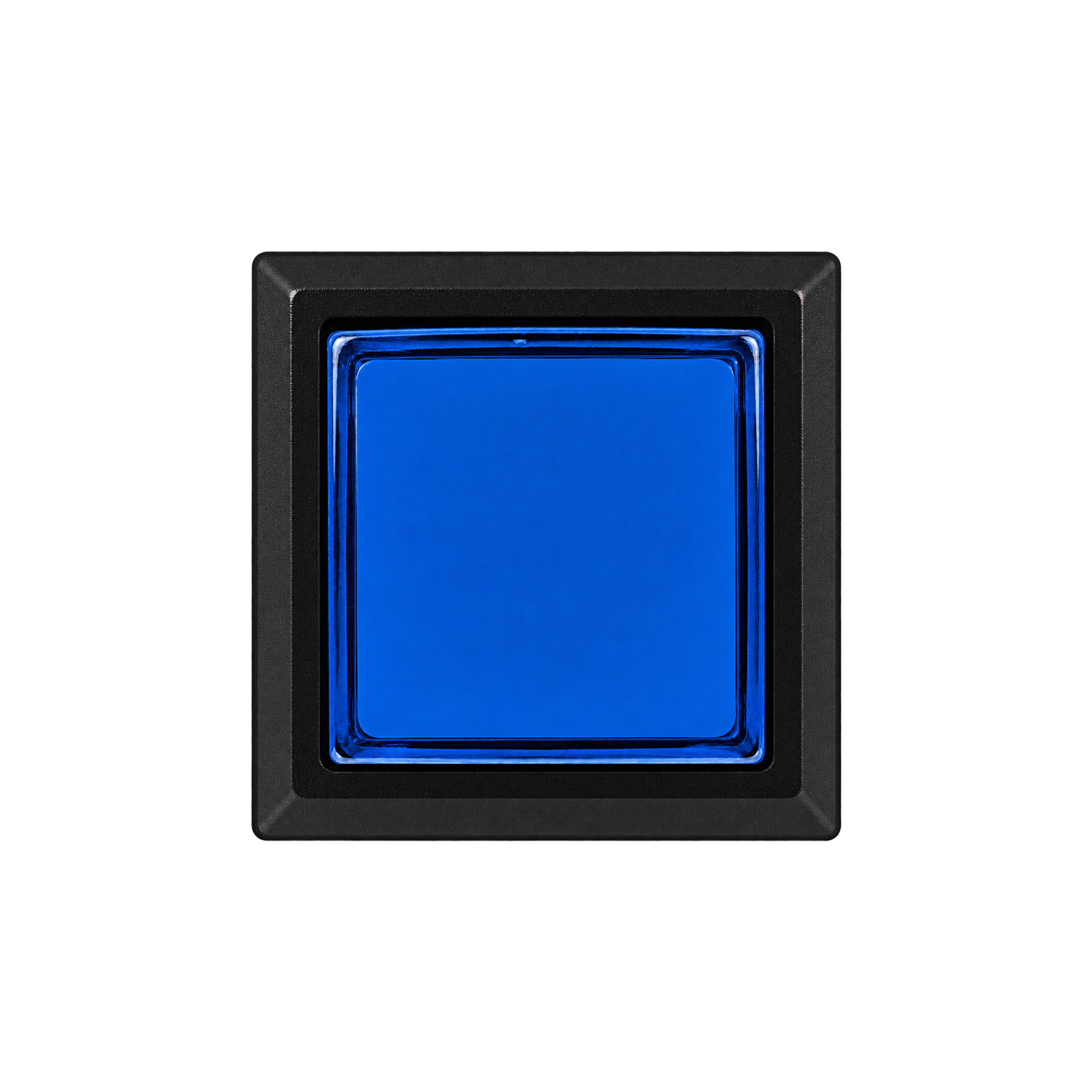
ISTMALL · SAMDUCKSA RHYTHM GAME BUTTON CWB 406
Designed for effect controls From Start and Effect inputs on rhythm game controllers 5 colors · SAMDUCKSA 30g spring pre-installed 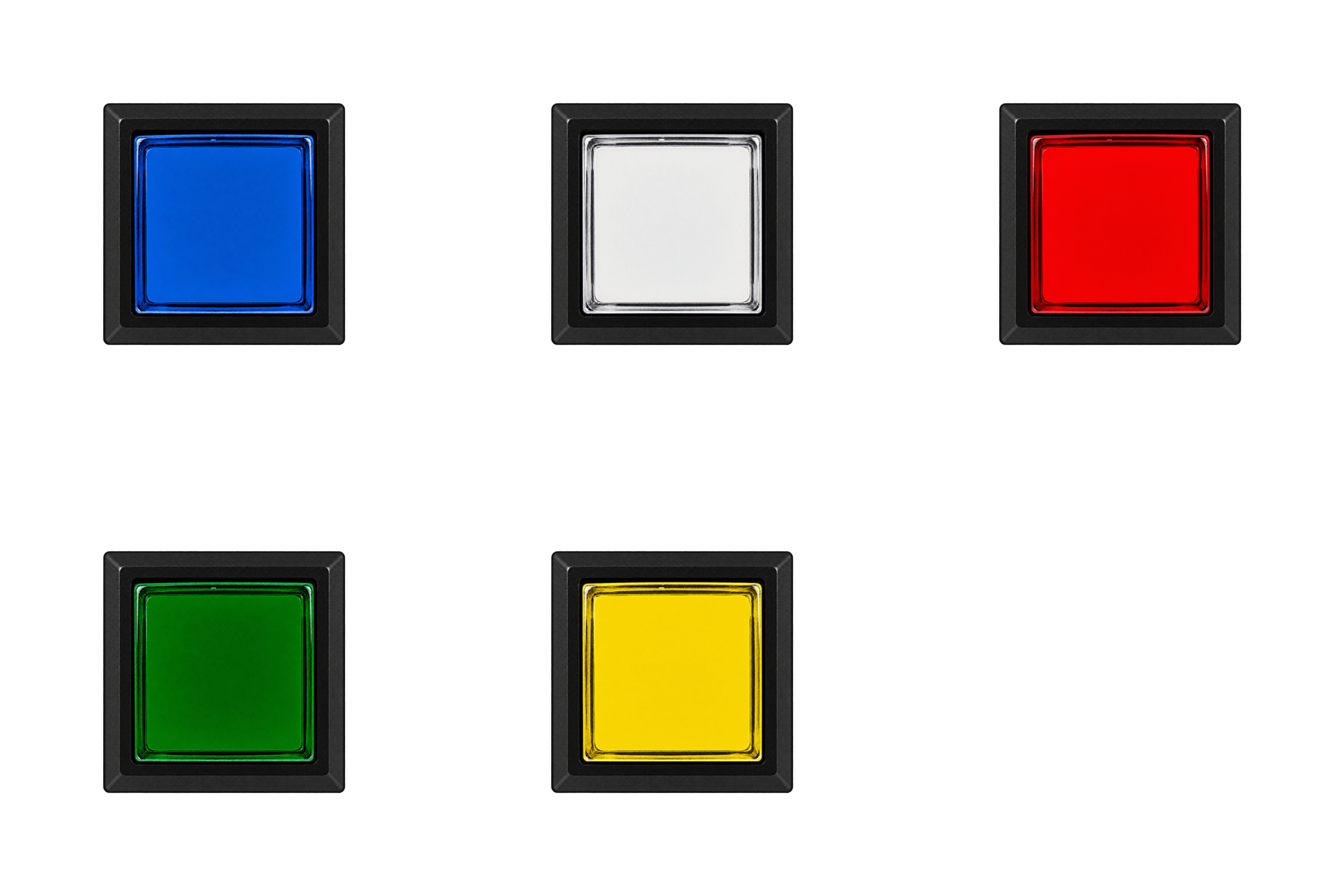
Before you orderIncluded components · Button body, button cover, mounting nut, switch holder and Gersung microswitch. Supplied condition · The nut is fitted to the button body, and the microswitch is fitted to the holder. Internal spring · A SAMDUCKSA 30g spring is pre-installed. Illumination · An LED lamp is not included. Purchase one separately if illumination is required. Holder assembly · Insert at an angle, then rotate to lock.
01 · CWB 406 
KOREAN ARCADE HERITAGE
Experience built in the arcade,
|
| Model / Shape |
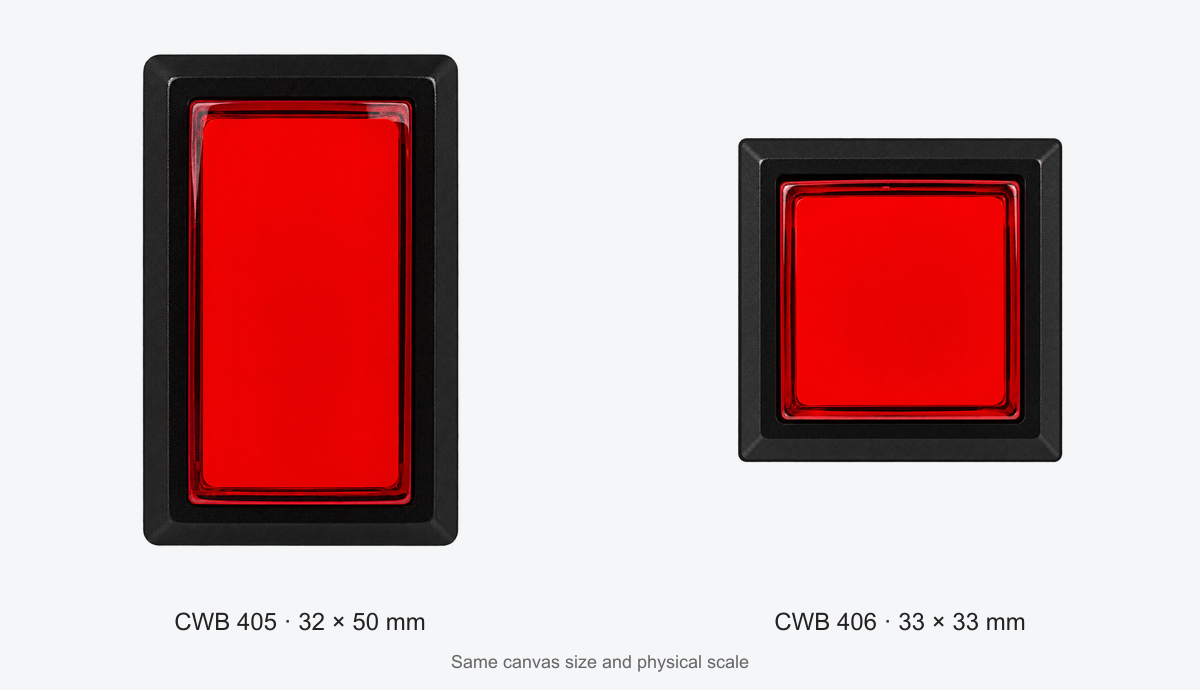
CWB 405 · Rectangular CWB 406 · Square |
|---|---|
| Top dimensions |
CWB 405 · 32 × 50 mm CWB 406 · 33 × 33 mm |
| Size difference | In the orientation shown in the comparison image, the CWB 406 is 1 mm wider and 17 mm shorter. |
| Typical uses | 405 · Main rhythm game buttons and similar inputs 406 · Start, Effect and auxiliary function buttons |
| Panel cutout reference | 405 · 28.5 × 45.5 mm 406 · 29 × 29 mm These are the Panel Mounting dimensions shown in the drawings. Also check the corner shape and mounting structure. |
04 · CWB 406
Five colors to match your controller
Choose from White, Red, Blue, Green and Yellow. Assign different colors to specific functions or match your existing controller's color scheme.
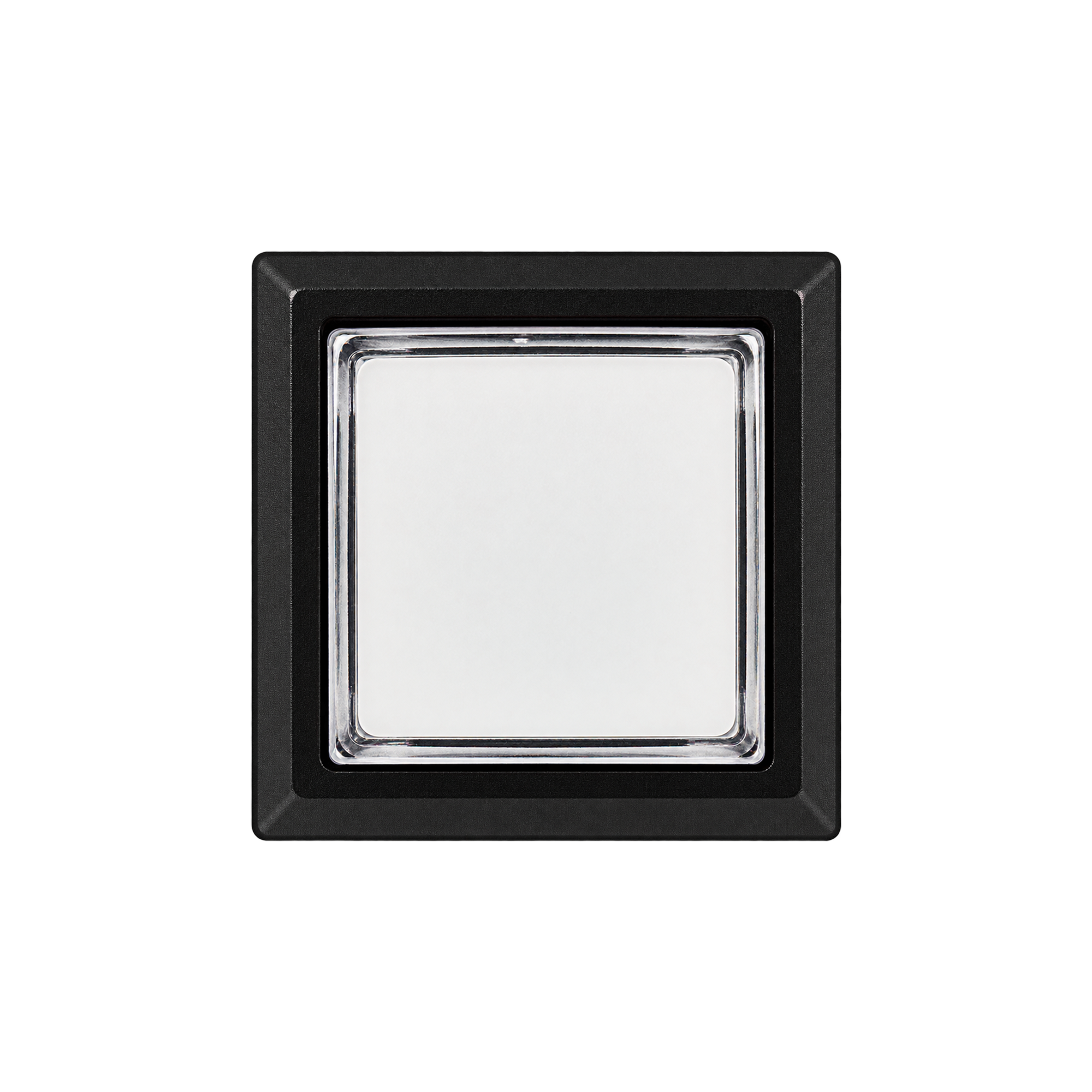
White
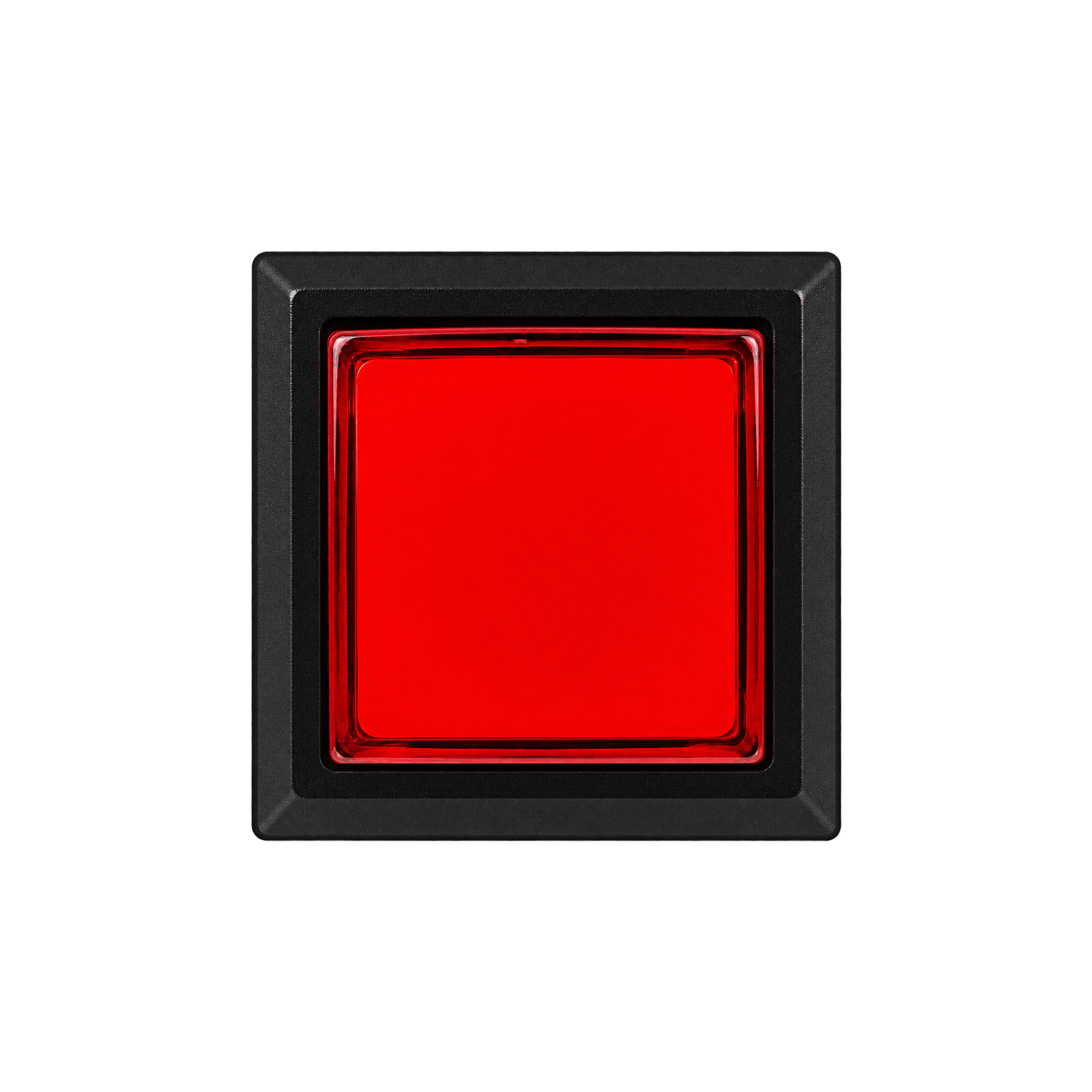
Red
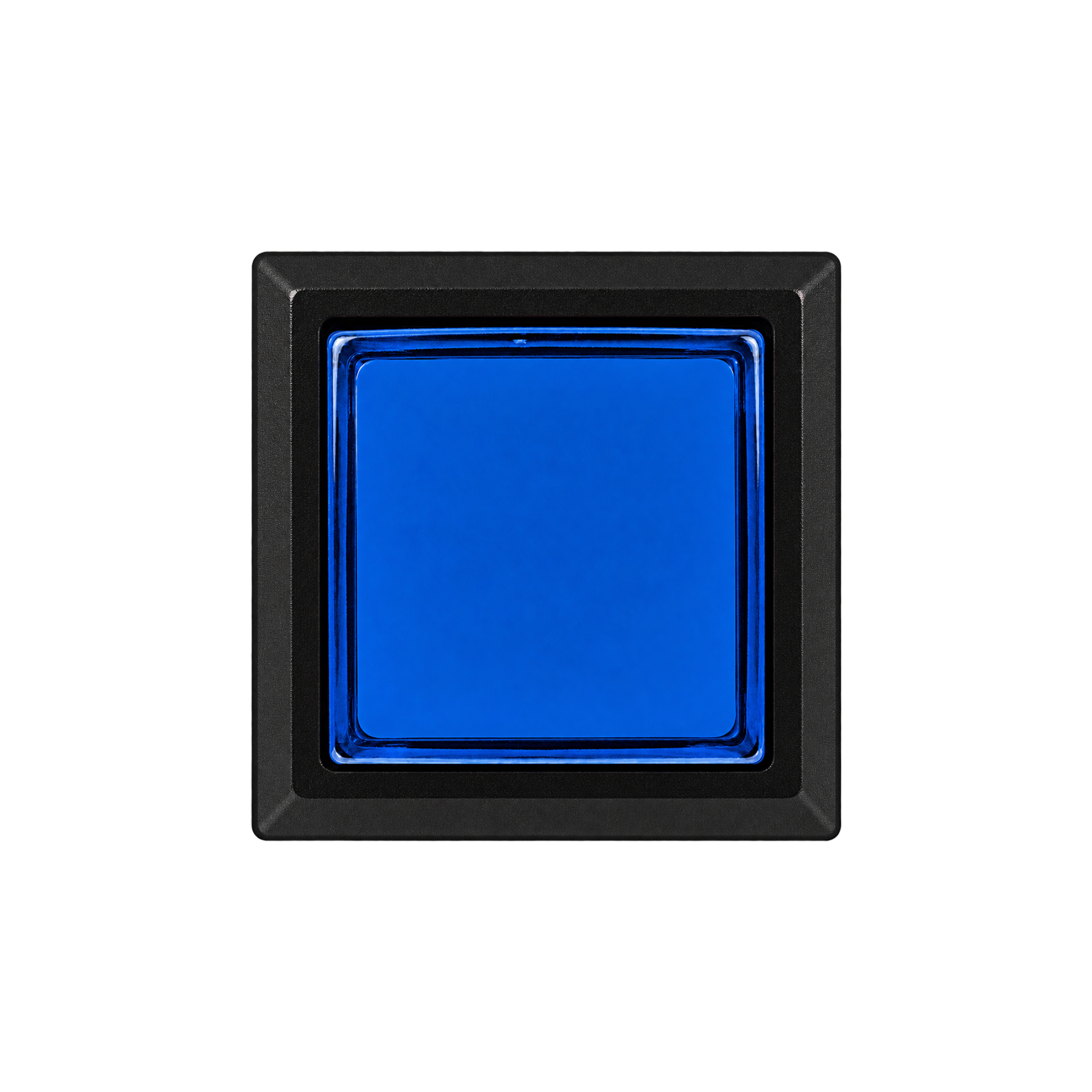
Blue
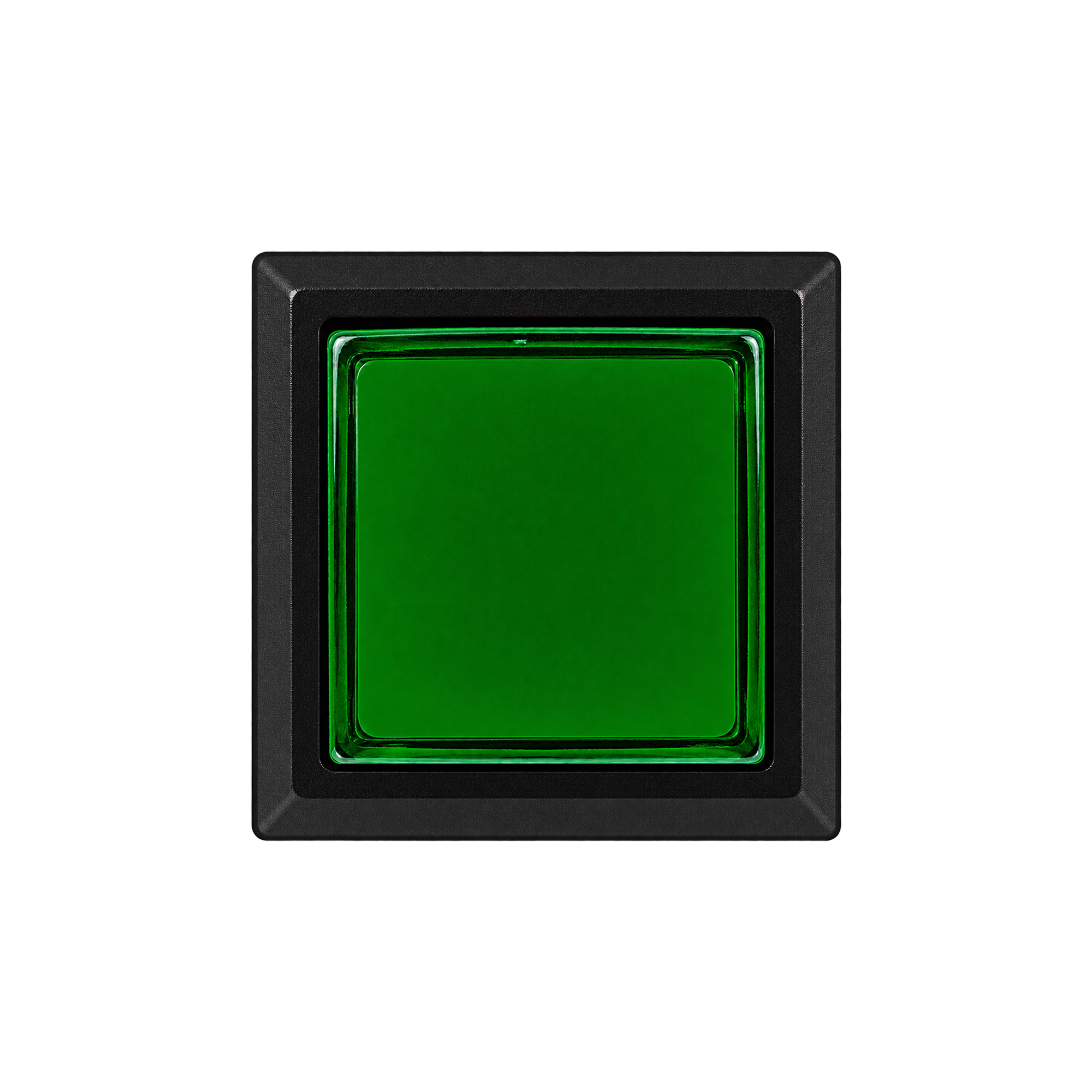
Green
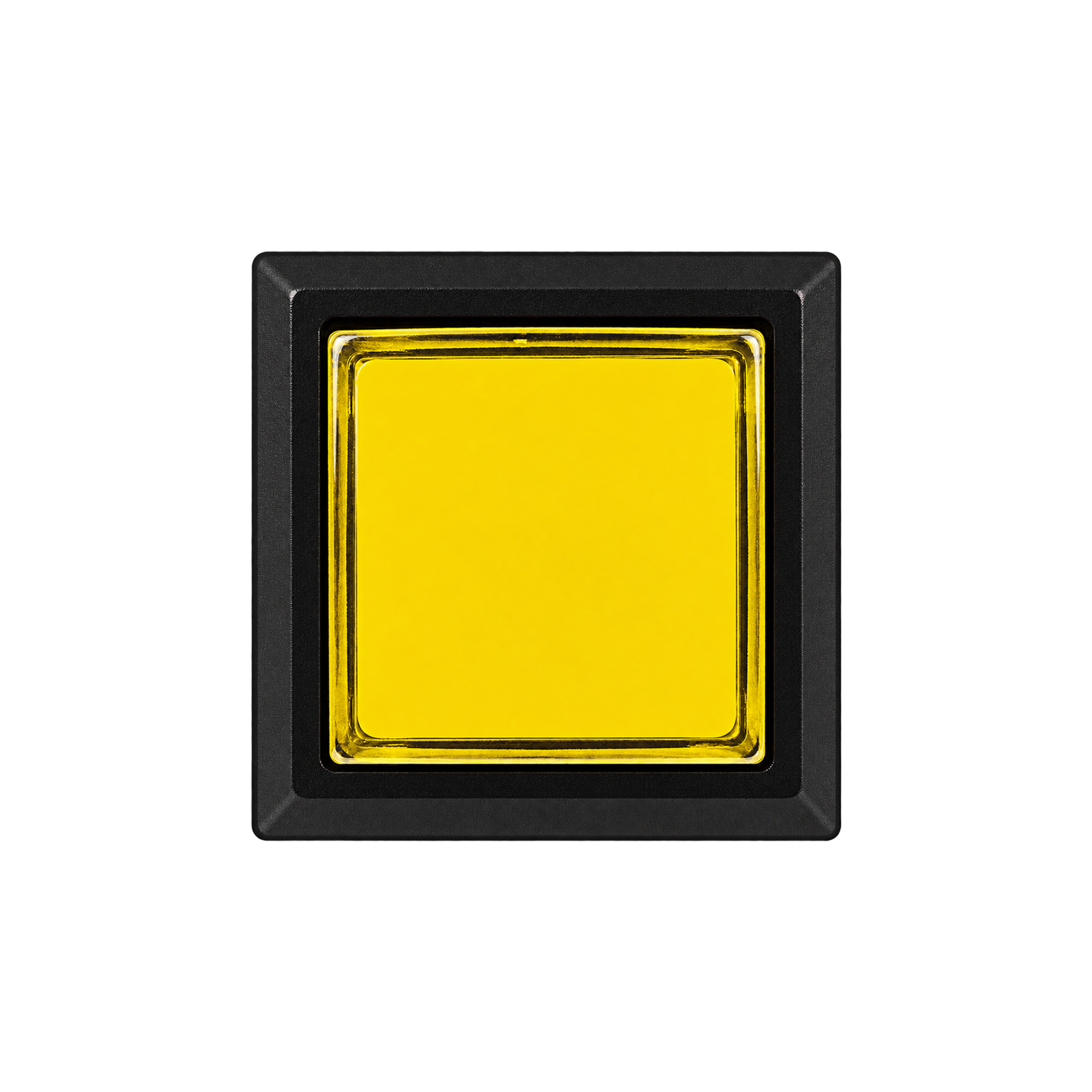
Yellow
Images are provided as a reference for color selection.
Actual colors may vary with lighting and display settings.
05 · CWB 406
Included components and supplied condition
Check the included parts before assembly. Button input and LED illumination use separate components.
| Button body | One CWB 406 button body in your selected color SAMDUCKSA 30g spring pre-installed |
|---|---|
| Button cover | Fits to the rear of the button |
| Mounting nut | Secures the button to the panel |
| Switch holder | Holds the LED lamp and microswitch |
| Microswitch | One Gersung V-0303A06 Supplied pre-installed in the switch holder |
| LED lamp | Not included / Sold separately |
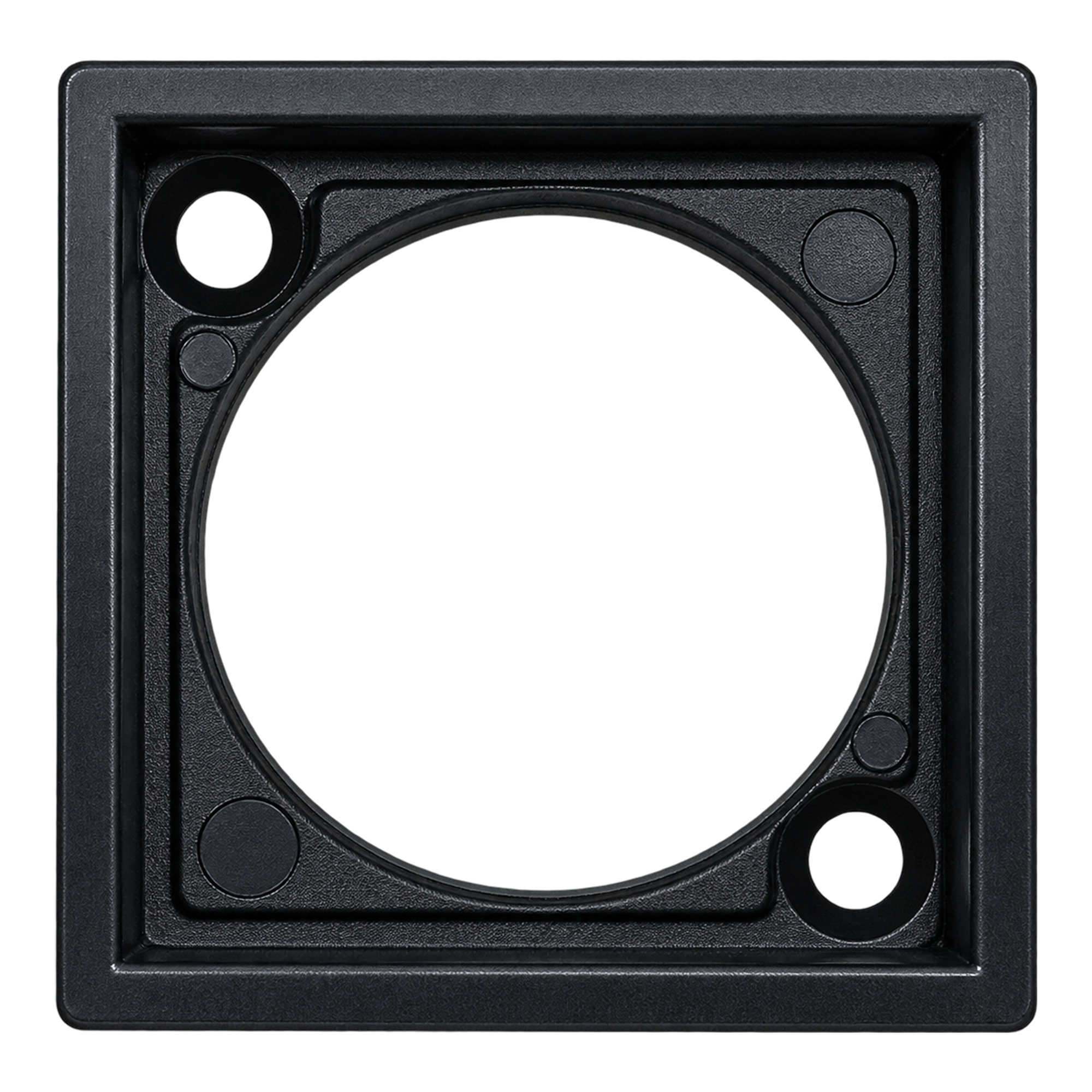
CWB 406 button cover
A dedicated cover for the square CWB 406 is included.
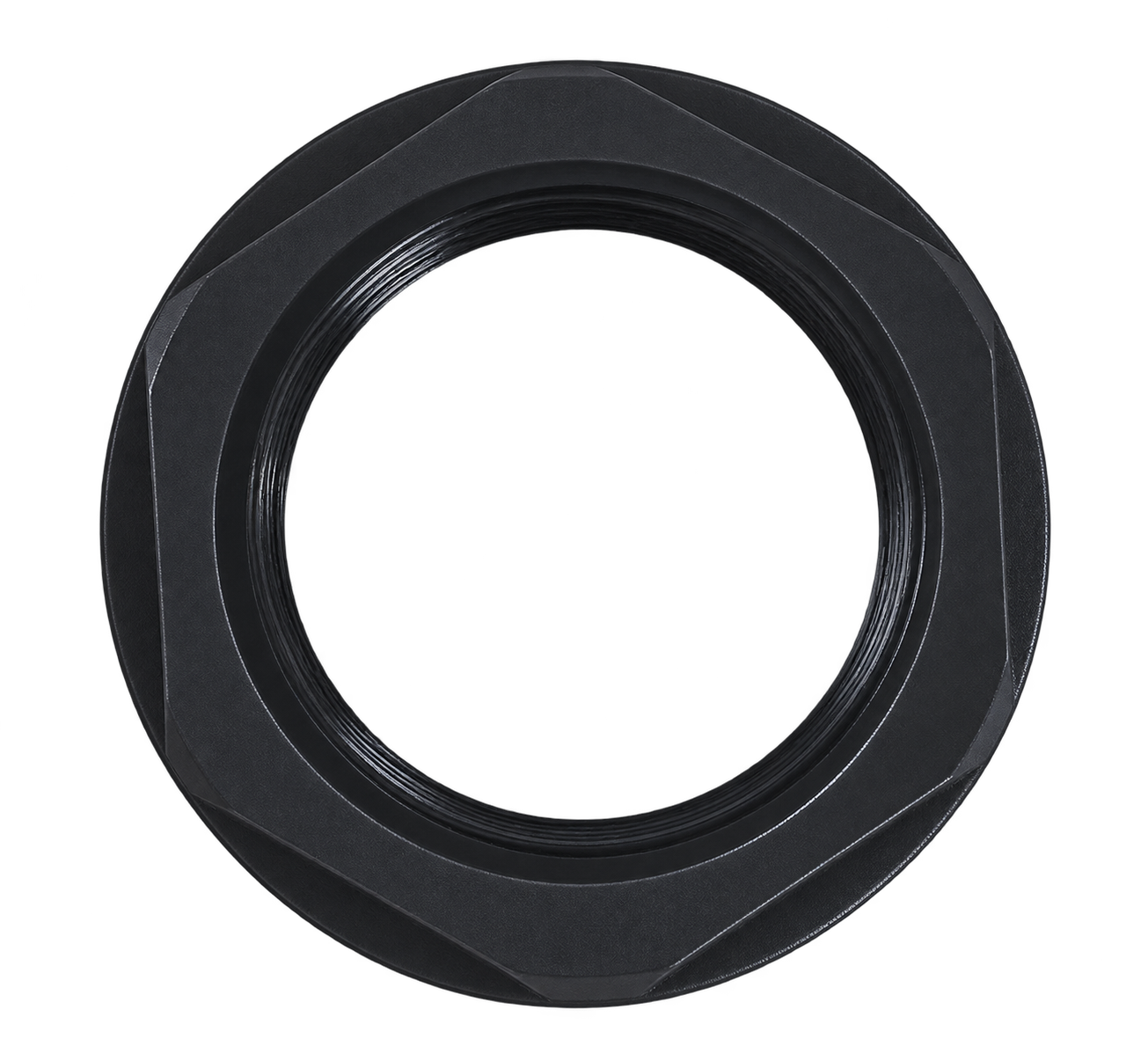
Mounting nut
Secures the button to the panel. Supplied fitted to the button body.
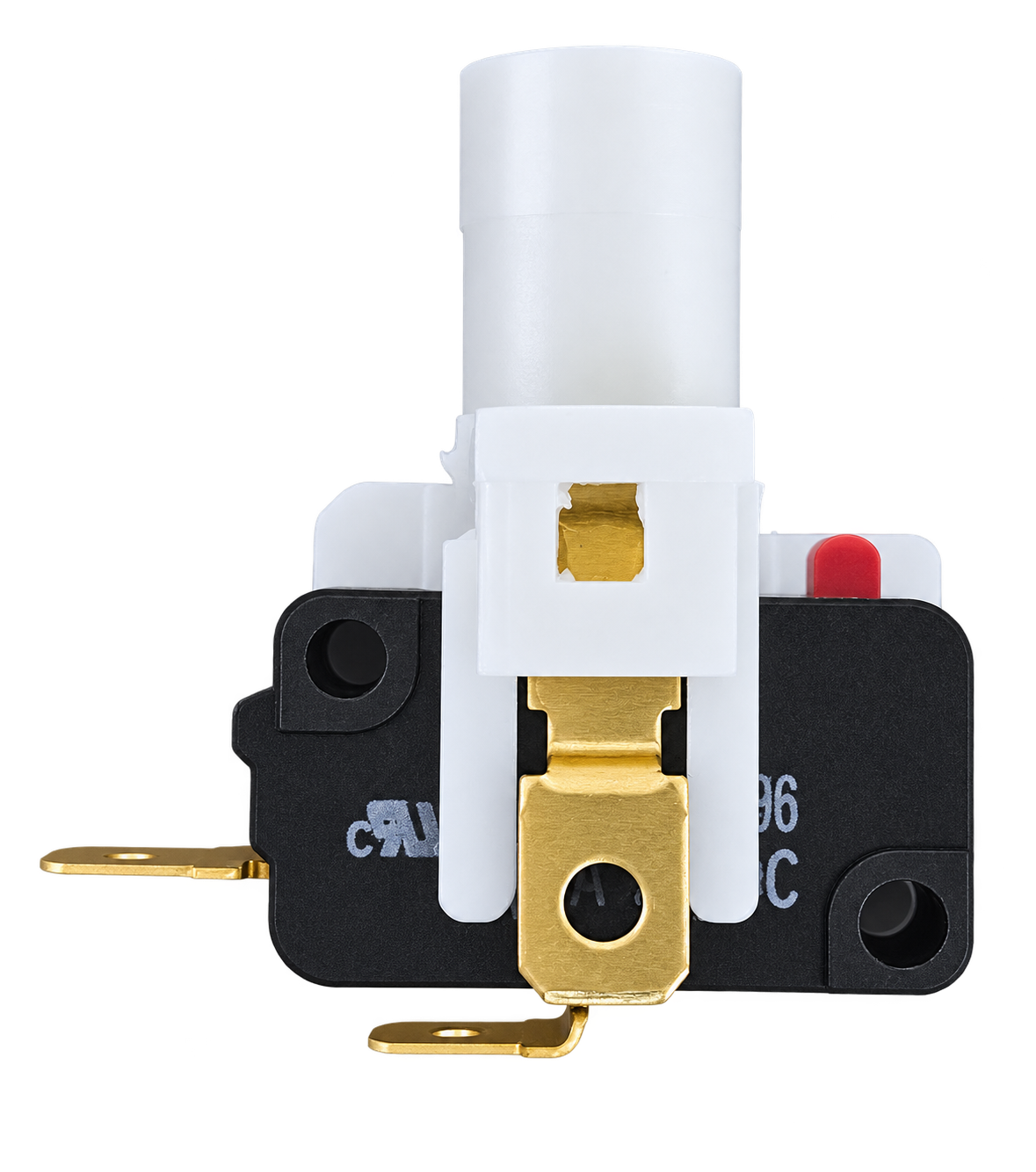
Switch holder + microswitch
The microswitch is pre-installed in the holder. Attach the holder correctly to the button body.
06 · CWB 406
A 30g spring as standard
An internal spring is included, so no separate spring is needed for standard use.
Internal spring · 30g
A SAMDUCKSA 30g spring is pre-installed inside the button. It contributes to the return action and feel when the button is pressed and released.
Microswitch · 60g
The 60g specification for the Gersung V-0303A06 refers to the manufacturer's operating force (OF). It describes a different component from the button's internal 30g spring.
The spring and switch values cannot simply be added together to give a total button operating force of 90g. The actual feel depends on the spring, switch, button structure and assembly condition together.
07 · CWB 406
Check the holder attachment before assembly
Correct holder orientation and secure attachment ensure that button presses are transmitted properly to the switch. Review the GIF and step-by-step photos first.
Key sequence: Insert at an angle → Rotate to lock
Position the holder at an angle, insert it, then rotate it into place. Do not align the white actuator directly with the red switch pin at the start and force the holder straight in.
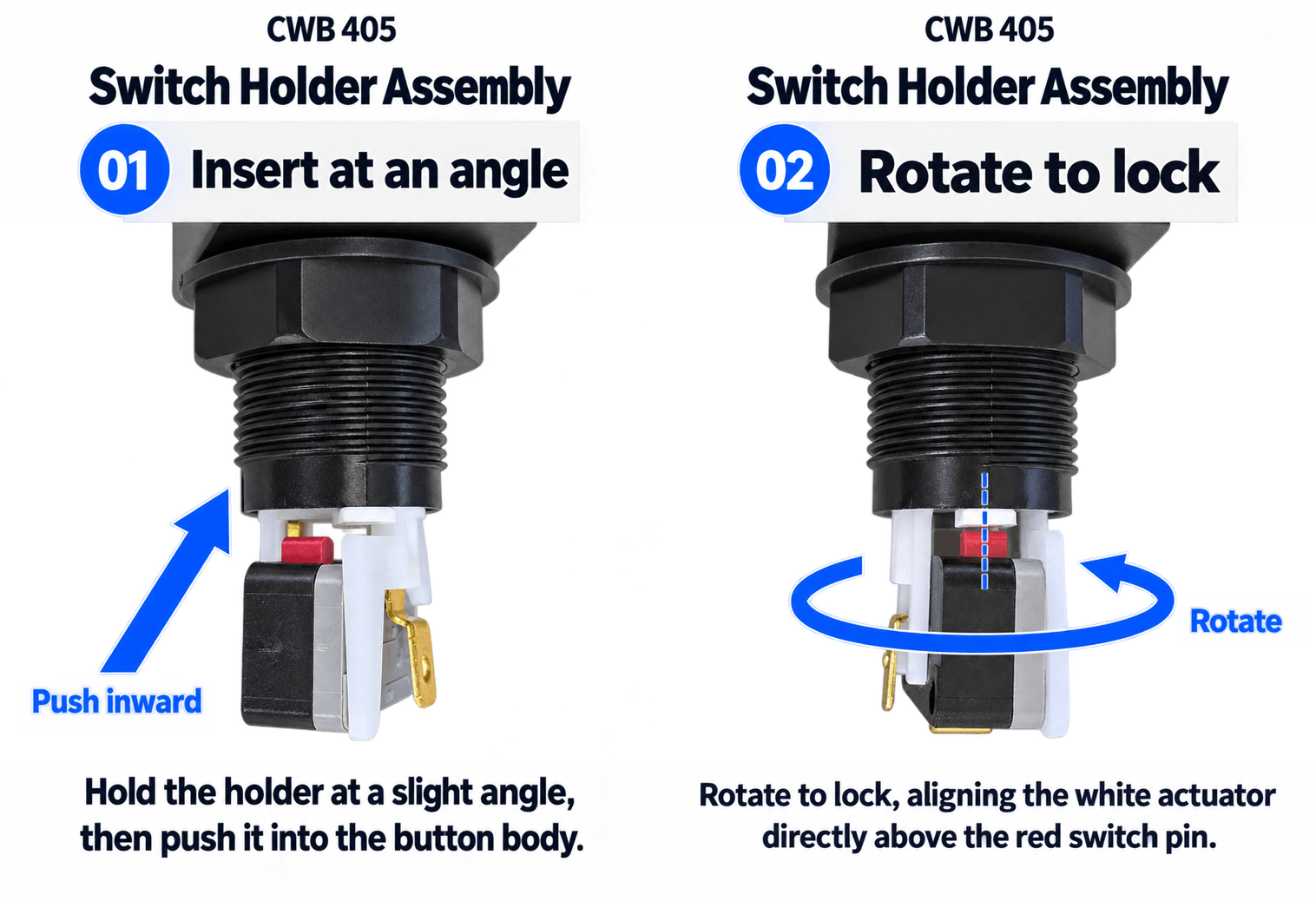
01. Insert at an angle
Position the holder so the white actuator at the bottom of the button and the red switch pin are not directly aligned. Check the engagement position, then push the holder inward.
02. Rotate to lock
Rotate the holder until the white actuator and red pin align vertically. The actuator should operate the switch correctly when you press the button.
03. Check attachment and return action
Before connecting the wiring, make sure the holder stays in place and the button presses and returns freely without sticking.
About the assembly images: The GIF above and photos below show the shared holder assembly process using a CWB 405. Follow the same angled insertion and rotate-to-lock sequence for the CWB 406.
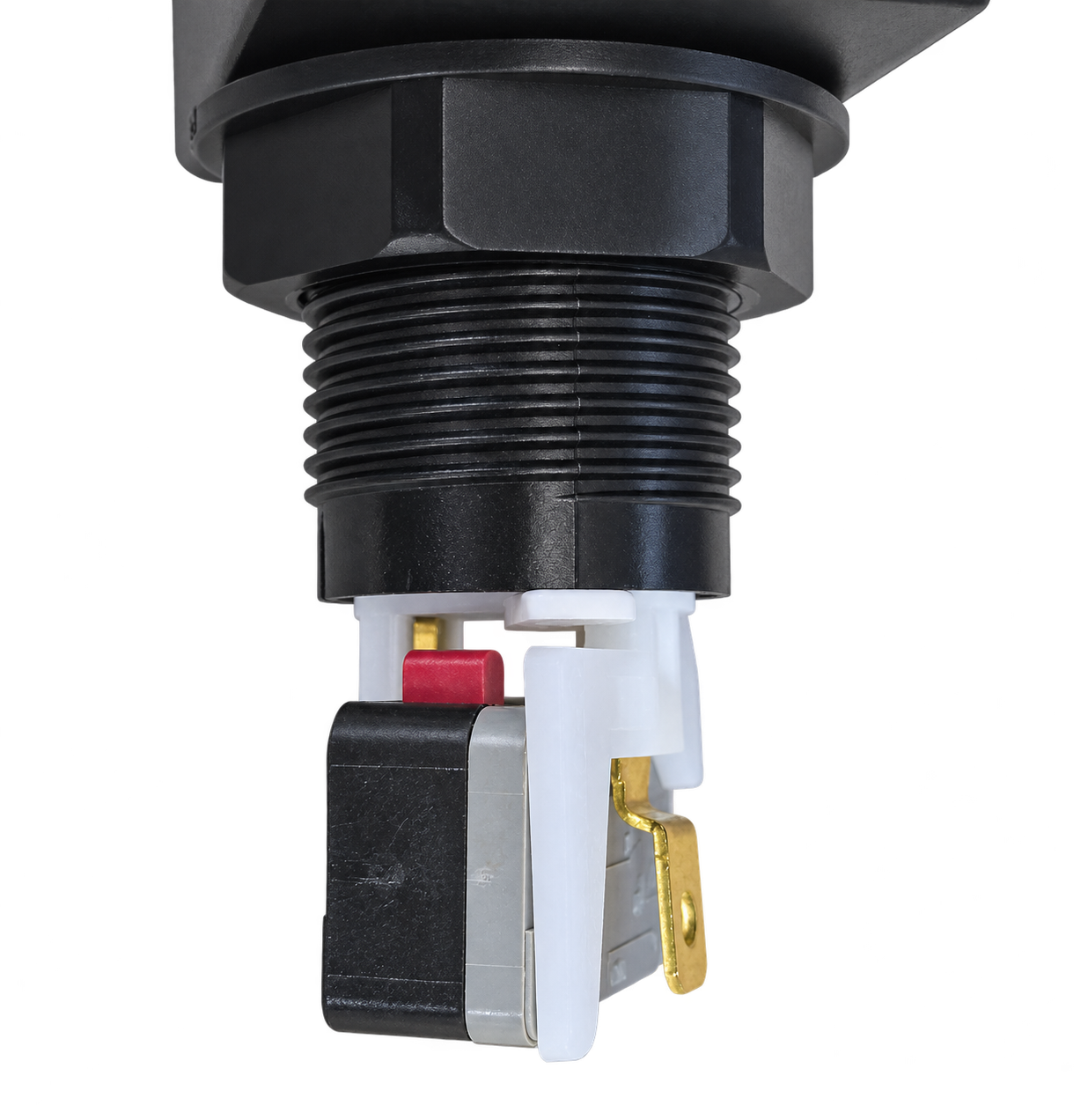
Insert with the holder at an angle
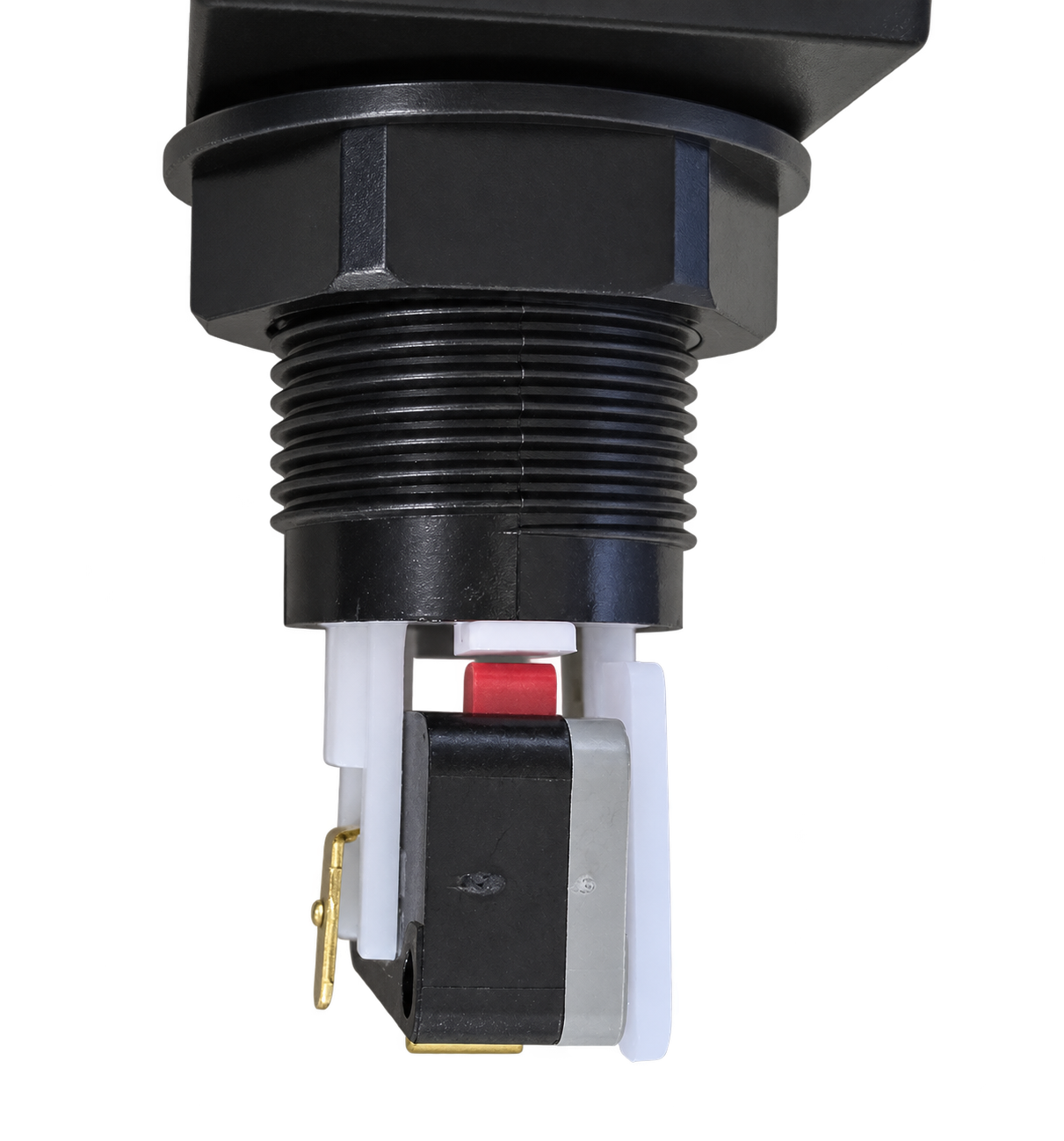
Align the actuator and pin after locking
Do not confuse this with the straight-in insertion method used by the Sanwa OBSA series. If the holder does not fit easily, do not force it or twist it by the terminals. Recheck its orientation and any points of interference. Disconnect power before assembly or wiring.
08 · CWB 406
Gersung microswitch included
The included switch is the V-0303A06, as classified in the manufacturer's V-series range. Check both the model number and terminal type when choosing compatible switches or wiring components.
| Brand / Model | Gersung Engineering / V-0303A06 |
|---|---|
| Actuator | Pin plunger |
| Contact type | SPST-NO (1a) · Normally open |
| Electrical rating | 0.3 A / 24 V DC |
| Operating force | OF Max. 60g · Microswitch only |
| Terminal type | Type A · Solder or #187 tab |
| Supplied condition | Included pre-installed in the switch holder |
NO means the contacts are normally open and close when the button is pressed. The electrical rating above applies to the microswitch; it is not the voltage to apply to an LED lamp.
Specification reference: Gersung Engineering V-series Micro Switch product information .
09 · CWB 406
Check the dimensions before purchase or panel cutting
The button's top dimensions differ from its panel mounting dimensions. When replacing a button or making a new panel, use the drawing below to check the installation requirements.
| Top dimensions | 33 × 33 mm · Square |
|---|---|
| Panel mounting reference | 29 × 29 mm · Panel Mounting dimensions in the drawing |
| Lower cylindrical section | Ø24.50 mm as shown in the drawing |
| Body height | 40.80 mm as shown in the drawing · Excludes the switch holder and microswitch |
| Before installation | Check the panel cutout and corner shape, panel thickness, mounting nut clearance, and space below for the switch and wiring. |
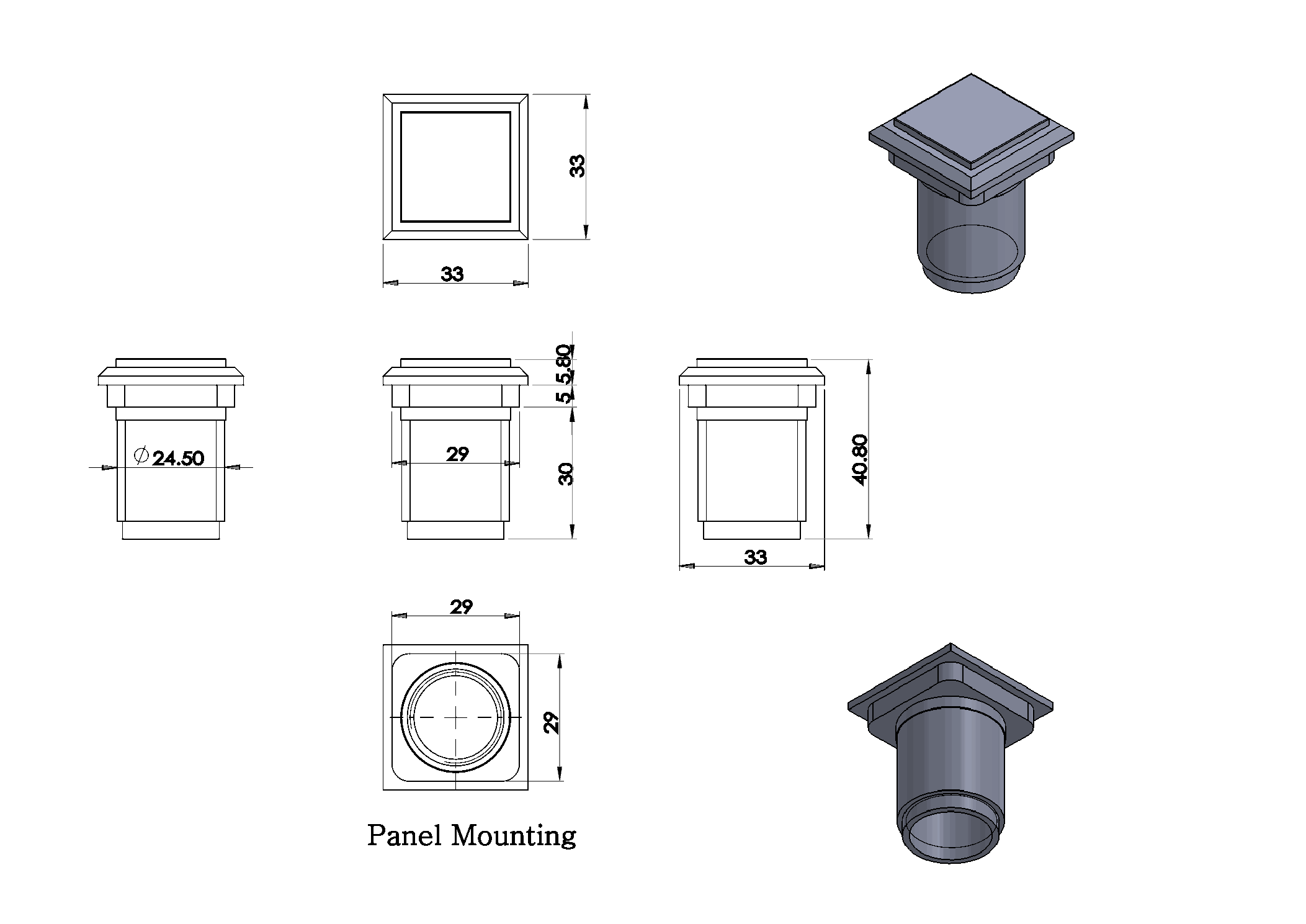
These dimensions are taken from the supplied CWB 406 drawing. Click the drawing to enlarge it. Ø24.50 mm describes the lower cylindrical section, not the recommended finished panel cutout. The 40.80 mm dimension also excludes the switch holder and wiring, so allow additional clearance below the panel.
10 · CWB 406
Microswitch chattering and contact bounce
Understand how contact switches behave and distinguish these characteristics from the symptoms you experience during use.
How mechanical contacts behave
When a microswitch changes state, its contacts may briefly make and break contact repeatedly, producing chattering or contact bounce. The behavior can vary with operating speed, load and contact condition.
Checking inputs in a game
Whether these brief contact changes register as duplicate inputs also depends on how the controller board processes inputs, including debouncing. Check the holder attachment and wiring as well.
Repeated unintended inputs should not automatically be considered normal. If duplicate inputs, missed inputs or interruptions while holding the button persist, check the holder alignment and terminal connections.
Reference: OMRON Chattering FAQ · FAQE20041 .
11 · CWB 406
Appearance of transparent parts
Tiny specks and scratches in the transparent top
Tiny speck-like inclusions or scratches may be visible inside the transparent upper part of the button as a result of the production process.
Cosmetic marks that do not affect normal operation are not considered product defects.
Please take these characteristics of transparent parts into account before purchasing.
Cracks, breakage, sticking or other issues that interfere with normal input are assessed separately from these cosmetic characteristics.
12 · CWB 406
Frequently asked questions
Q. Is an LED lamp included?
No. An LED lamp is not included. If illumination is required, prepare a compatible lamp, power supply and wiring separately.
Q. Does it function as Start or Effect?
The function depends on the input terminal used on your controller board and the game's settings. The CWB 406 is a button component suitable for either use.
Q. Can it directly replace a CWB 405?
The top shape and panel mounting dimensions differ, so a direct replacement cannot be assumed. Check the existing cutout, panel structure and mounting requirements.
Q. Do I need to buy a spring or microswitch separately?
A new-generation 30g spring and a Gersung V-0303A06 microswitch are included for standard use. The spring is pre-installed inside the body, and the switch is pre-installed in the holder.
Q. What if the holder does not fit easily?
Do not start with the white actuator and red pin directly aligned. Insert the holder at an angle, then rotate it to lock. Do not apply excessive force if it catches.
SAMDUCKSA CWB 406
33 × 33 mm · Start / Effect button · 5 colors
New-generation 30g spring · Gersung V-0303A06 included
LED lamp sold separately · Insert the holder at an angle, then rotate to lock



