





- 현재 위치
- HOME > Button > Rhythm Game Button > Samducksa Button
![[Samducksa] CWB 405 Button](https://www.us.istmall.co.kr/storage/istmallU0/www//product/2023/28/O/product.71.168931744799068.jpeg)
 View in Bigger Image
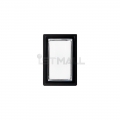
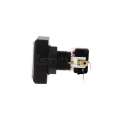
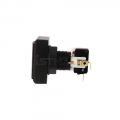
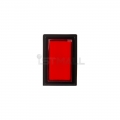
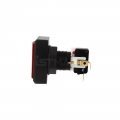
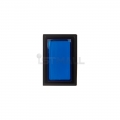
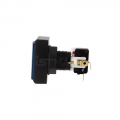


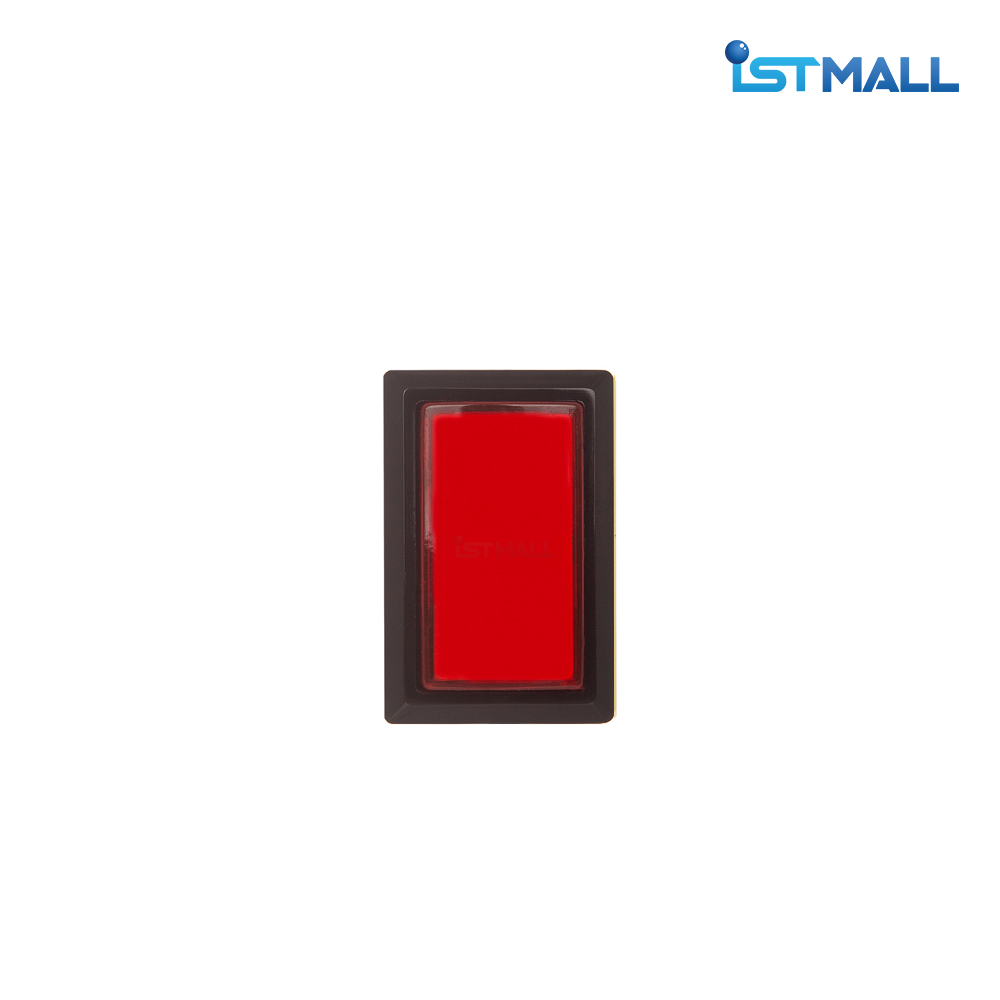

|
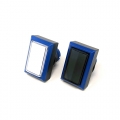
ISTMALL · SAMDUCKSA RHYTHM BUTTON CWB 405Samducksa Rhythm Game Button Decades of arcade experience. Meet the CWB 405 rectangular button from Korean brand Samducksa.
New 30g spring preinstalled · Gersung microswitch included
Six colors · Threaded nut mounting 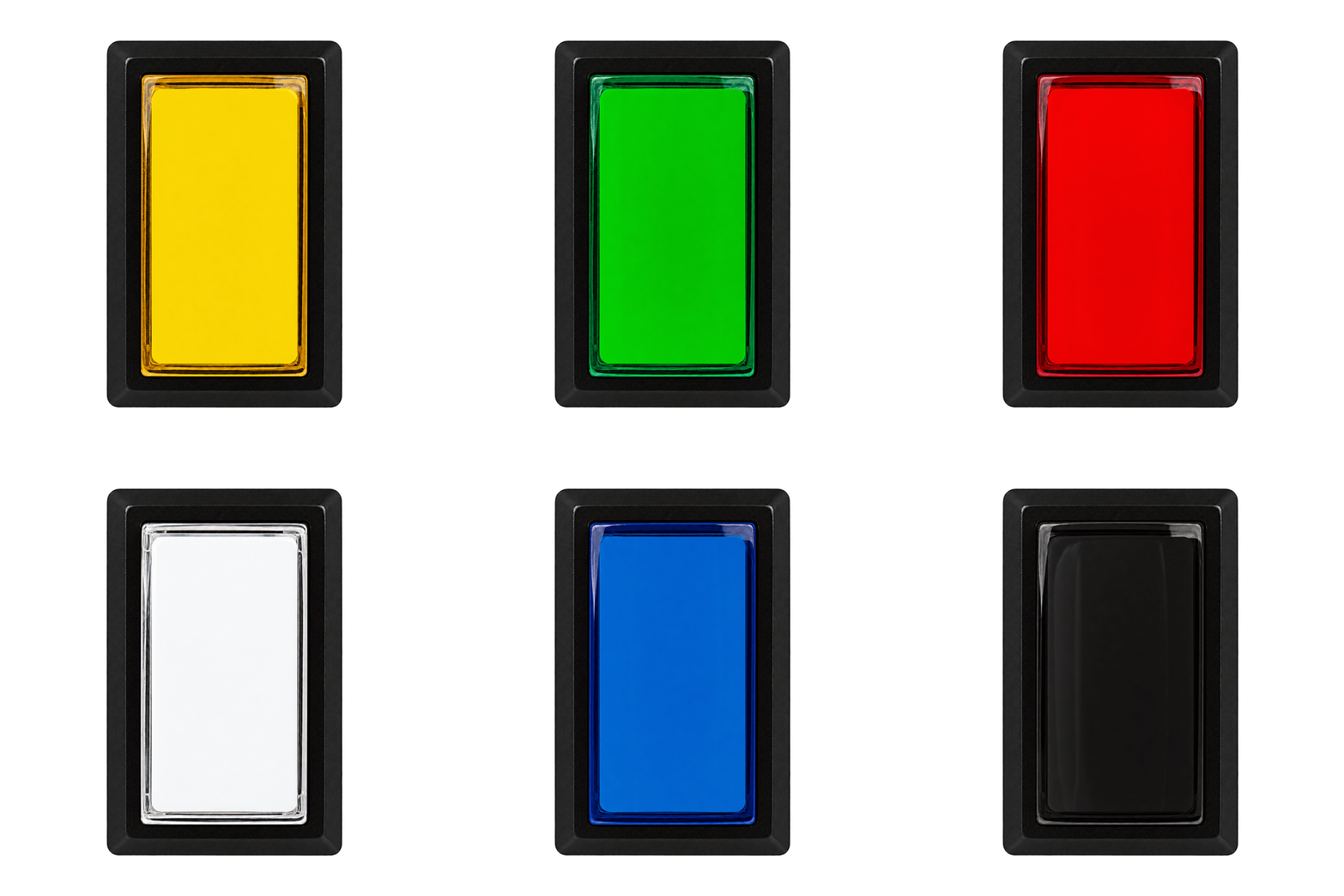
Three Things to Check Before You OrderIncluded Parts — Button body, cover, mounting nut, switch holder, and Gersung microswitch. Preinstalled Spring — Fitted with Samducksa’s new 30g spring. Lighting and Assembly — An LED lamp is not included. Insert the holder at an angle, then rotate it to lock it in place. 01 · CWB 405 Samducksa: A Korean Arcade Parts ManufacturerDiscover the manufacturing history and real-world uses behind the brand. 1983 Samducksa Is FoundedAn established name in Korea’s arcade industry, Samducksa has been manufacturing game machine parts in Korea for over 40 years. 1987 Button and Joystick ProductionFull-scale production and sales of arcade parts began, including levers, buttons, lamps, joysticks, and coin mechanisms. CWB 405 From Arcades to Custom ControllersThe CWB series comes from Samducksa, also known as Crown. The CWB 405 is an excellent choice for arcade machines and a wide range of DIY controllers. The CWB 405 is a practical option for beginners seeking a more affordable alternative to the Sanwa OBSA-45UK, as well as builders equipping a controller with multiple buttons. Button feel and satisfaction depend on the spring, switch, panel construction, and personal preference. 02 · CWB 405 User Reviews and International DIY ProjectsExplore real examples to help you choose the right button for your setup. Korea · Rhythm Game Gallery Durability, Value, and a Familiar FeelUsers who purchased IST, Samducksa, and Sanwa buttons highlighted the CWB 405’s durability, price, and ease of tuning. Its compatibility with various springs and familiar button feel have received positive feedback. International · Reddit r/bemani A Good Button at a Sensible PriceIn Reddit discussions about buying buttons, many users report being satisfied with Samducksa buttons. The price difference compared with Sanwa is also a significant factor in their purchasing decisions. International · GitHub DIY Project · Parts List Selected for an IIDX Controller BuildA Raspberry Pi Pico-based IIDX DIY project lists seven CWB 405 buttons for its main keys. It is an example of the CWB 405 being considered for controller builds where cost matters. 03 · CWB 405 Six Colors for Your ControllerWhite · Black · Red · Blue · Green · Yellow 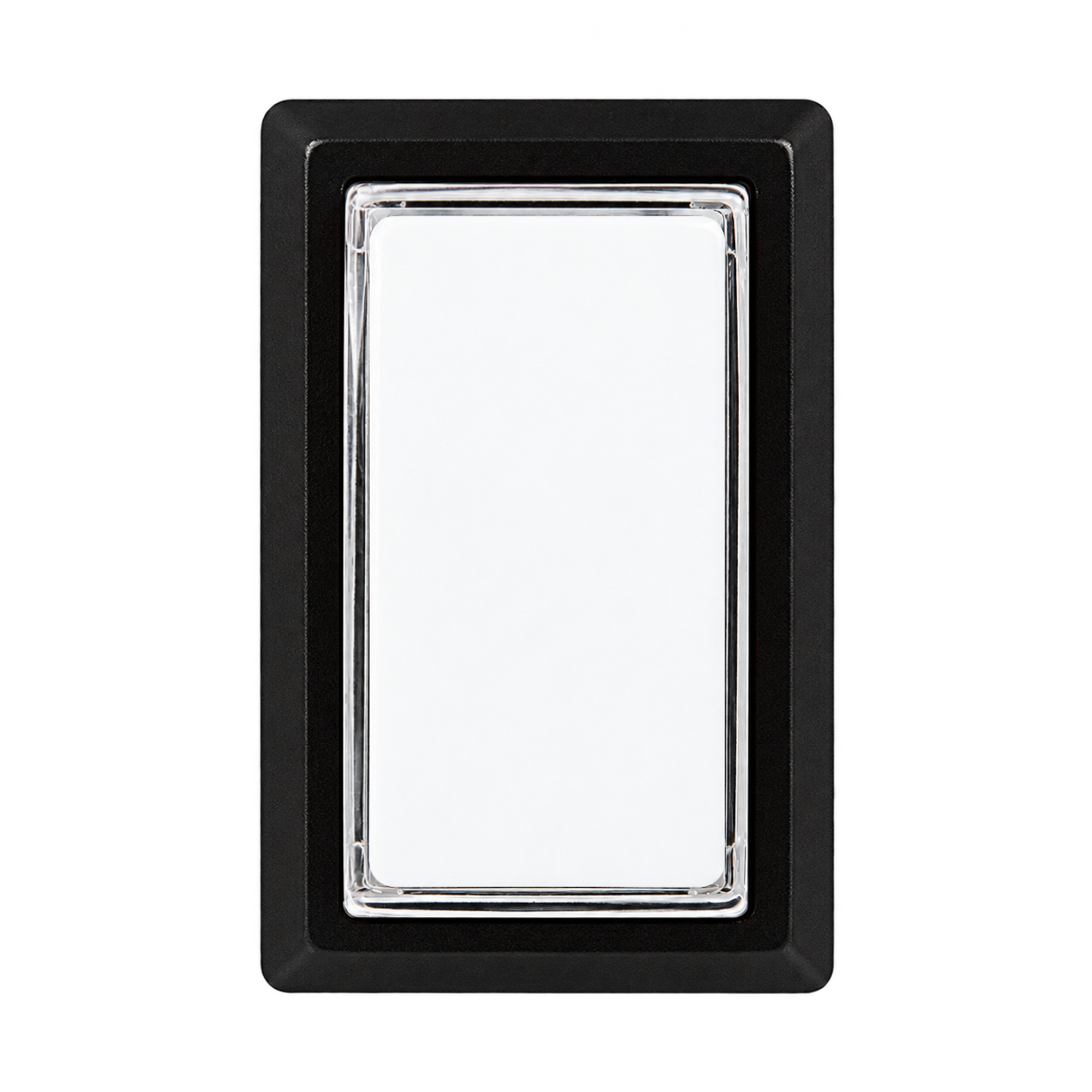
White 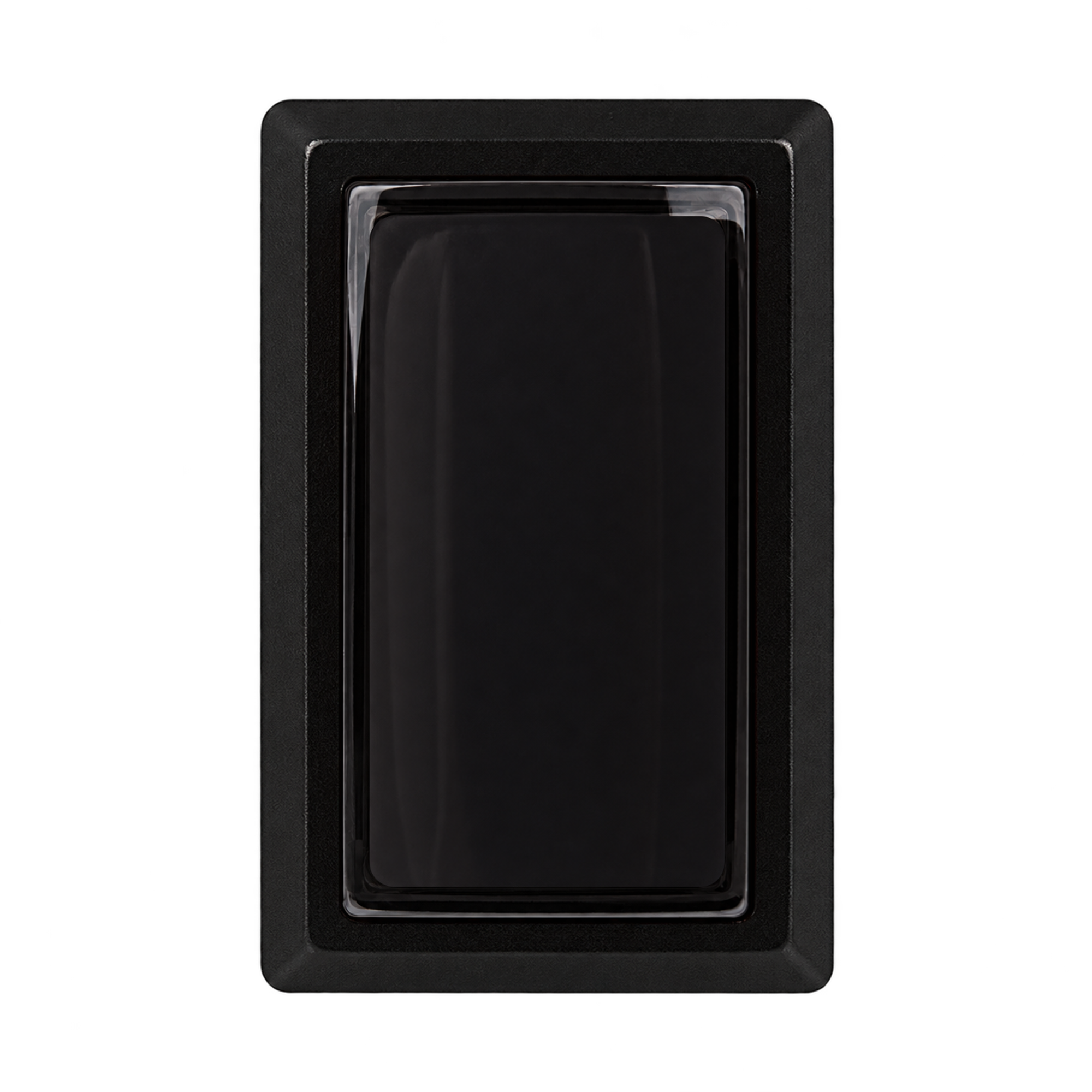
Black 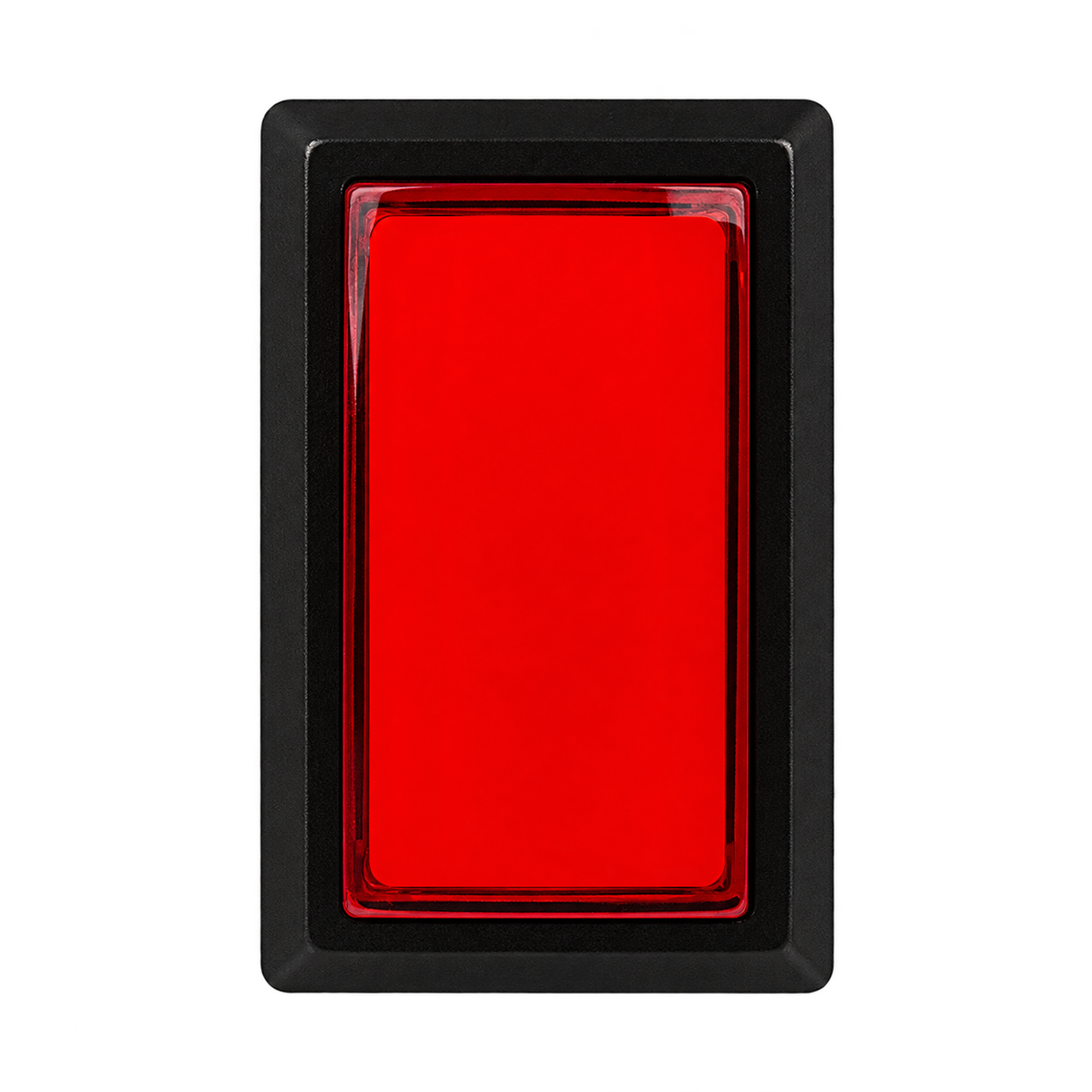
Red 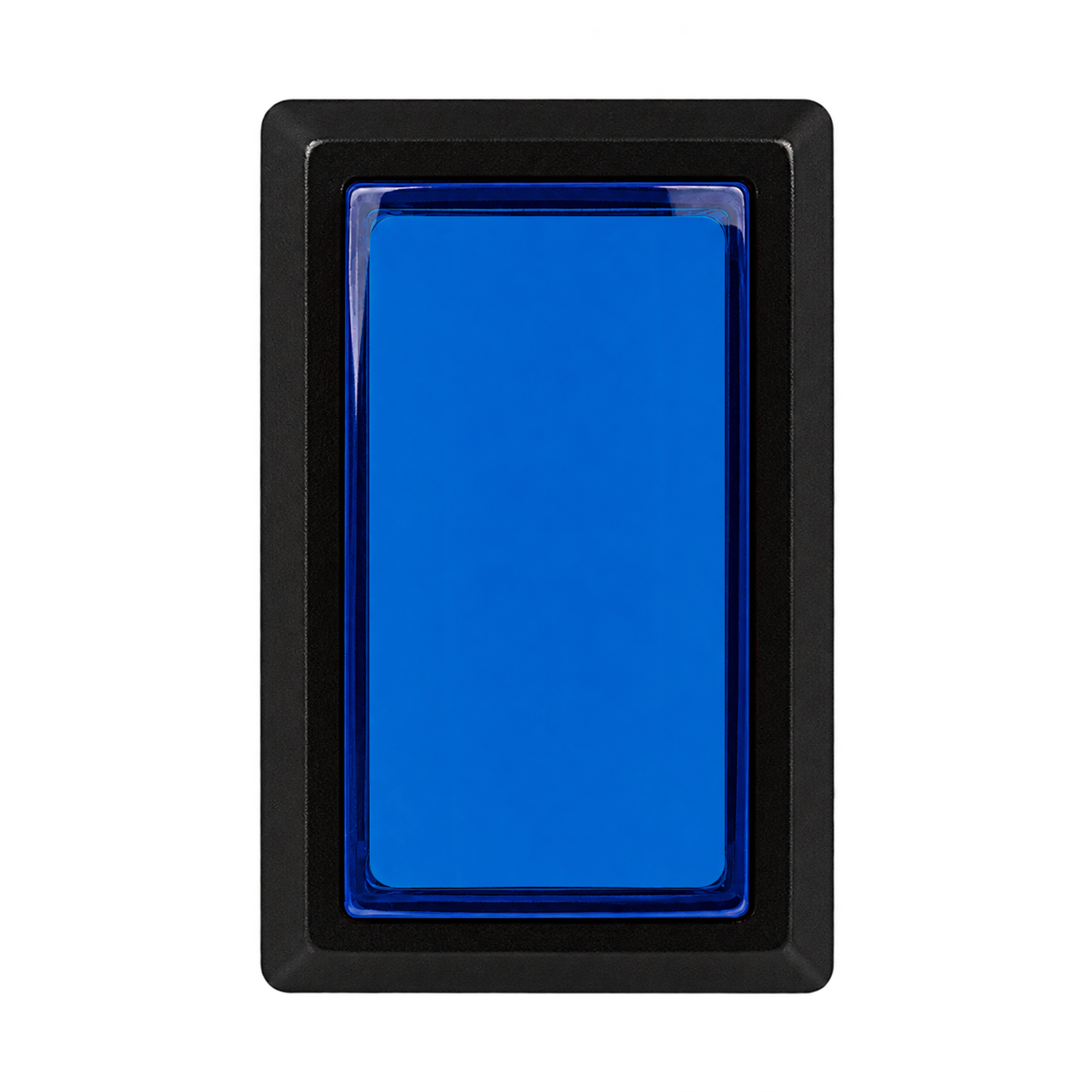
Blue 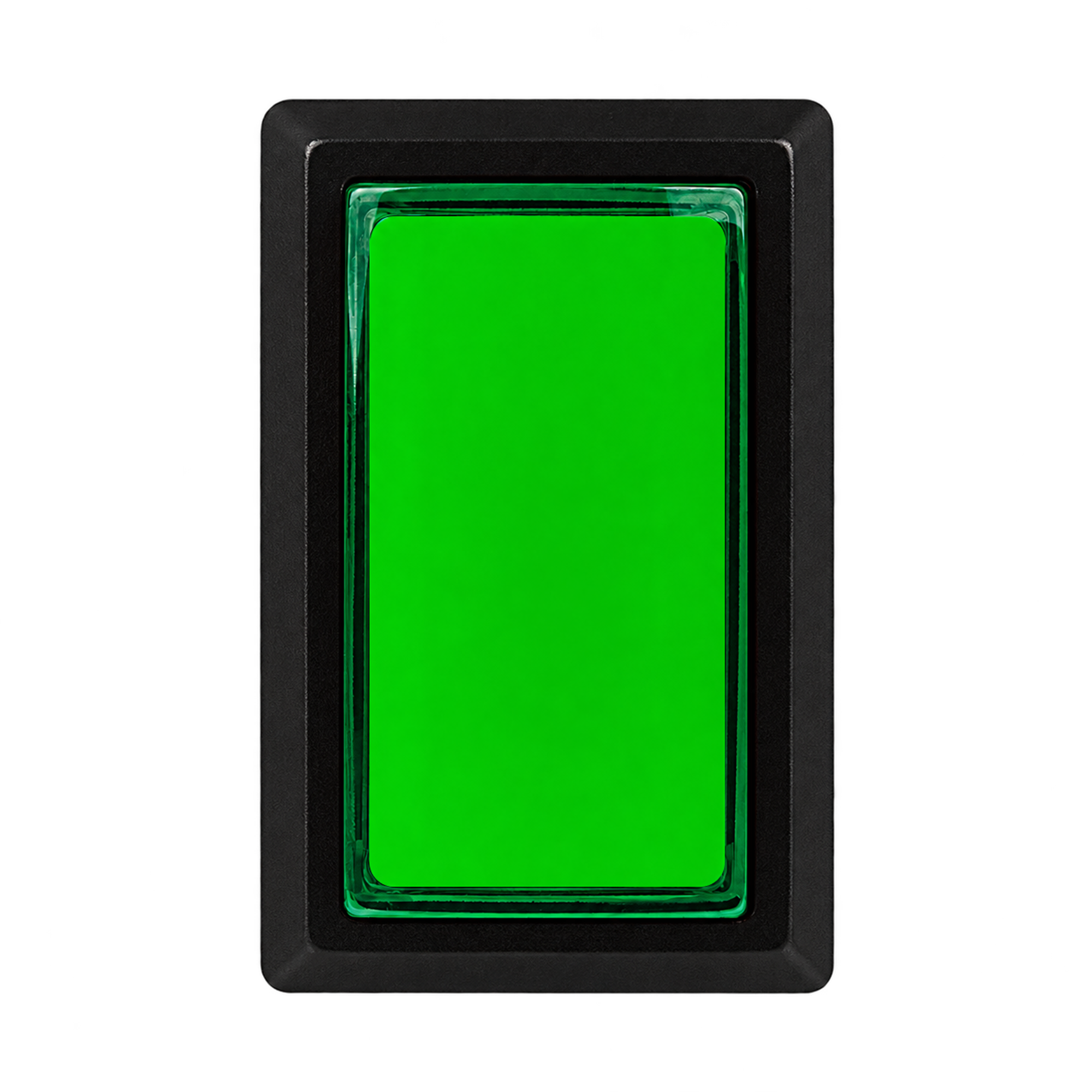
Green 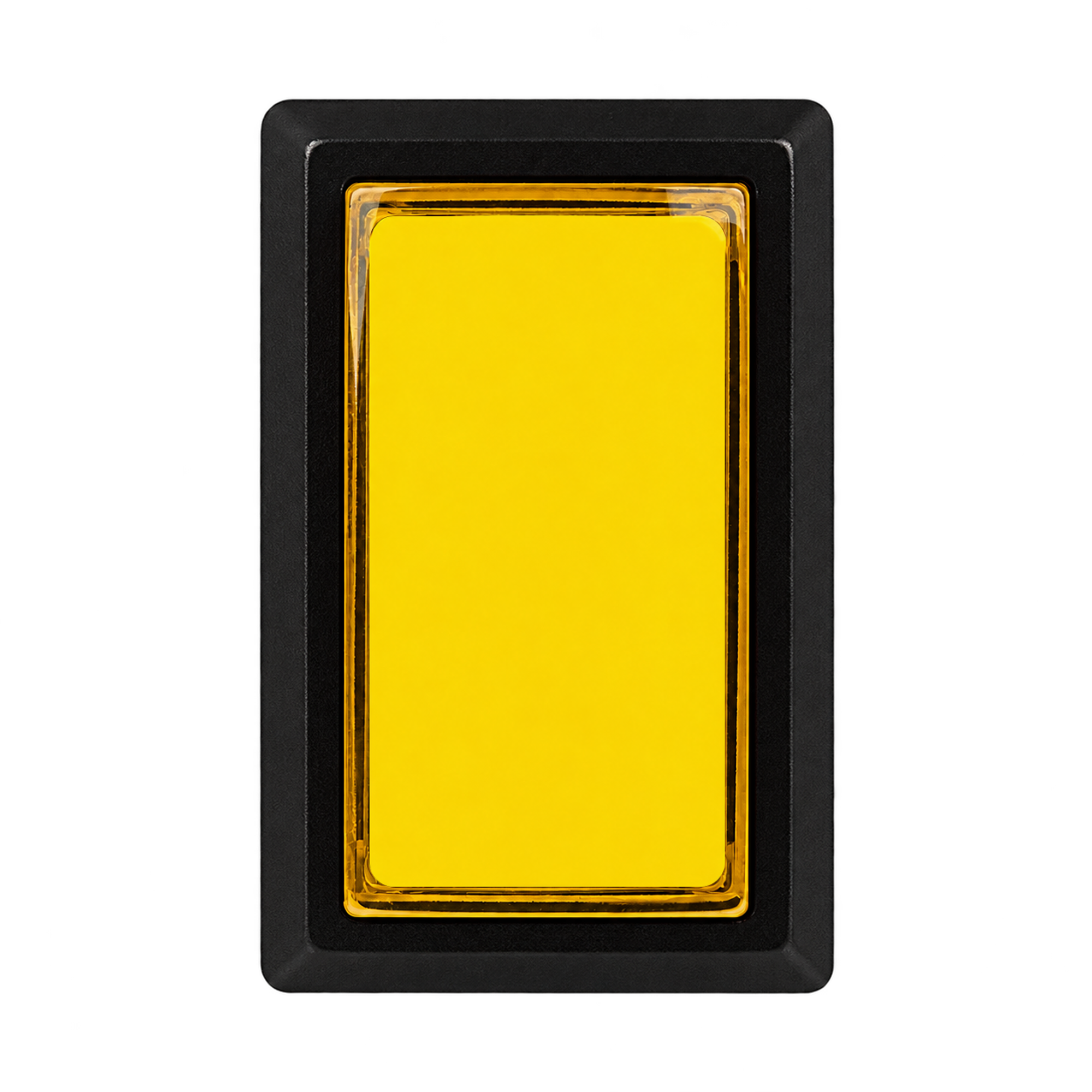
Yellow Actual colors may vary depending on your display and lighting conditions. The colors shown in the photos do not guarantee a particular illuminated appearance. An LED lamp is not included. 04 · CWB 405 Included Parts and How They ArriveThe following components are supplied with each button. 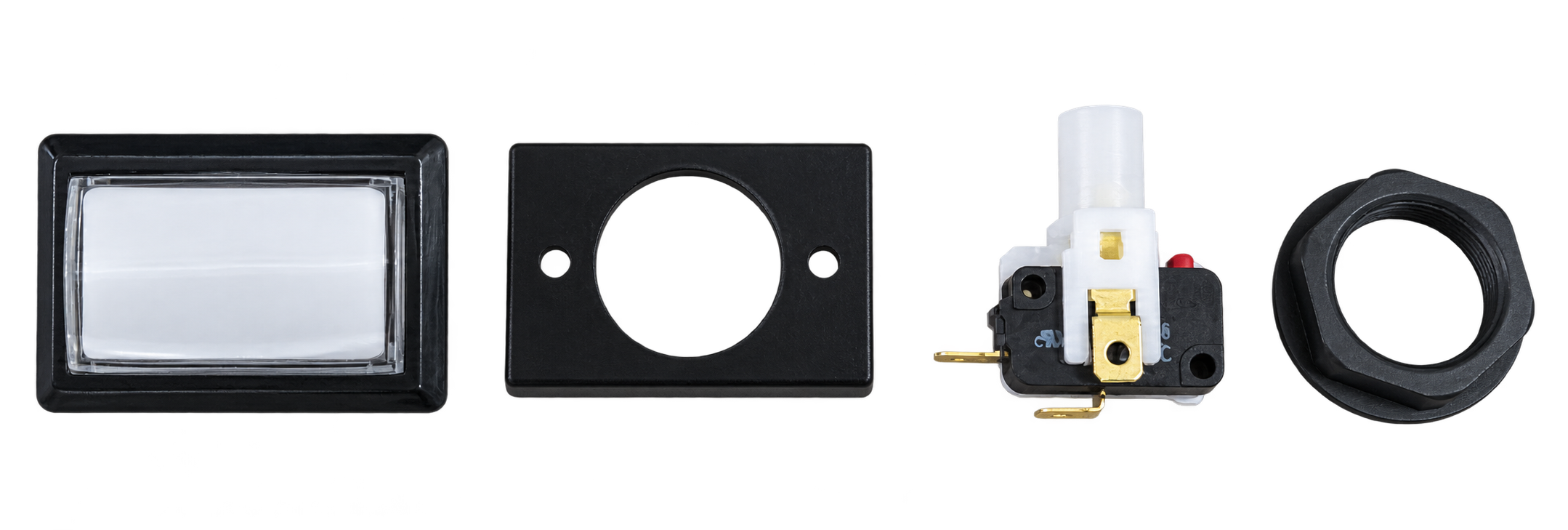
The parts are shown separately for identification. As supplied, the cover is fitted to the button body and the microswitch is fitted to the switch holder.
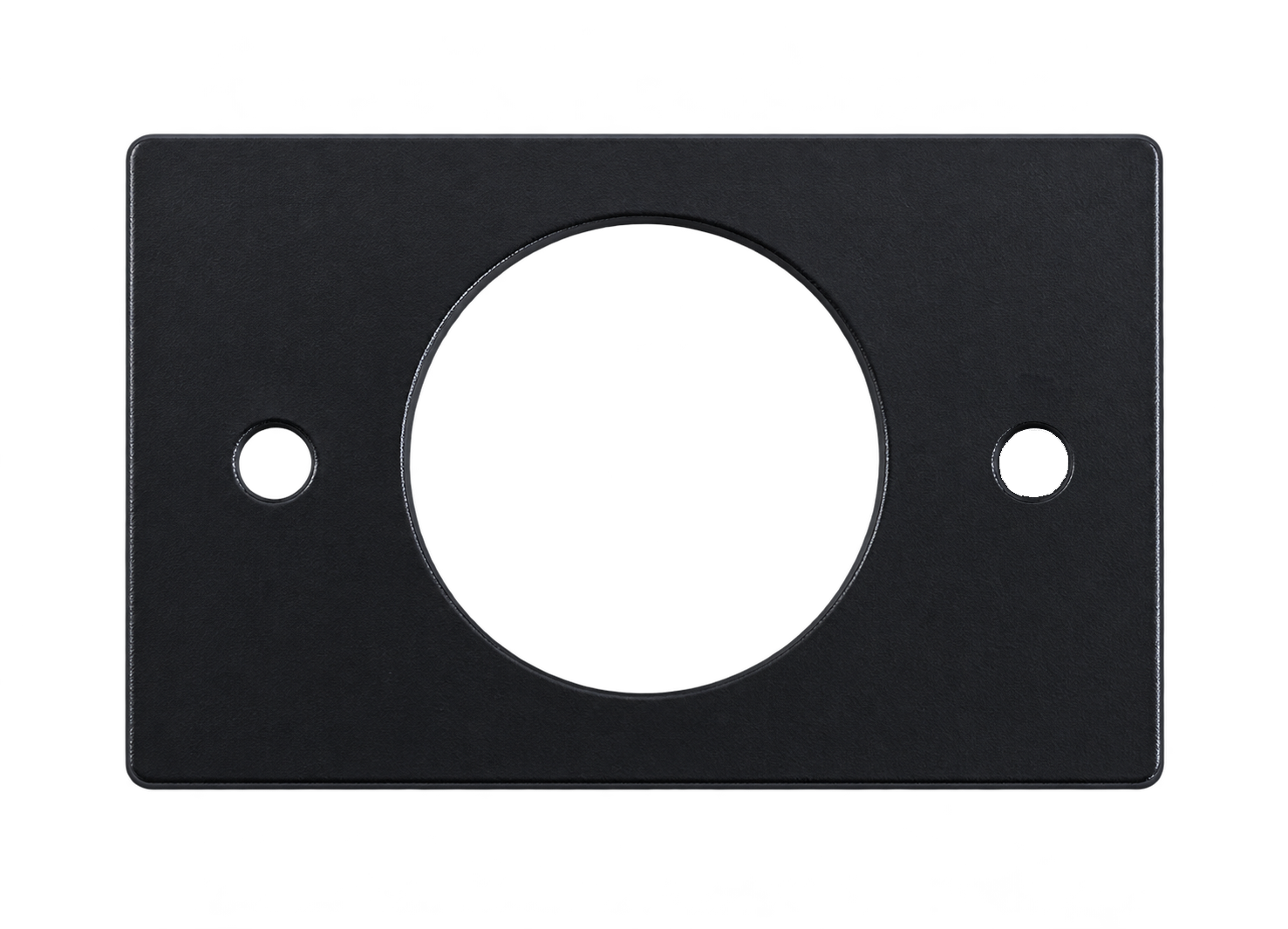
Button CoverThe cover fits onto the back of the button body. 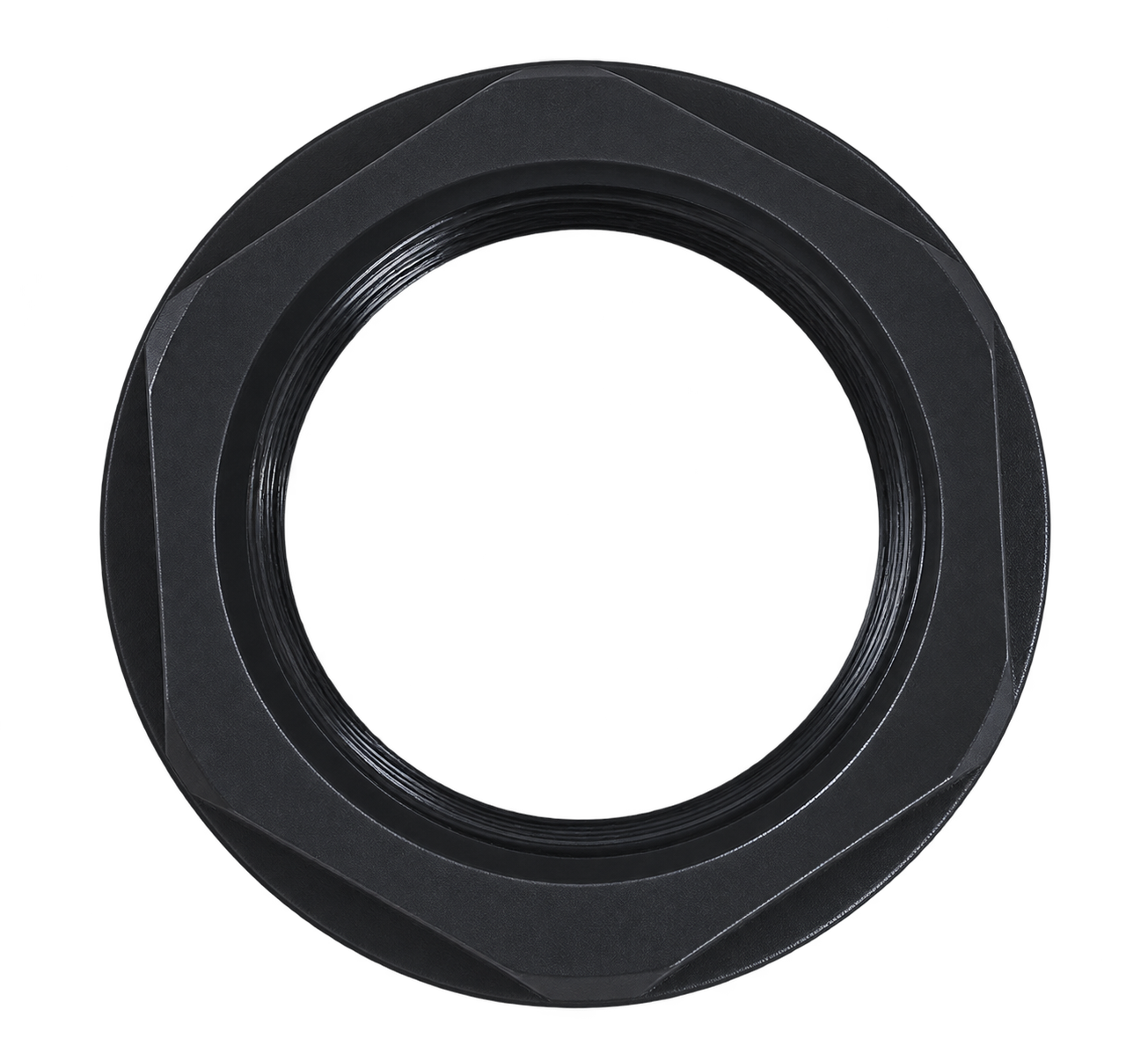
Threaded Mounting NutA threaded nut secures the button body from underneath the panel. 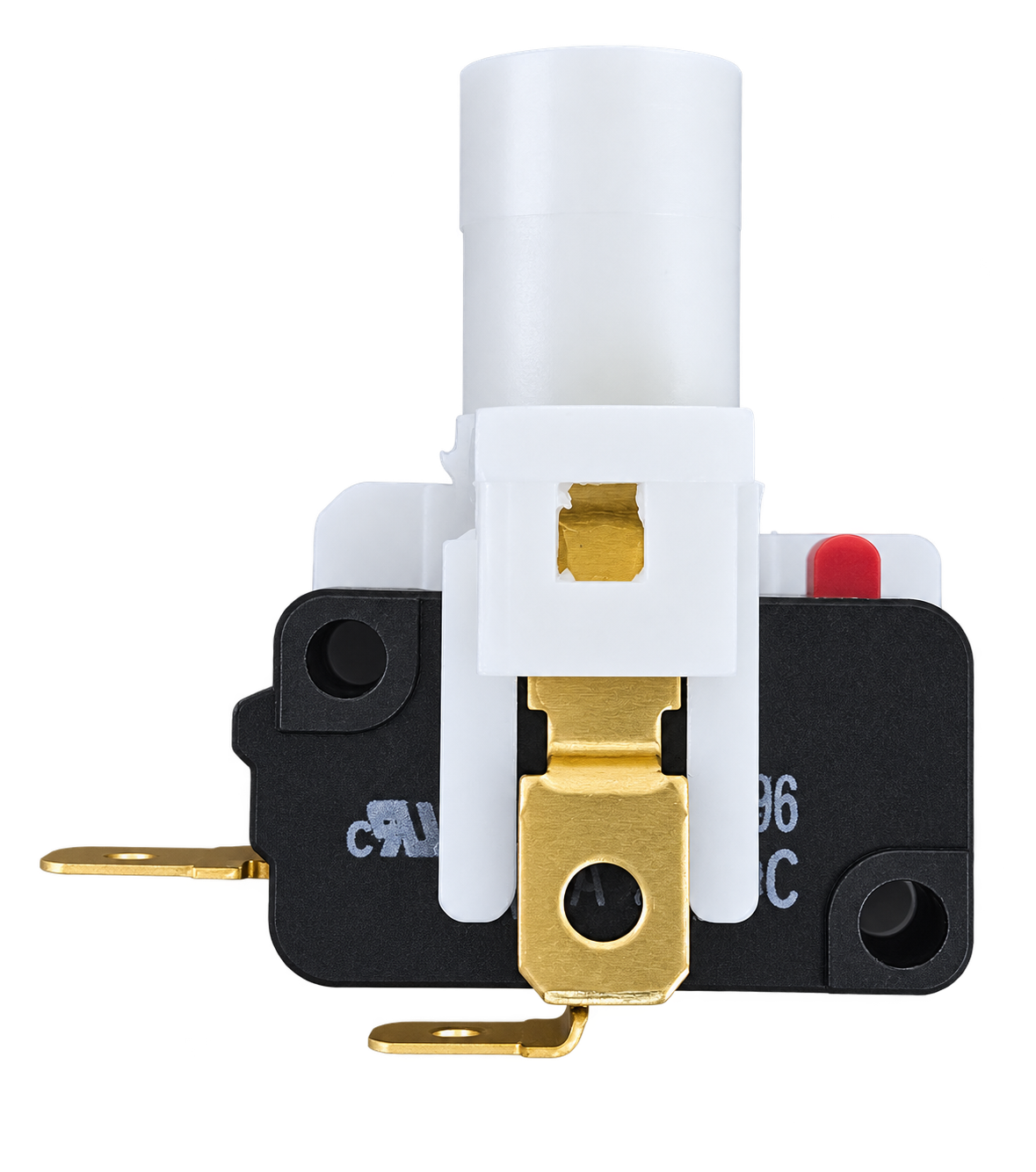
Switch Holder + MicroswitchThe Gersung microswitch is already fitted to the holder. Insert and secure the switch holder in the button body before use. 05 · CWB 405 Standard Setup: New 30g Spring + Gersung SwitchStart with the supplied setup and assess the button feel in your own controller. The 30g spring and 60g switch ratings describe different parts.Samducksa’s new 30g spring is the spring installed inside the button. It plays a major role in returning the button after you release it. The Gersung switch’s 60g rating is the manufacturer’s operating force specification (OF Max.) for the switch itself. It is separate from the spring rating inside the button. These two figures should not simply be added together to describe the complete button as having a 90g actuation force. The spring has a greater influence on the overall button feel, while the switch contributes to the click feel and actuation force. 06 · CWB 405 Installing the Switch Holder CorrectlyCheck the GIF and step-by-step photos below before assembly. Correct alignment allows the button’s movement to actuate the switch properly. The Key: Insert at an Angle → Rotate to LockThis differs from the straight-in insertion method used by the Sanwa OBSA series. 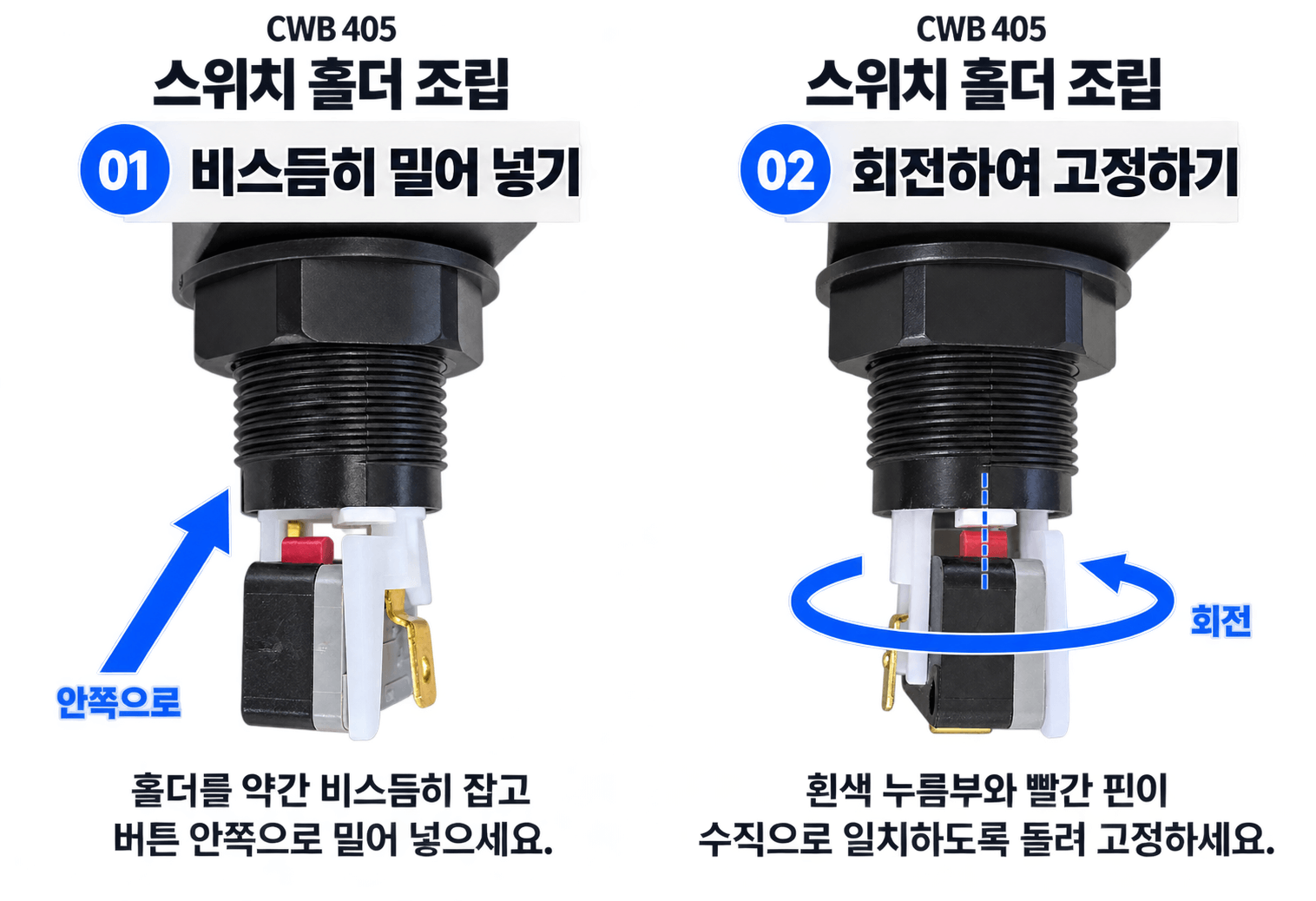
01. Align at an Angle and InsertDo not start by lining up the holder directly with the white pressing tab. Position the holder at an angle and insert it into the button body. 02. Rotate and Align the Tab with the Switch PlungerRotate the inserted holder to secure it. Check that the white pressing tab and the microswitch’s red plunger are vertically aligned. 03. Check the Lock and Button ReturnMake sure the holder is locked in place and cannot slip out. Press the button gently several times to check that it moves and returns smoothly. If it catches, do not force or twist it. Remove the holder and check its orientation again. Disconnect power before working on the wiring. 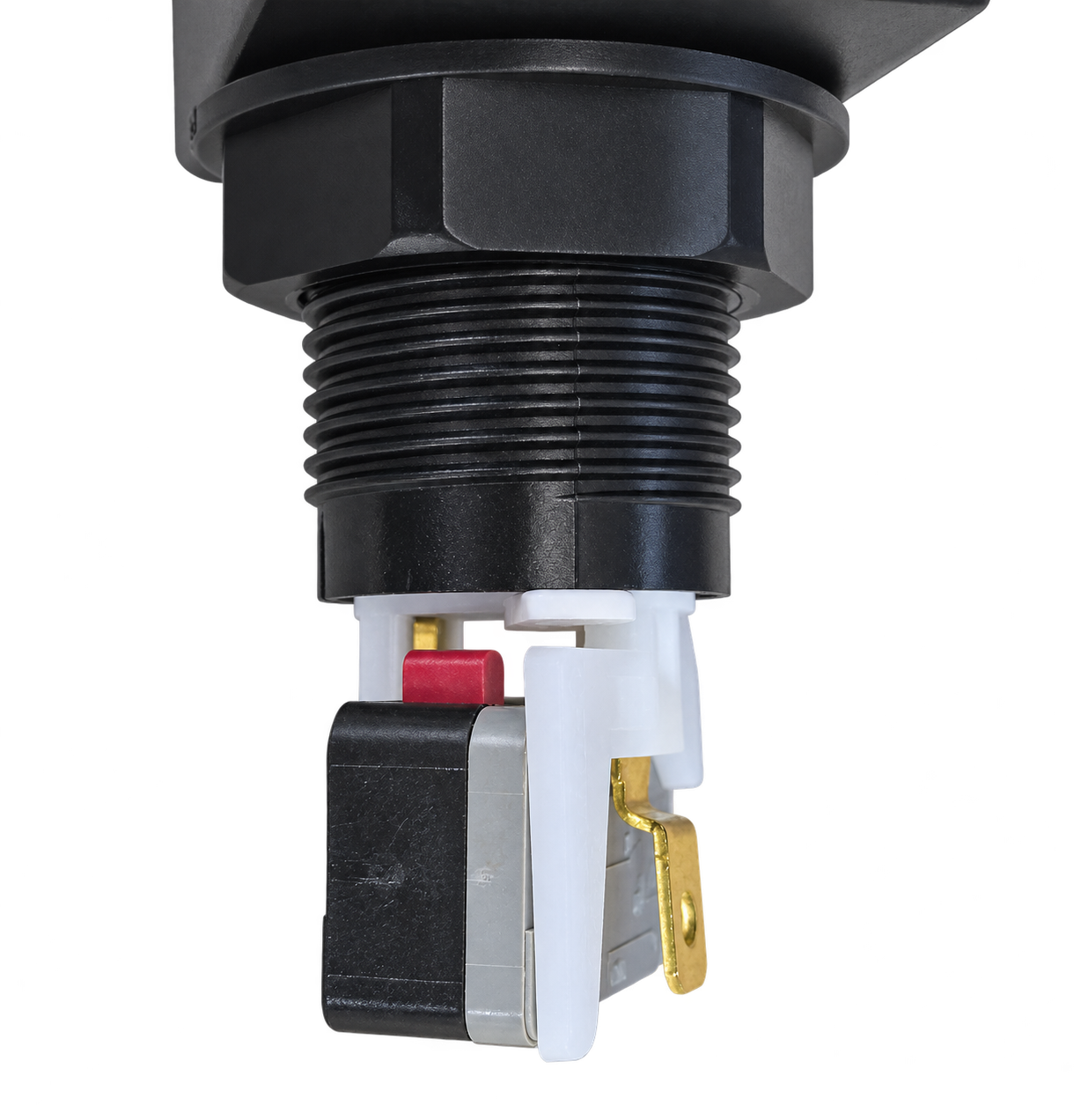
During Insertion: Angled PositionInsert the holder while the white pressing tab and switch plunger are still offset from one another. 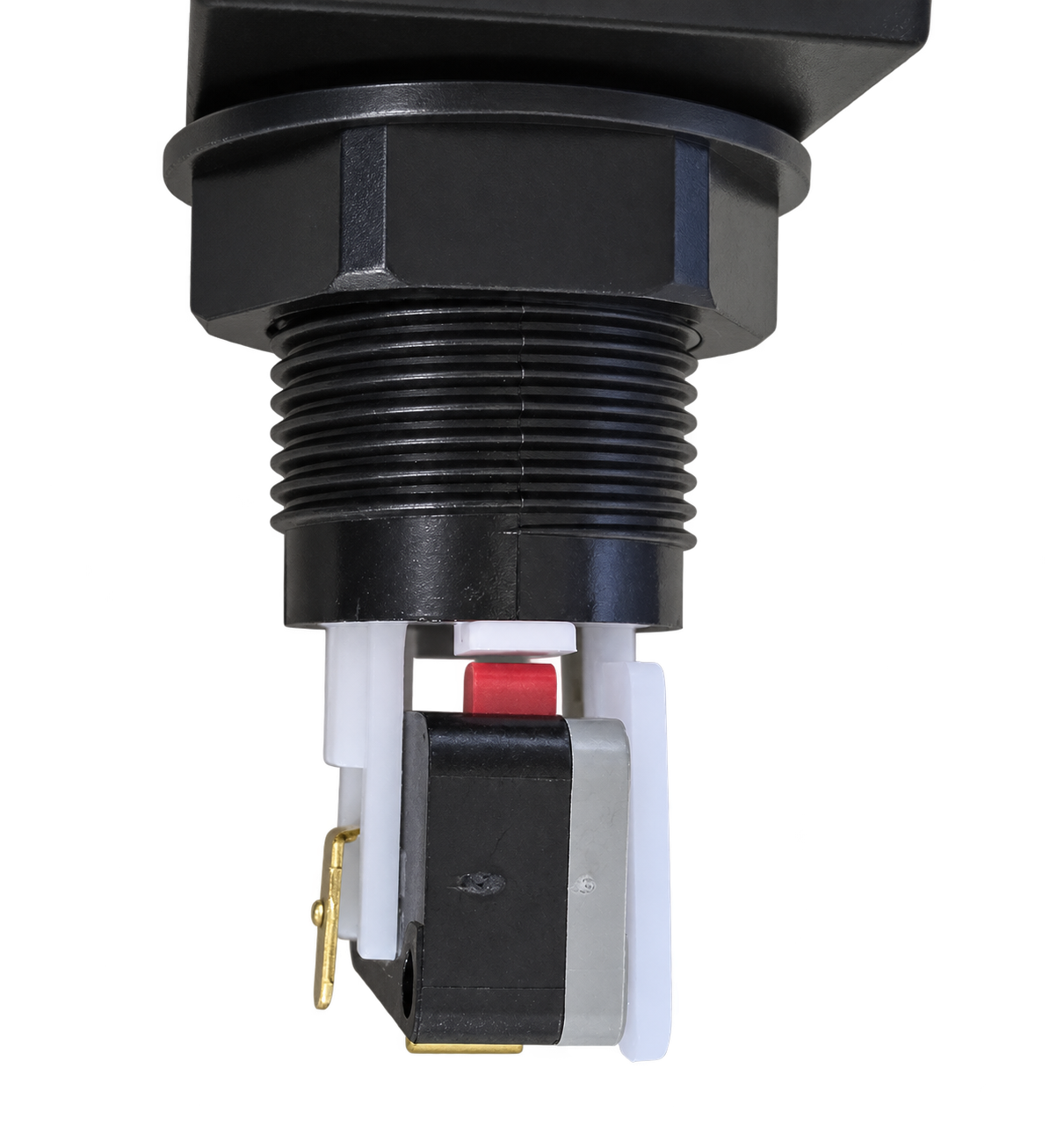
After Locking: Vertical AlignmentAfter rotation, check that the white pressing tab is aligned to press the red plunger correctly. 07 · CWB 405 Gersung V-0303A06 Microswitch SpecificationsKeep the spring rating, switch operating force, and lighting voltage separate when planning your setup and wiring.
What does NO mean? The circuit is open when the switch is not pressed and closes when the switch is actuated. Connect the switch according to your controller board and wiring specifications. These specifications are based on the switch manufacturer’s V-series product data and model numbering guide. The switch’s rated voltage is not the LED lamp’s operating voltage. Gersung V-Series Microswitch Data 08 · CWB 405 Dimensions and Installation ClearanceWhether building a controller or replacing existing buttons, check the panel cutout shape and the space beneath the panel, as well as the button’s external dimensions. 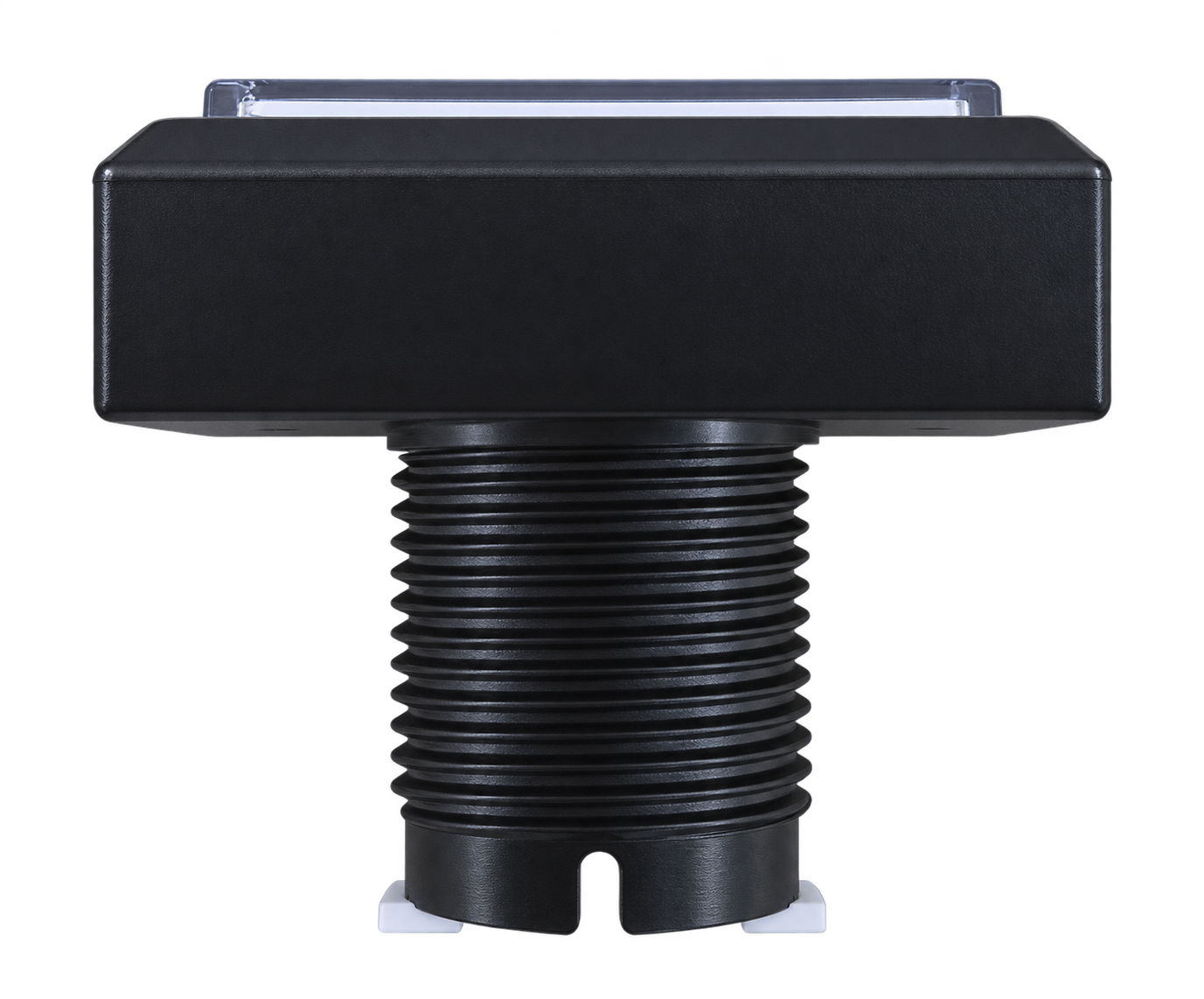
Check Both the Drawing and the Actual Parts Before Cutting.The 45.5 × 28.5mm measurement describes the cutout area shown in the drawing. Ø24mm is the diameter of the cylindrical body; it does not mean you should simply drill a Ø24mm hole in the panel. Check the corner shape and whether the cover will be used. The drawing below shows the button body. Also allow for the panel thickness, mounting nut, switch holder, and wiring space underneath. 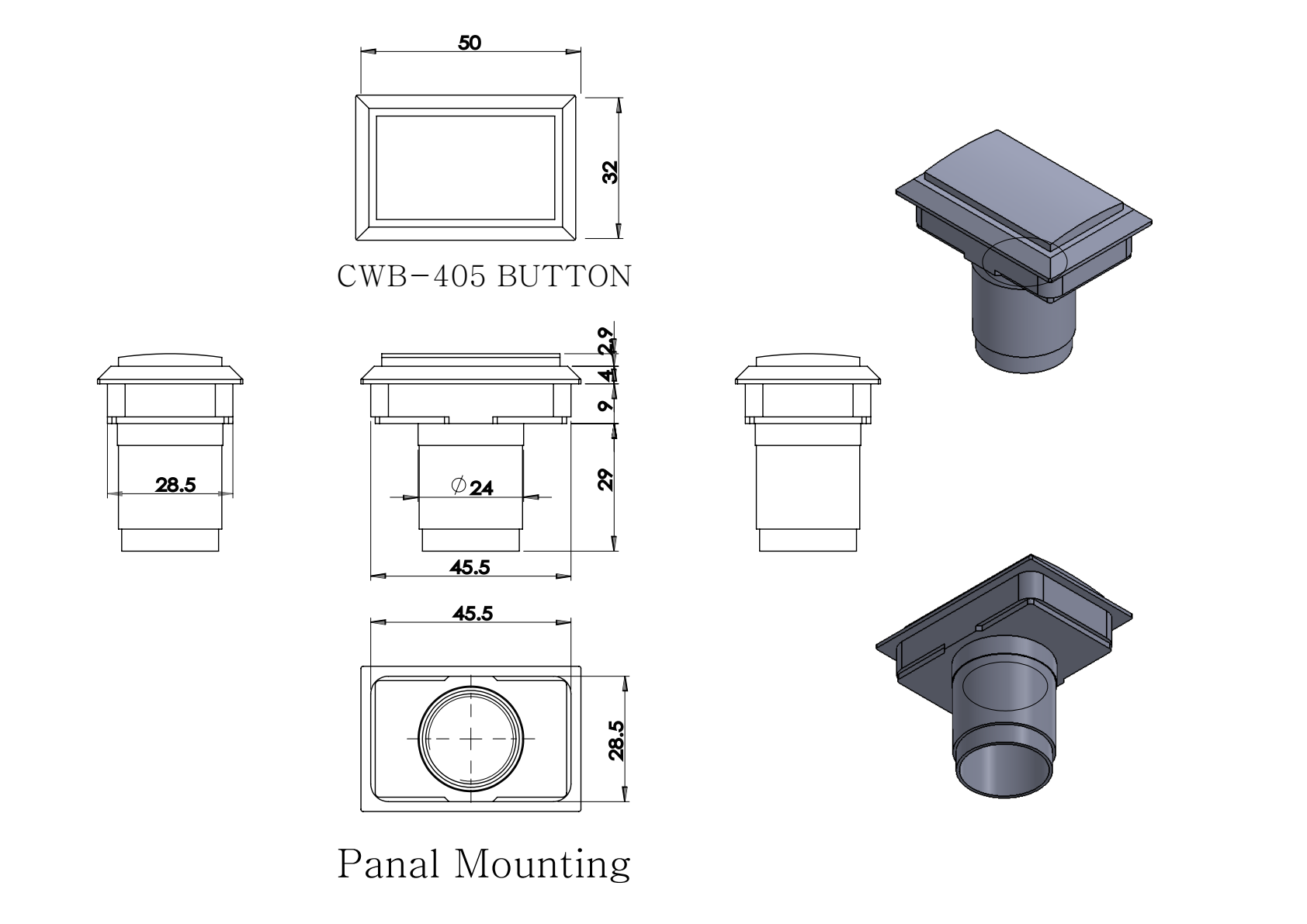
Dimensions in mm · Based on the supplied CWB 405 drawing · Click the drawing to view a larger image. 09 · CWB 405 Understanding Microswitch ChatteringUnderstand brief contact behavior while checking persistent input problems separately. What Are Chattering and Bounce?Mechanical contacts can become briefly unstable as they make or break contact. This is known as chattering or bounce, and it can affect input signals depending on how the controller processes them. PCB debounce timing can help manage this behavior to some extent. Operating speed, load, and contact condition can also affect it. Investigate Repeated Input ProblemsIf a single press registers multiple times, or missed inputs or stuck inputs occur repeatedly, chattering may be one possible cause. Check: Reference: OMRON Chattering FAQ — FAQE20041 · General information on mechanical switch contact behavior and chattering. 10 · CWB 405 Cosmetic Details to Know Before You Order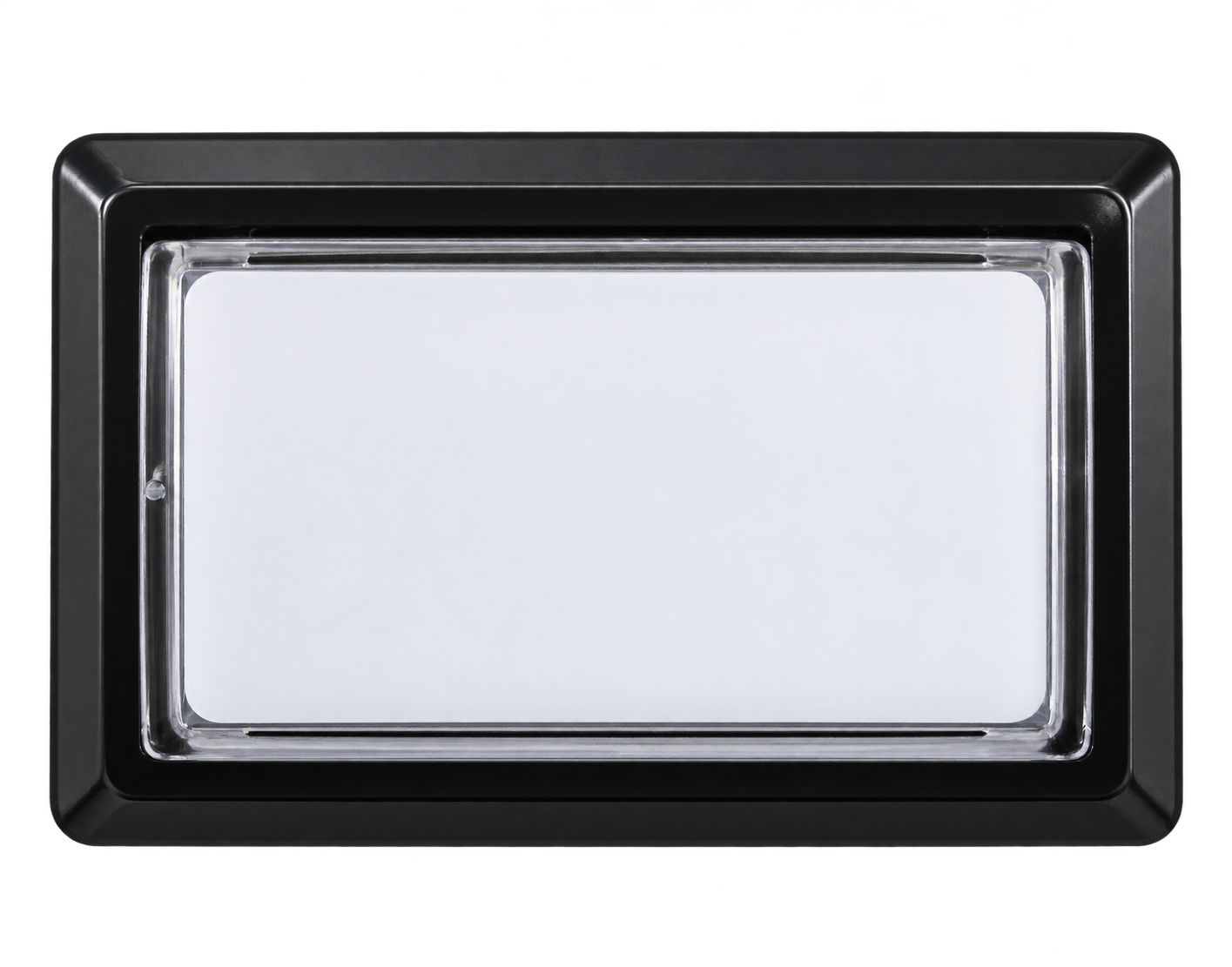
Minor Marks Inside the Clear Button TopThe inside of the clear button top may contain tiny speck-like inclusions or fine hairline scratches. These cosmetic characteristics can occur during production. These minor marks alone are not considered defects. Please take this into account before purchasing. 11 · CWB 405 Frequently Asked QuestionsIs an LED lamp included?No. The button, switch holder, and microswitch are included, but an LED lamp is not included. For illumination, prepare a suitable LED and power supply for your holder and controller separately. Do I need to buy a spring separately?Samducksa’s new 30g spring is preinstalled inside the button body for standard use. If you want to tune the feel, purchase a spring with a different tension separately. Can I push the holder straight in?The CWB 405 holder must be inserted at an angle and then rotated to lock. Check the assembly GIF above, even if you are familiar with Sanwa OBSA buttons. How does durability compare with Sanwa buttons?The internal switch has a major influence on durability. The CWB 405 offers an affordable option, while button feel depends on the spring, switch, panel, and personal preference. Will it fit my existing controller?Do not judge compatibility by the button’s appearance alone. Check the panel cutout dimensions and shape, cover, clearance beneath the panel, terminals, and wiring specifications first. ISTMALL · SAMDUCKSA Six colors · New 30g spring · Gersung V-0303A06 LED lamp sold separately · Insert the holder at an angle, then rotate to lock |



