





- 현재 위치
- HOME > Button > Rhythm Game Button > Samducksa Button
 View in Bigger Image
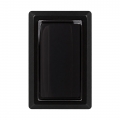
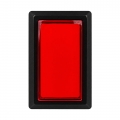
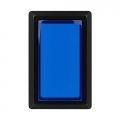
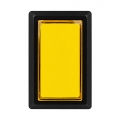



|
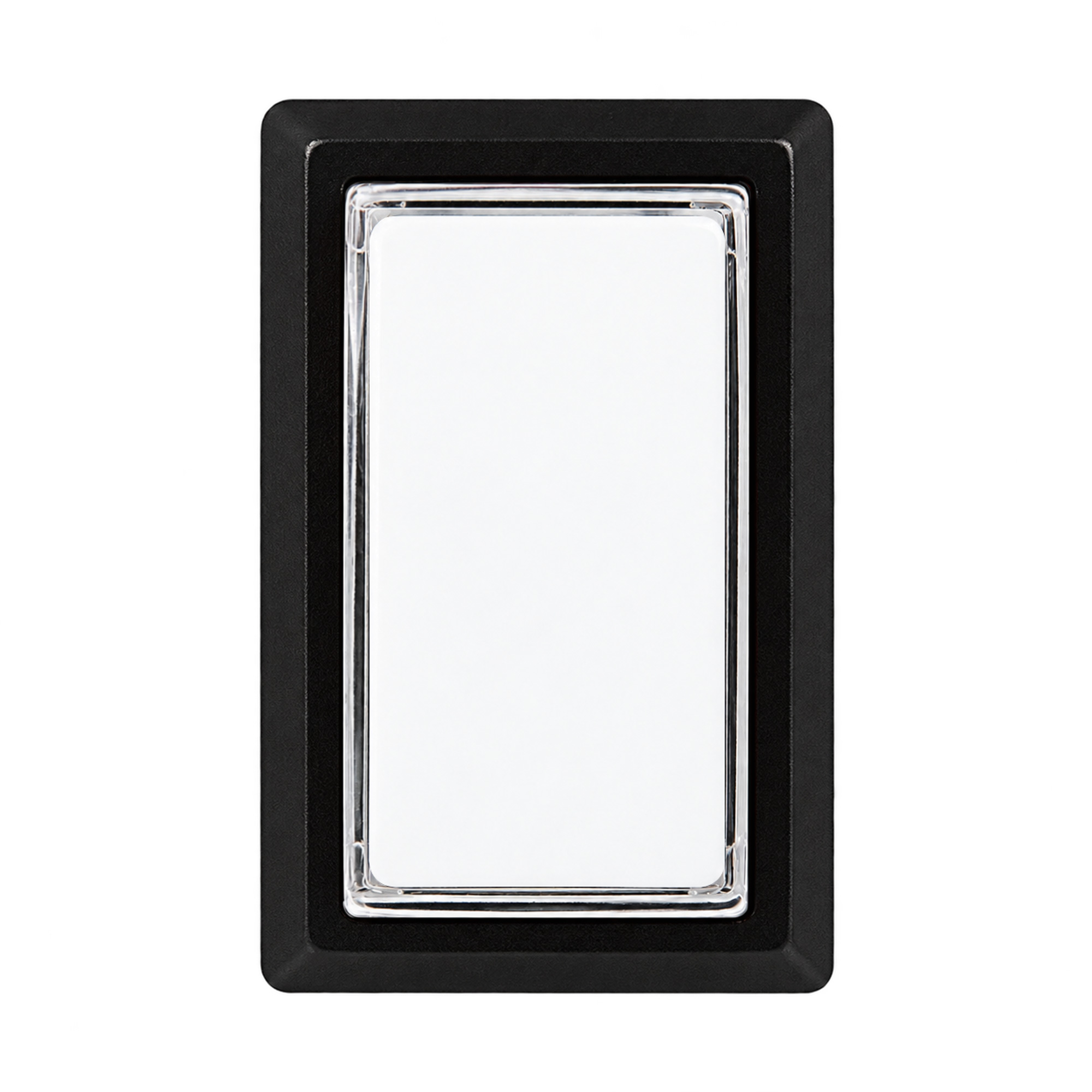
ISTMALL · SAMDUCKSA RHYTHM BUTTON CWB 405SAMDUCKSA Rhythm Game Button
Decades of arcade experience. CWB 405: a rectangular button from Korean brand SAMDUCKSA. New-generation 30g spring fitted · Gersung microswitch included
6 colors · Nut mounting 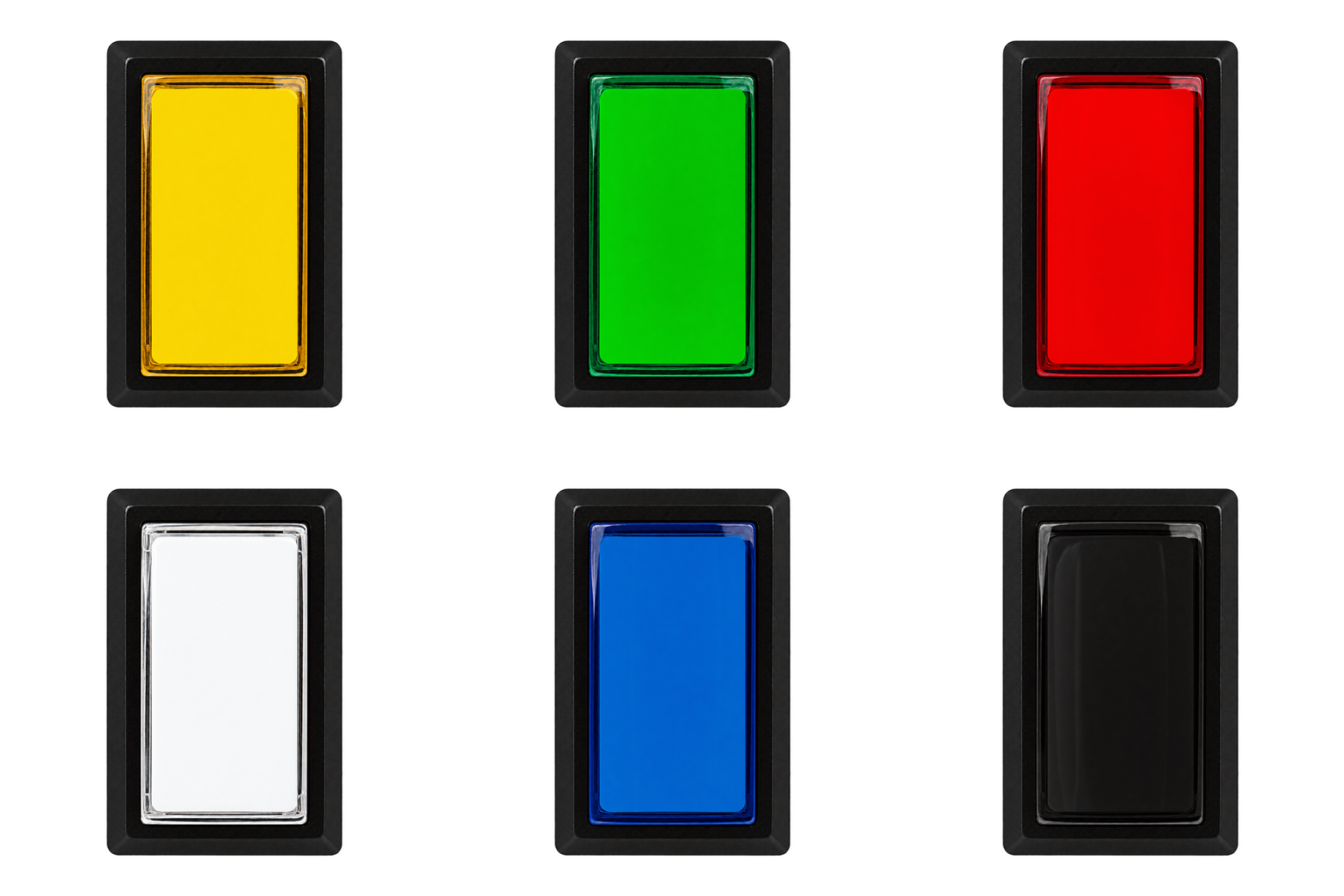
Three things to check before you order.Included components — Button body, cover, nut, switch holder and Gersung microswitch. Pre-installed spring — A new-generation SAMDUCKSA 30g spring is fitted inside the button. Lighting and assembly — An LED lamp is not included. To secure the holder, insert it at an angle, then rotate it into place. 01 · CWB 405 
KOREAN ARCADE HERITAGE
Experience built in arcades,
|
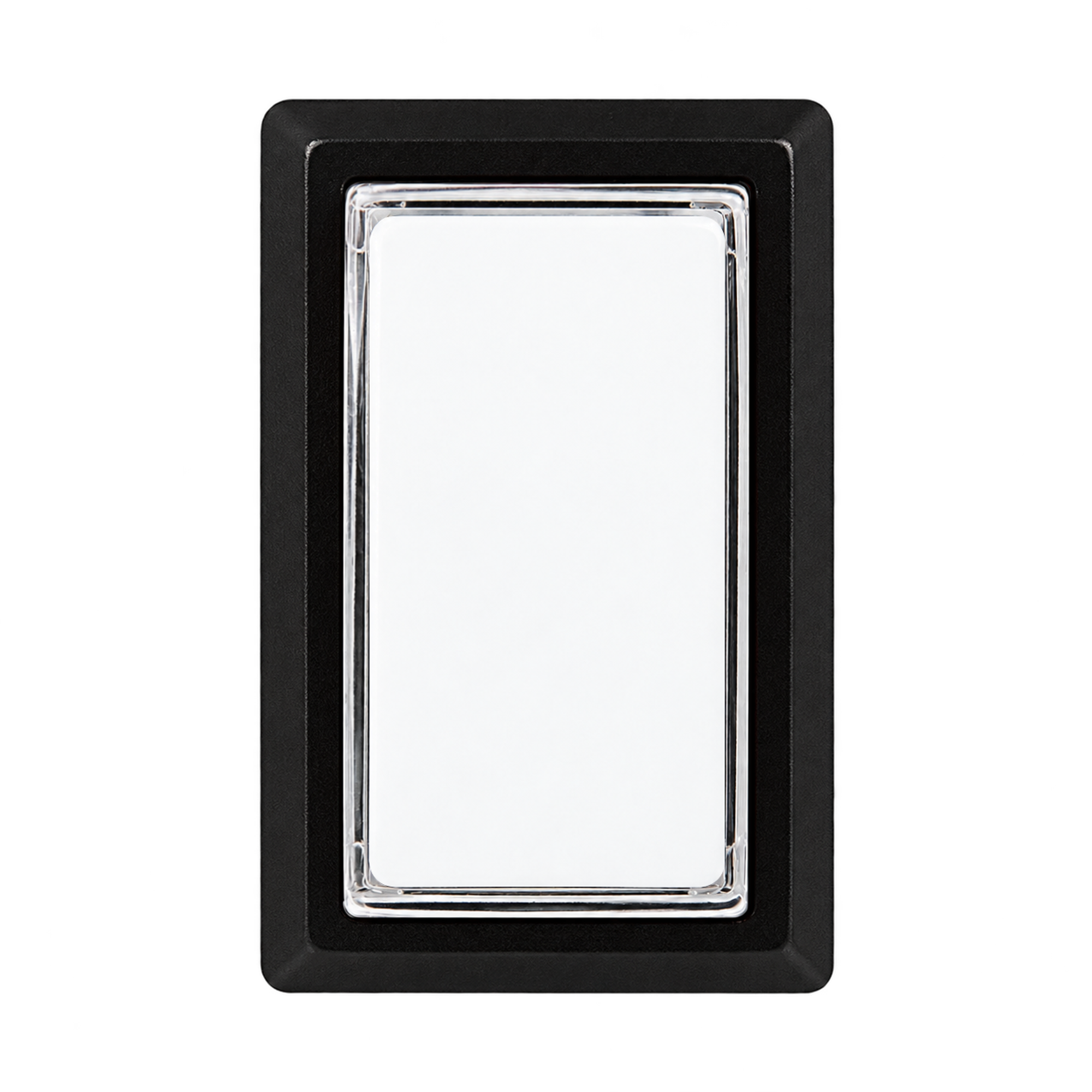
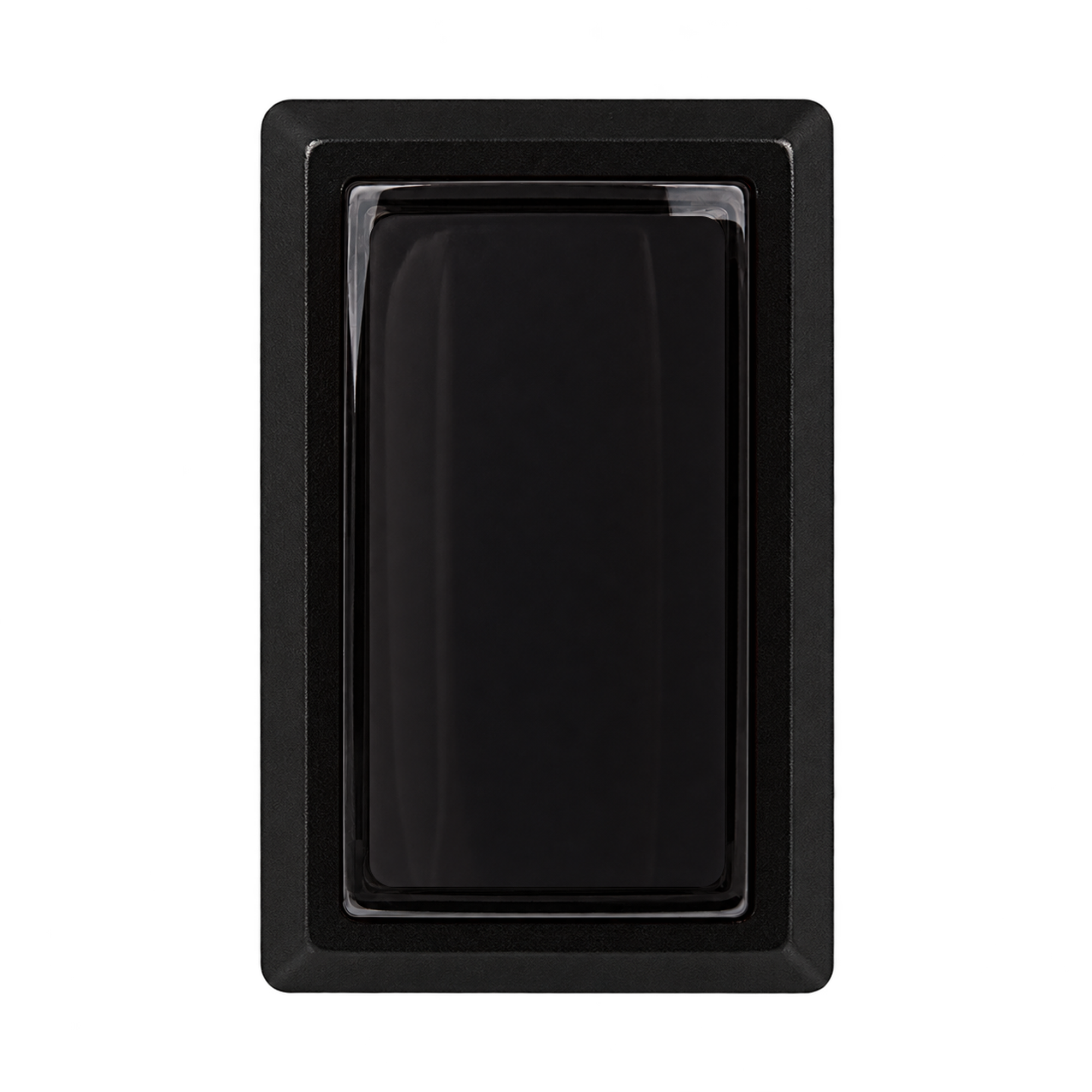
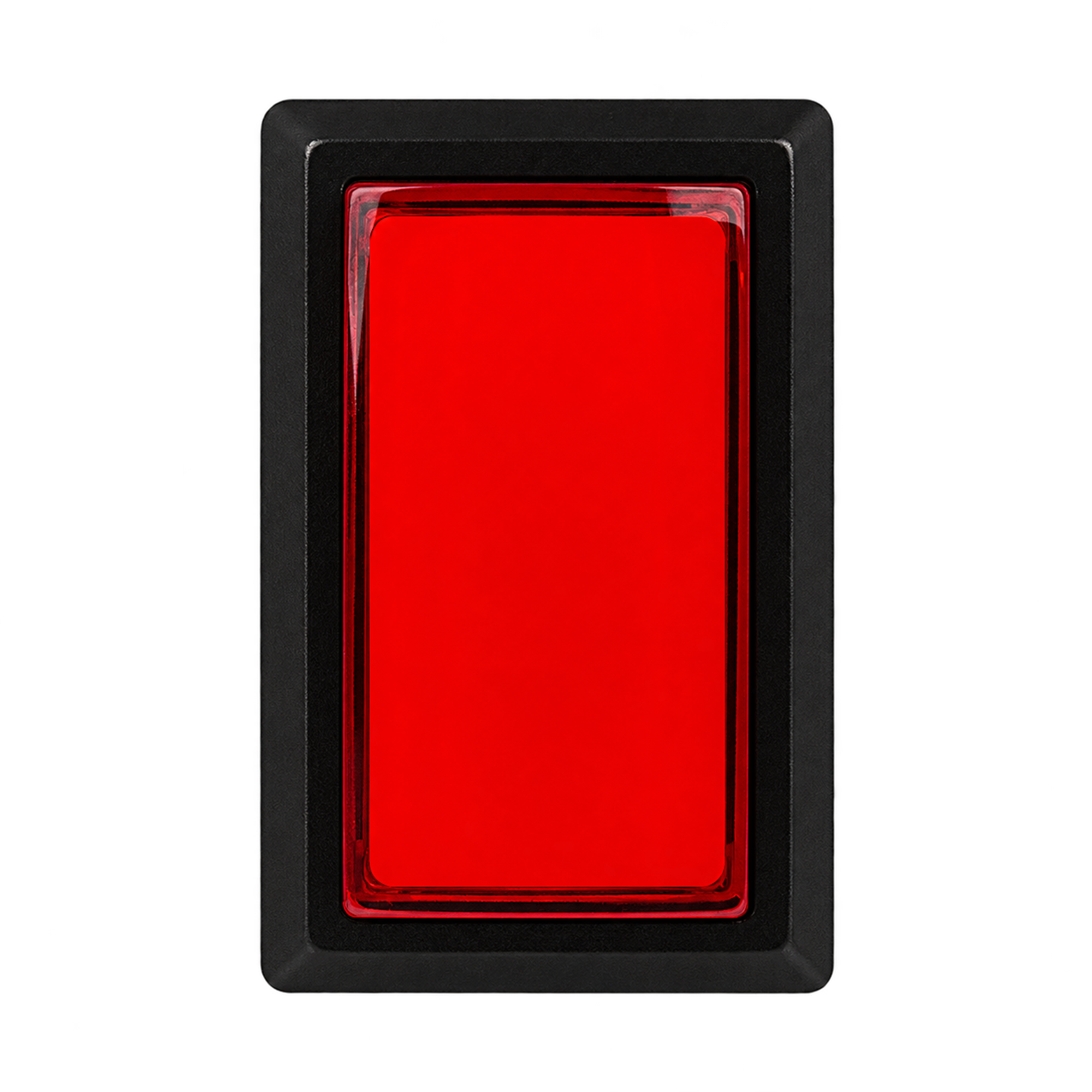
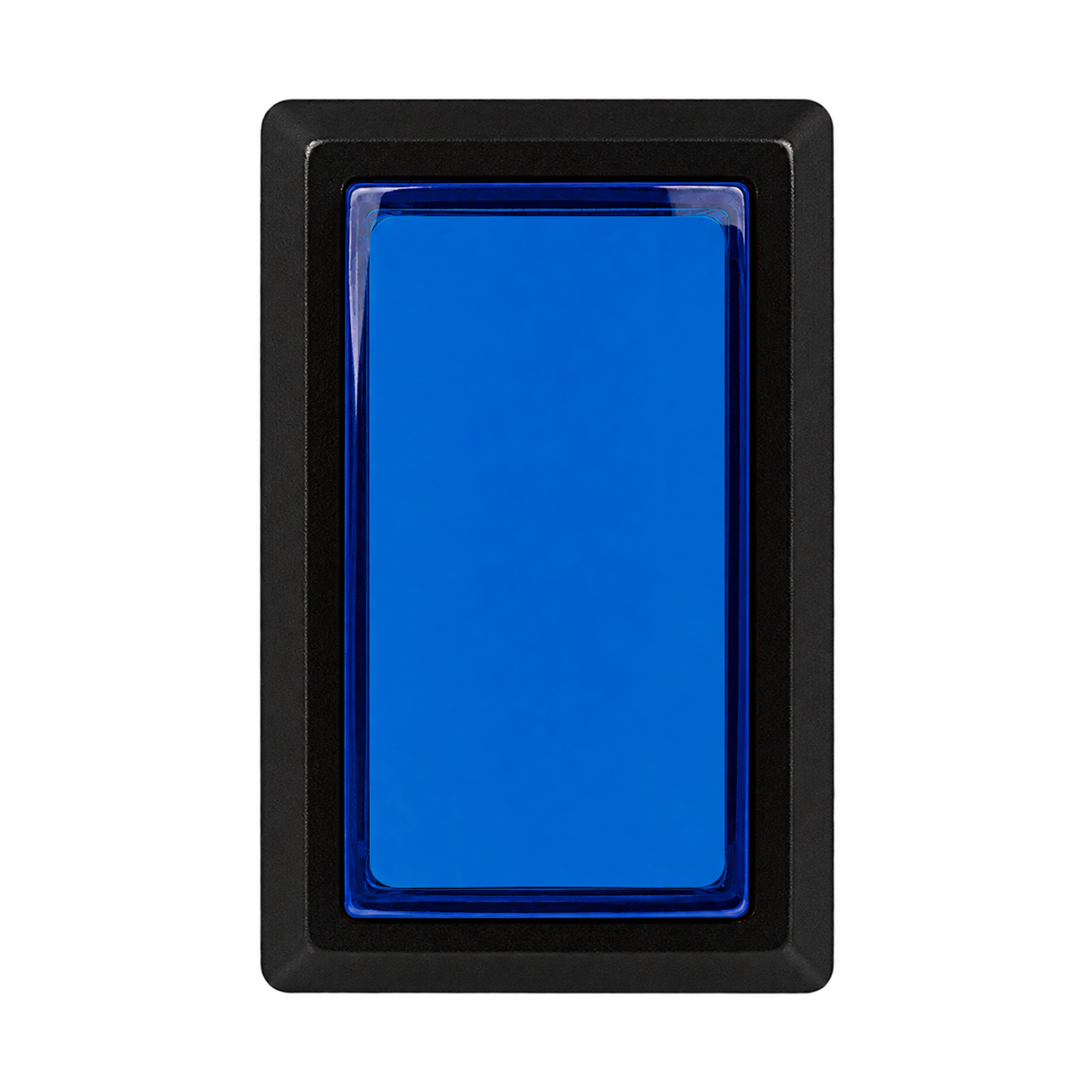
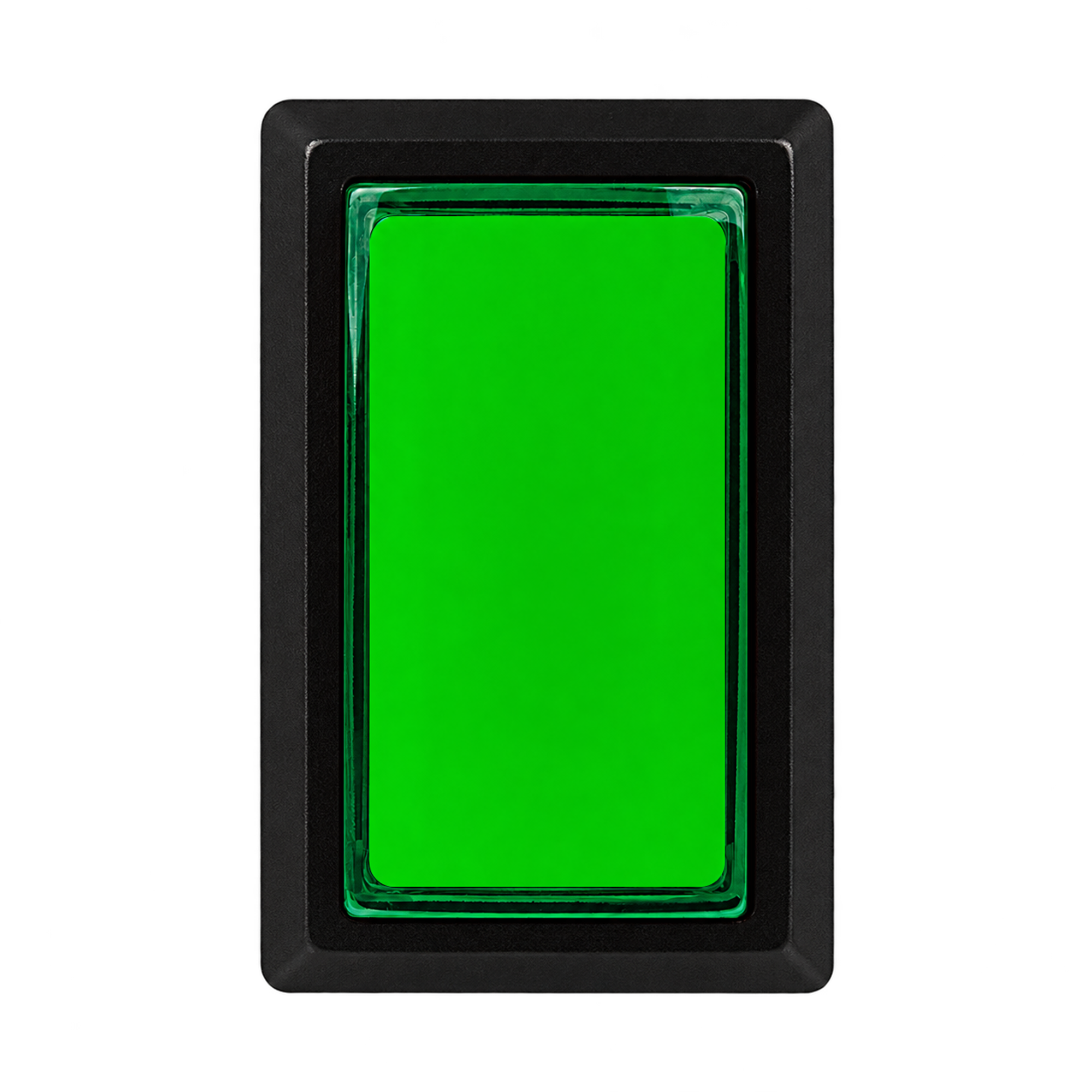
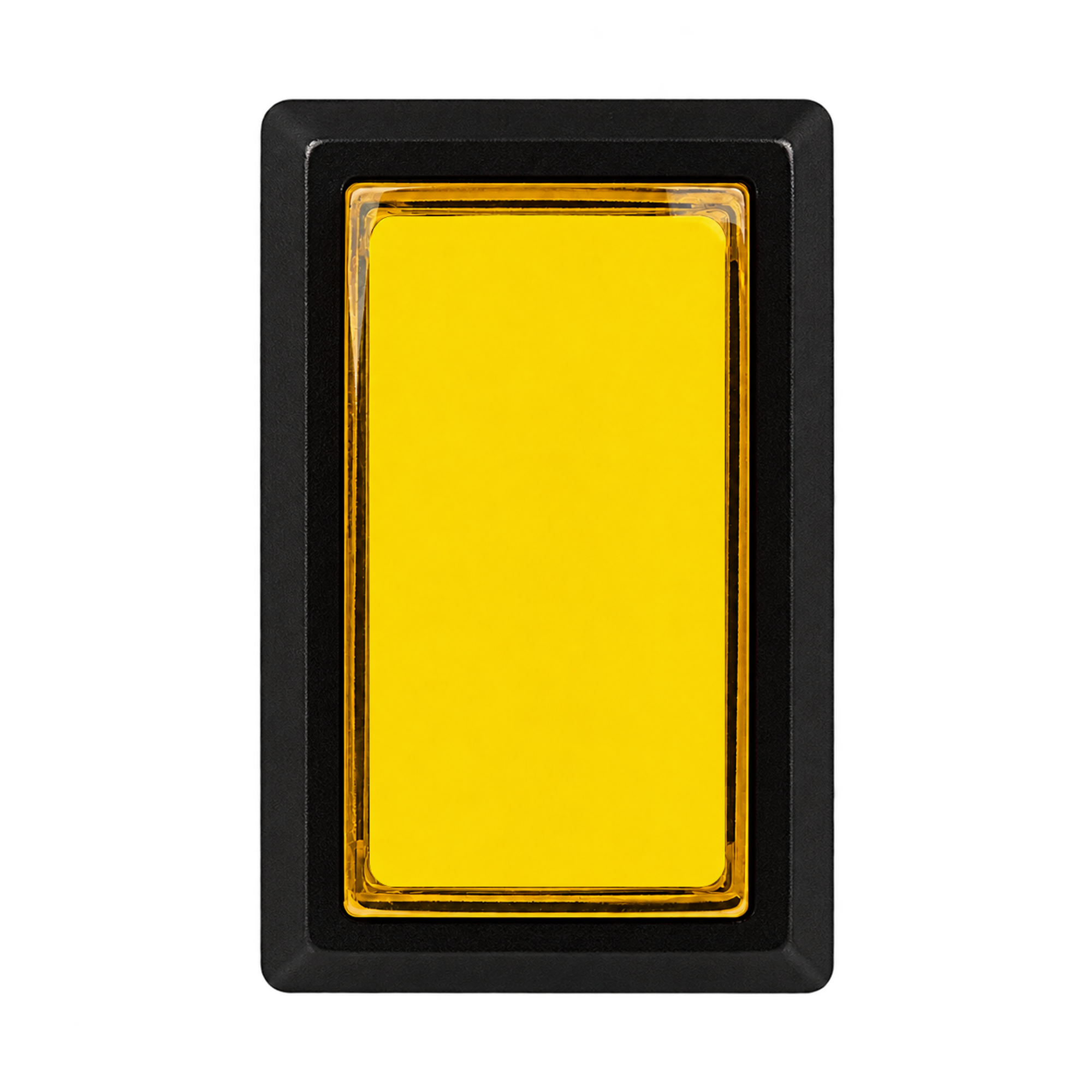
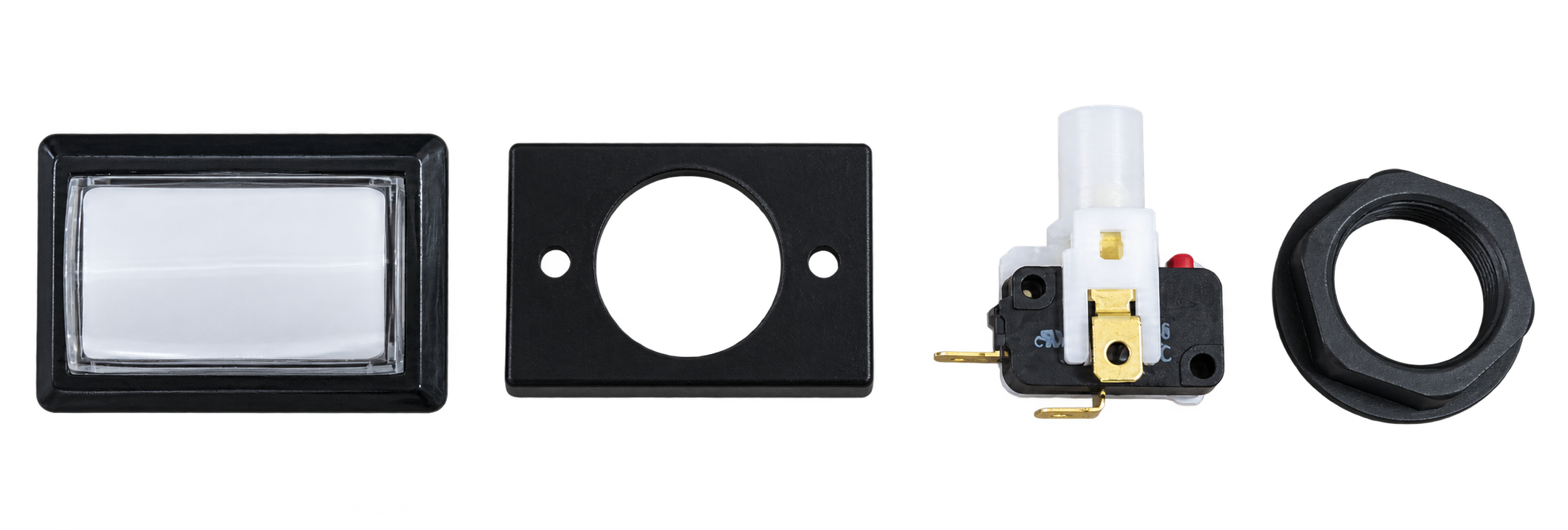
| Button body | CWB 405 body in your selected color |
|---|---|
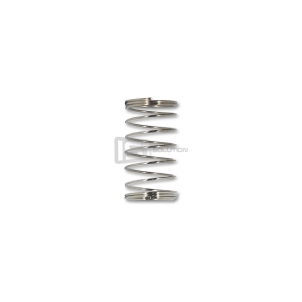
| Internal spring | New-generation SAMDUCKSA 30g spring — Pre-installed inside the body |
| Button cover | Black cover that fits onto the button body |
| Mounting nut | Supplied fitted to the button body |
| Switch holder | Supplied with the microswitch already fitted |
| Microswitch | One Gersung V-0303A06 Fitted to the holder |
| LED lamp | Not included. |
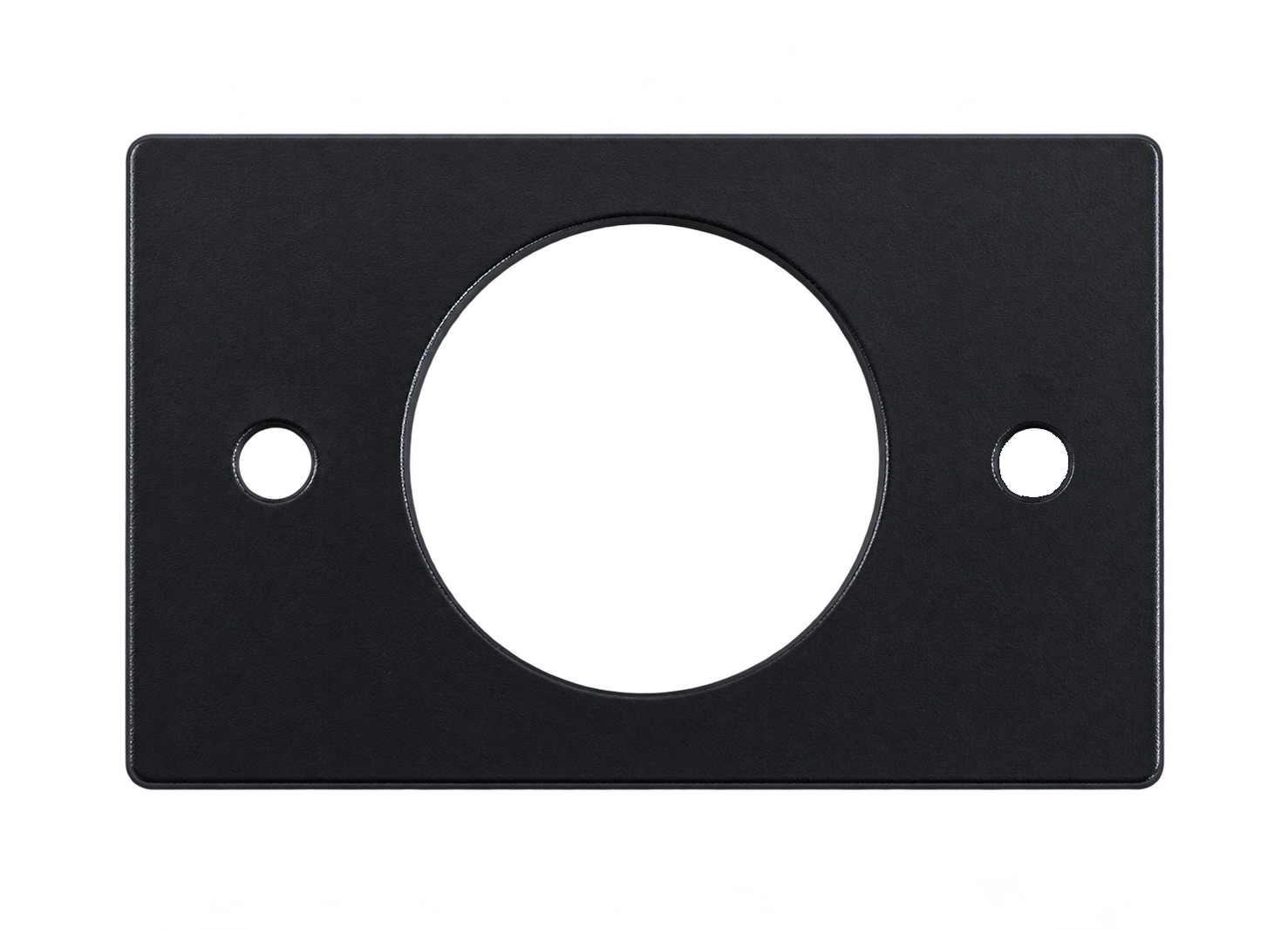
Button cover
Fits onto the back of the button body.
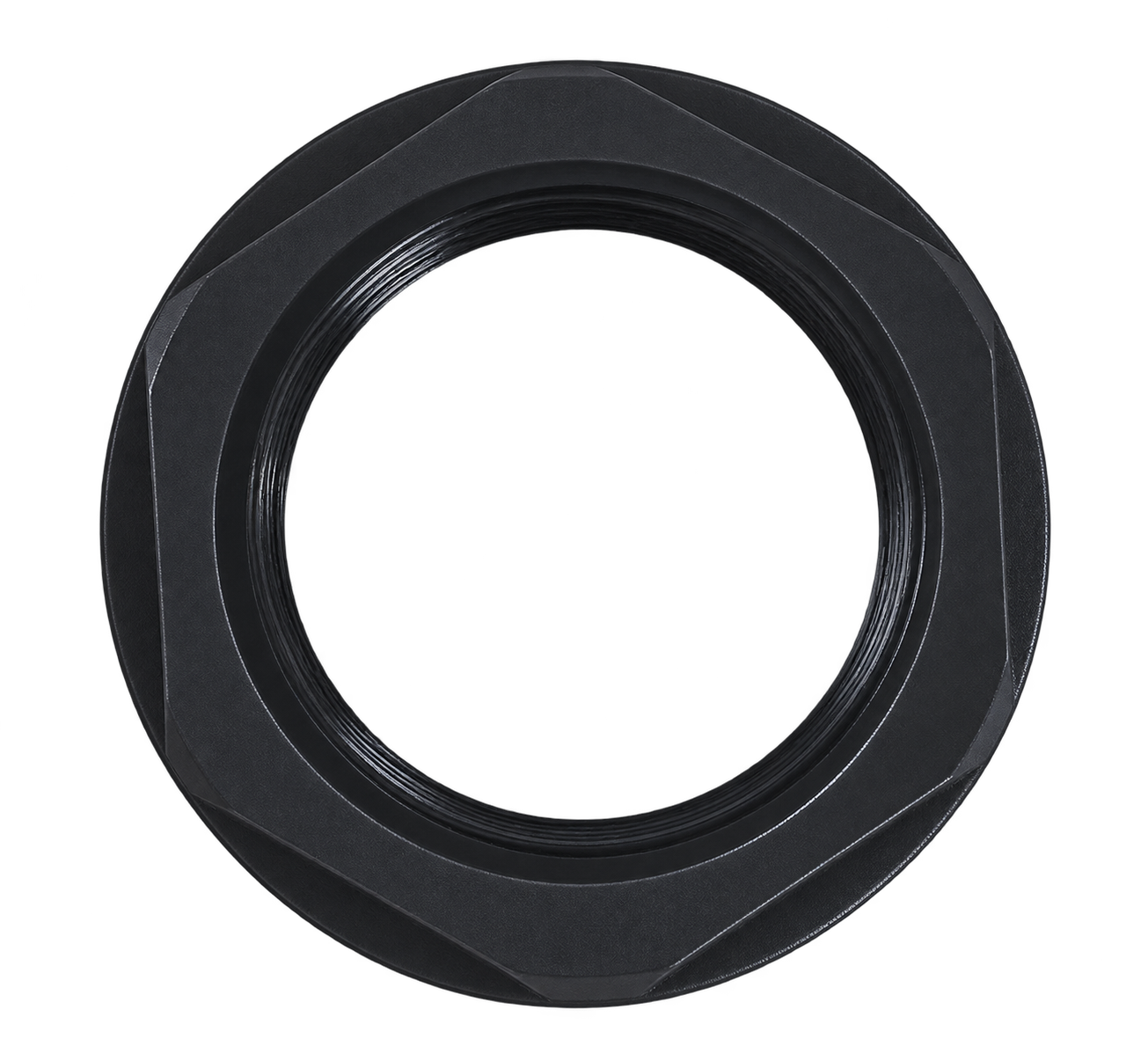
Threaded mounting nut
Secures the button body from underneath the panel.
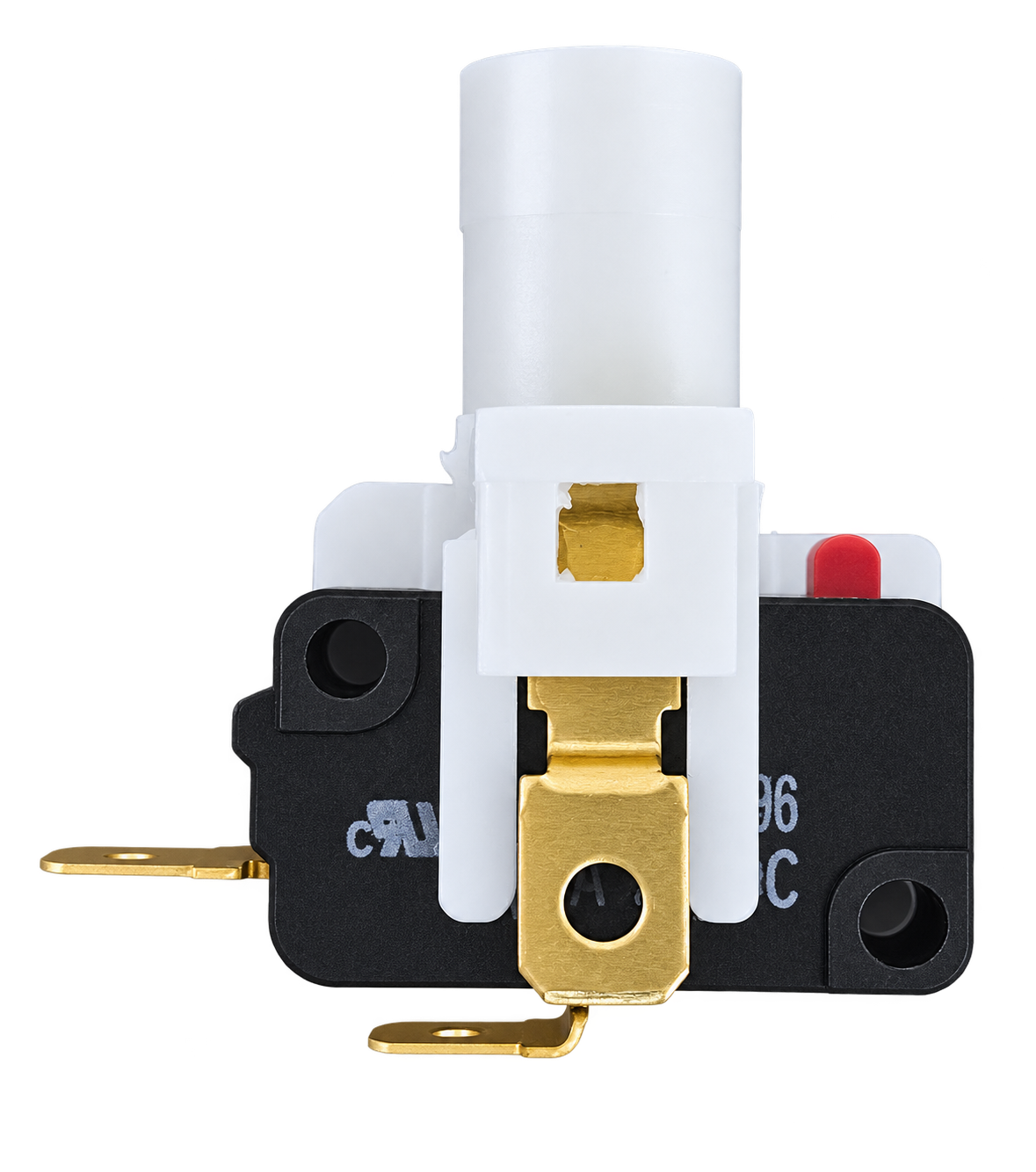
Switch holder + microswitch
The Gersung microswitch is pre-installed in the holder.
Fit and secure the switch holder in the button body before use.
05 · CWB 405
Standard setup: new-generation 30g spring + Gersung switch
Start with the standard components and evaluate the feel in your own setup.
The 30g spring rating and 60g switch rating refer to different components.
The new-generation SAMDUCKSA 30g spring is the spring fitted inside the button. It plays a major role in returning the button after you release it.
The Gersung switch's 60g rating is the manufacturer's operating force specification (OF Max.) for the switch itself. It is separate from the button's internal spring rating.
These two figures should not simply be added together to describe the complete button's operating force as 90g.
The spring has a greater influence on the overall feel, while the switch contributes to the click sensation and pressing resistance.
06 · CWB 405
The key to first-time assembly: fitting the switch holder
Check the GIF and step-by-step photos below first. Correct alignment allows the button's pressing motion to actuate the switch properly.
The key sequence: insert at an angle → rotate to lock
This differs from the straight-in fitting method used by the Sanwa OBSA series.
The CWB 405 holder is inserted at an angle and then rotated into place. If you have used Sanwa buttons before, check this assembly sequence carefully.
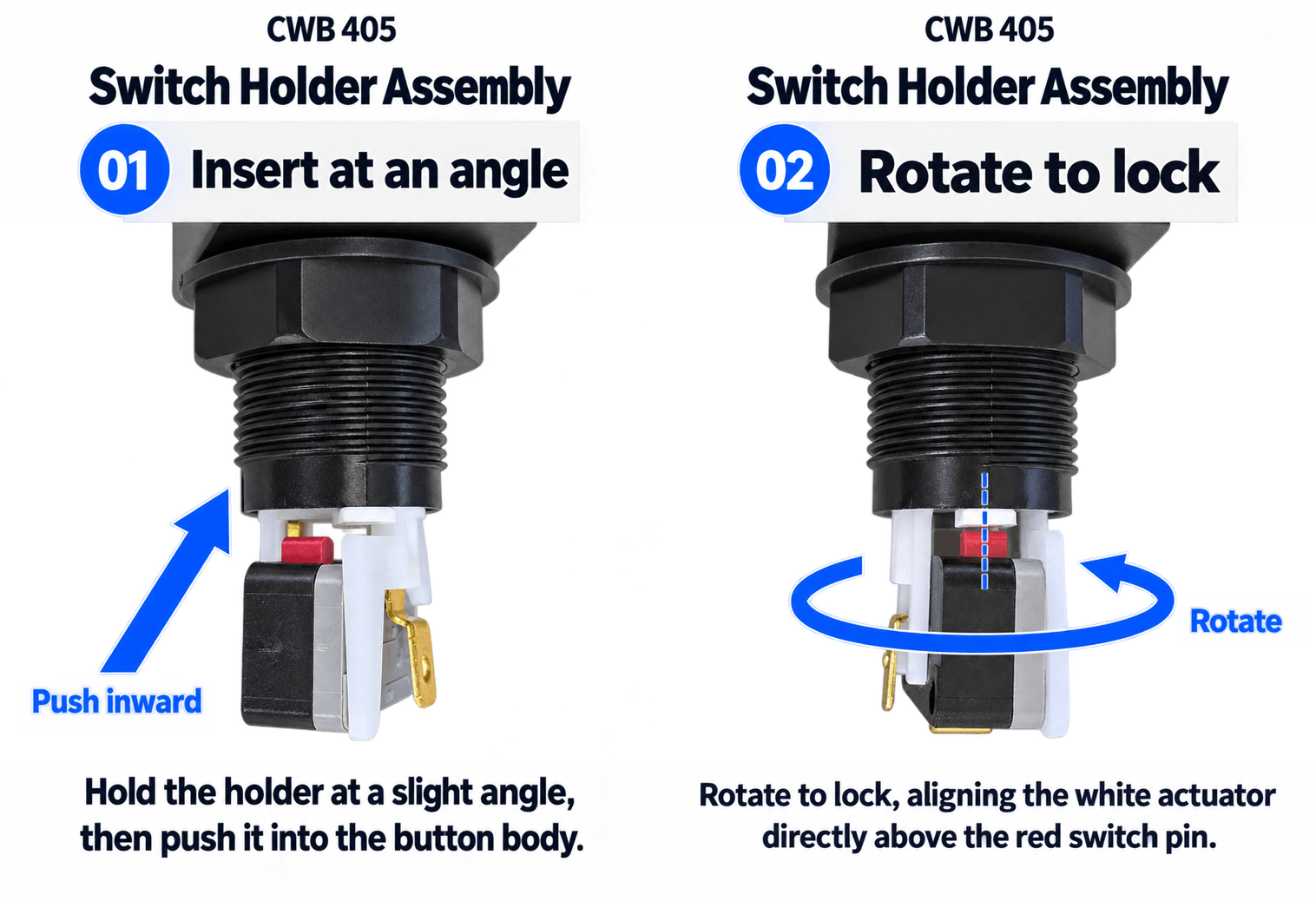
01. Position at an angle, then insert
Do not start by pushing the holder straight in with it already aligned with the white actuator. Position the holder at an angle, then insert it into the button body.
02. Rotate to align the actuator and switch pin
Rotate the inserted holder to secure it. Check that the white actuator and the microswitch's red pin are aligned vertically with each other.
03. Check retention and button return
Make sure the holder is secured against coming out. Press the button gently several times to check that it moves and returns smoothly.
If anything catches, do not force or twist it. Remove the holder and check its orientation again. Disconnect power before working on the wiring.
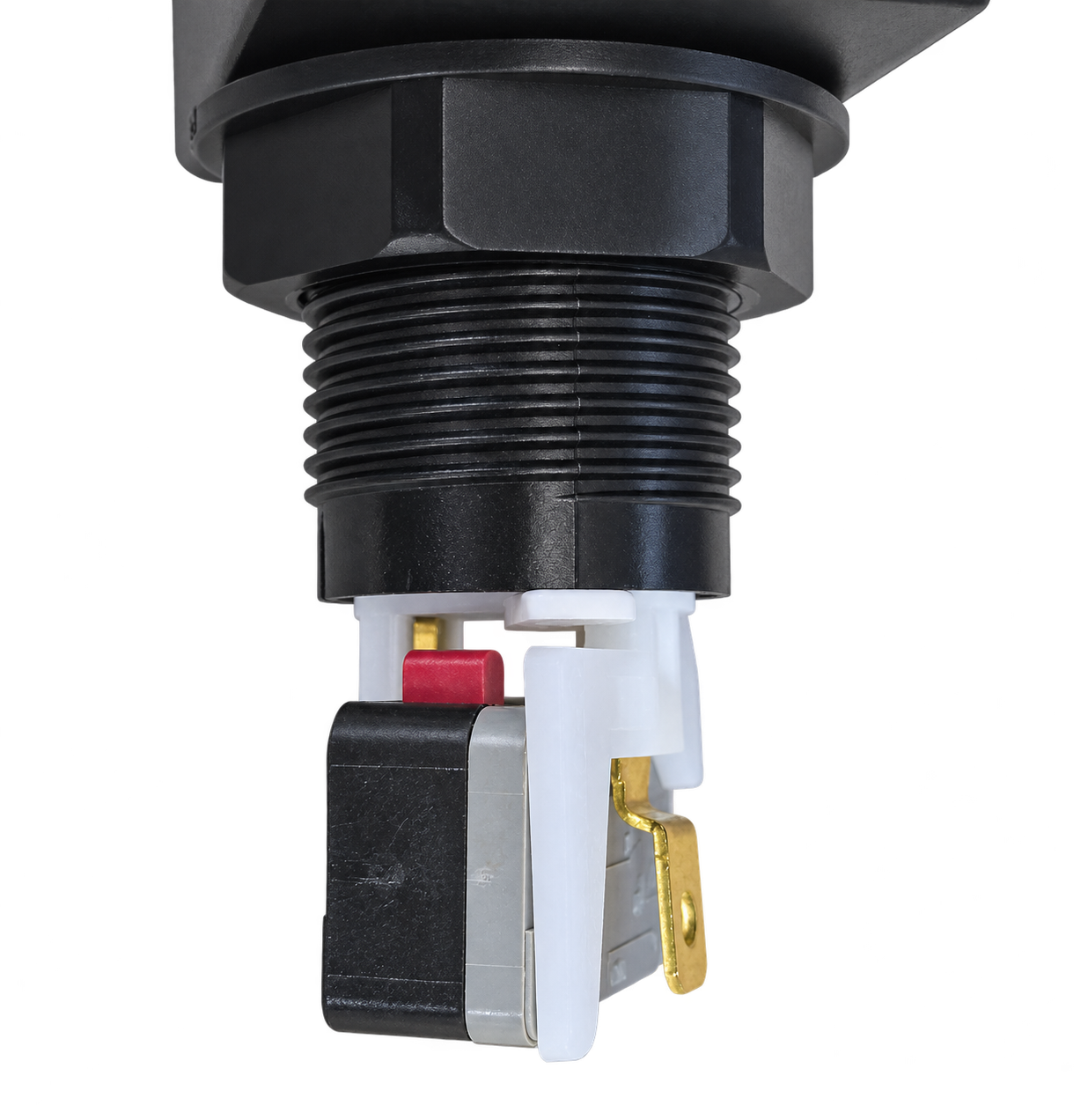
During insertion: angled positioning
Insert the holder while the white actuator and switch pin are still offset, rather than aligned in a straight line.
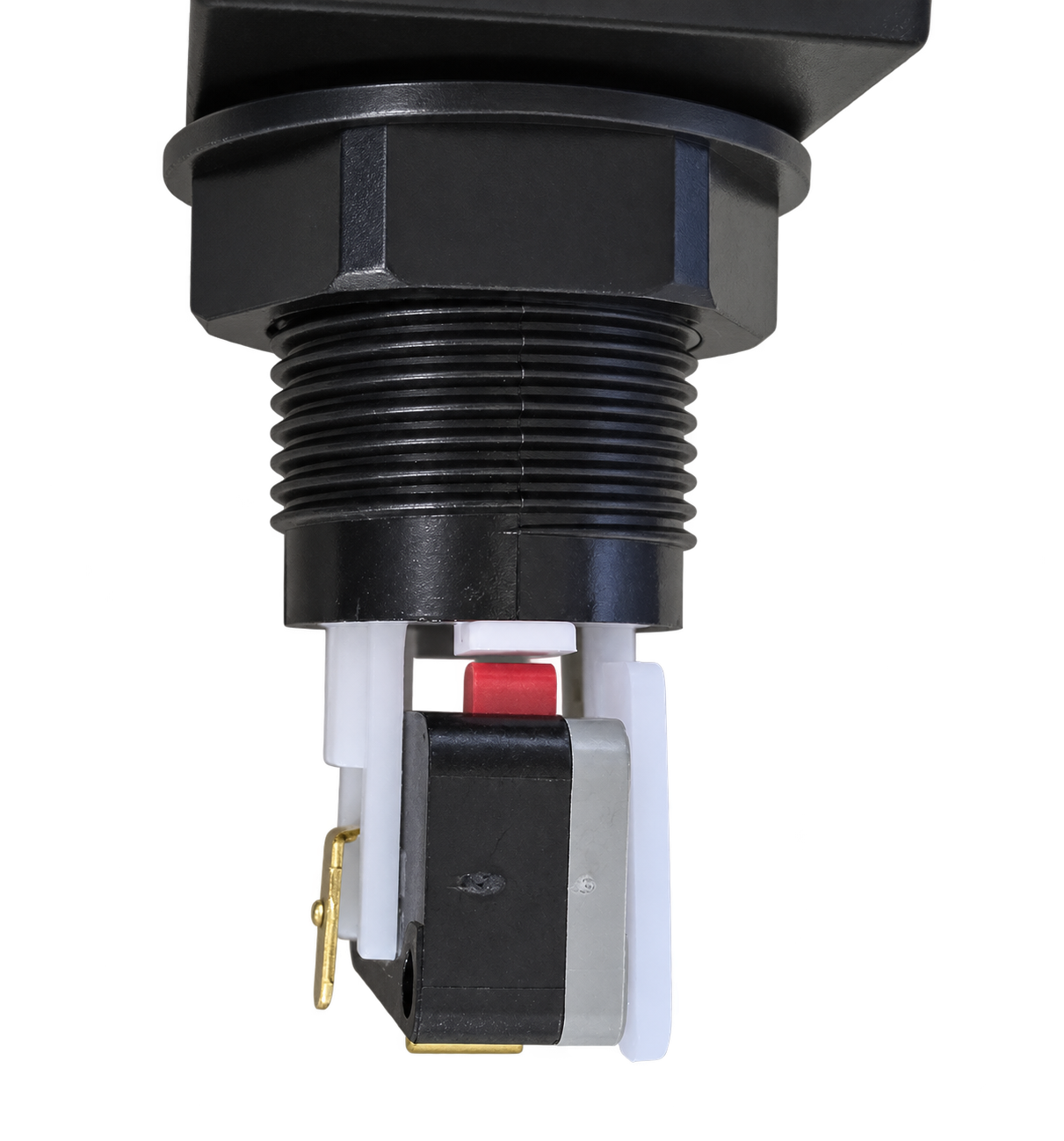
After locking: vertical alignment
After rotation, check that the white actuator is aligned to press the red pin correctly.
07 · CWB 405
Gersung V-0303A06 microswitch specifications
Distinguish between the spring rating, switch operating force and lighting voltage when setting up and wiring your button.
| Maker / model | Gersung Engineering / V-0303A06 |
|---|---|
| Actuator type | Pin plunger |
| Contact type | SPST-NO (1a) — Normally open |
| Rating | 0.3A / 24V DC |
| Operating force | OF Max. 60g — Manufacturer specification for the switch alone |
| Terminal type | Solder or #187 tab terminals |
| Included | Included as standard, pre-installed in the switch holder |
What is a normally open contact? The circuit is open when the switch is not pressed, and the contacts close when it is actuated. Connect the button according to your controller board and wiring specifications.
These figures are based on the switch manufacturer's V-series documentation and model numbering guide. The switch's rated voltage is not the operating voltage of an LED lamp. Gersung V-series microswitch documentation
08 · CWB 405
Dimensions and clearance to check before installation
When building a new controller or replacing buttons, check the panel cutout shape and clearance below the panel as well as the external dimensions.
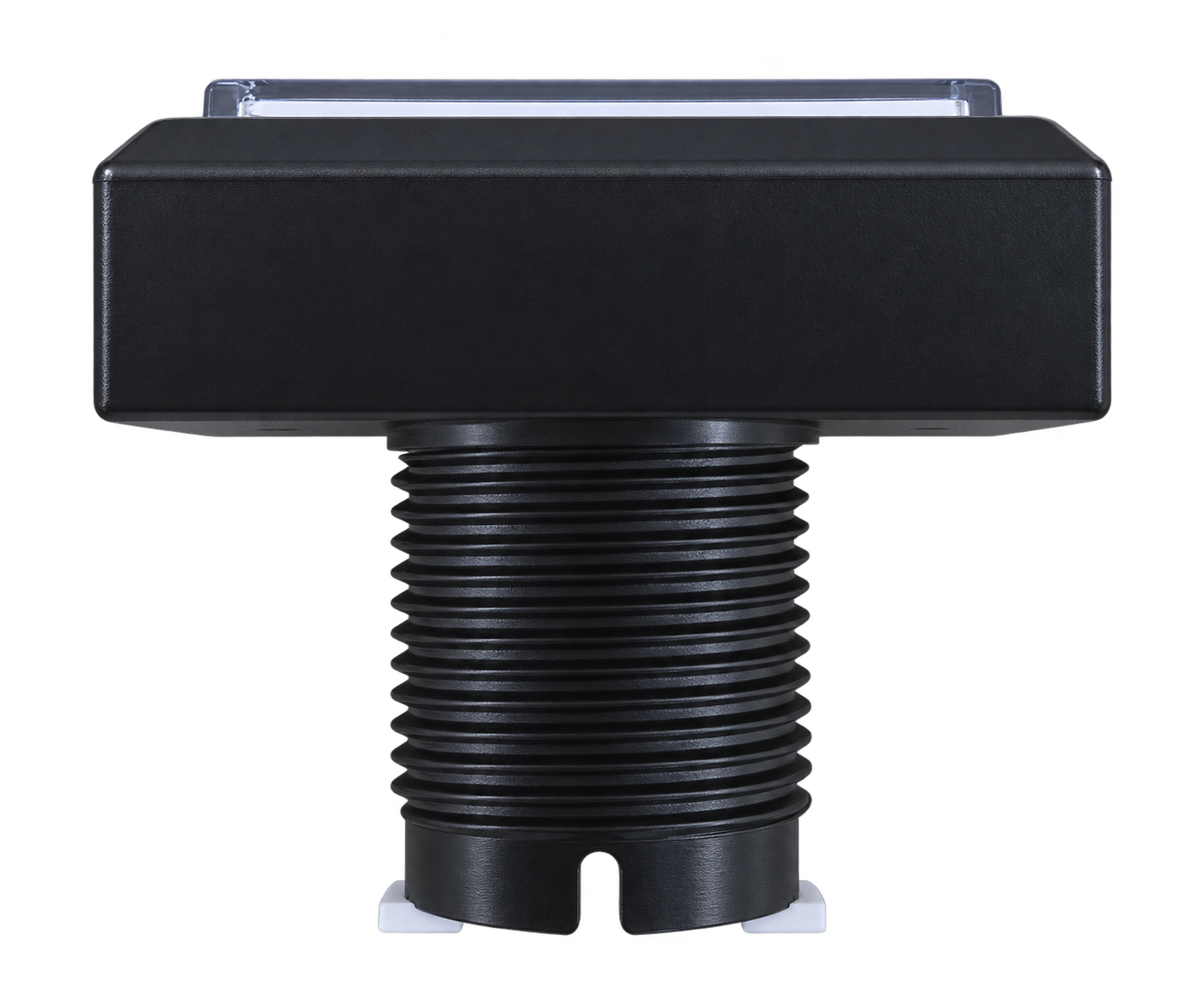
| Model | SAMDUCKSA CWB 405 |
|---|---|
| Button shape | Rectangular |
| Mounting method | Threaded body + mounting nut |
| Top outer dimensions | 50 × 32mm (as shown in the supplied drawing) |
| Panel cutout dimensions | 45.5 × 28.5mm (check the cutout shape in the supplied drawing) |
| Cylindrical body diameter | Ø24mm (as marked in the body drawing) |
Check both the drawing below and the actual parts before machining.
45.5 × 28.5mm refers to the cutout area dimensions shown in the drawing. Ø24mm is the diameter of the cylindrical body; it does not mean that a simple Ø24mm hole is the correct panel cutout. Also check the corner shape and whether the cover will be used.
The drawing below covers the button body. Panel thickness, the mounting nut, switch holder and wiring clearance underneath must also be checked separately.
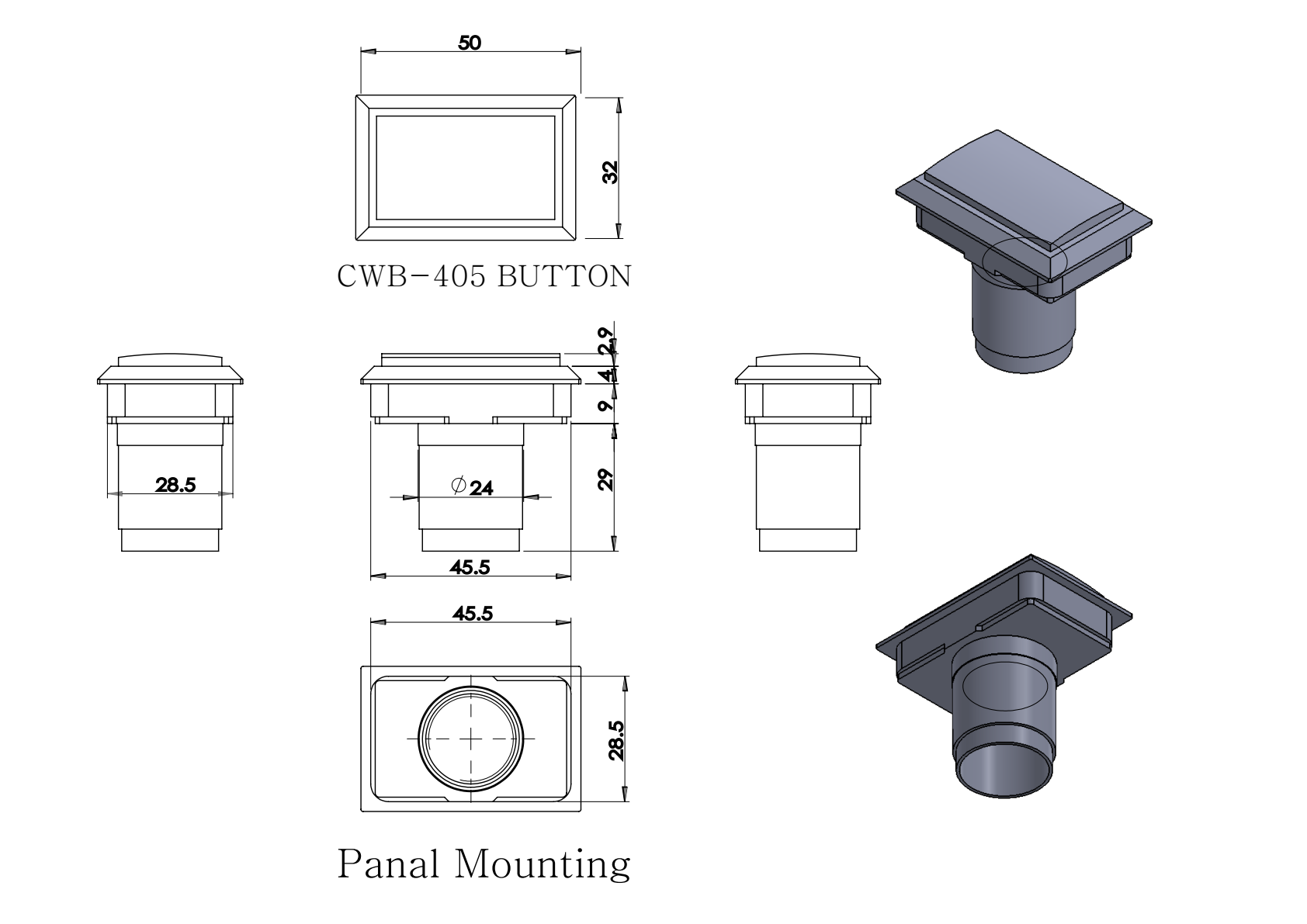
Units: mm · Based on the supplied CWB 405 PDF drawing · Click the drawing to view a larger image.
09 · CWB 405
Understanding microswitch chattering
Brief mechanical contact behavior and persistent input problems should be evaluated separately.
What are chattering and contact bounce?
Mechanical contacts can briefly alternate between connected and disconnected states as they open or close. This is called chattering or contact bounce, and it may affect the input signal depending on how the controller handles it.
A controller PCB's debounce timing can help manage this behavior. It can also vary with operating speed, load and contact condition.
Check recurring input problems separately.
If a single press repeatedly registers multiple inputs, misses an input or remains registered as held, chattering may be a possible cause.
① Holder attachment and alignment
② Terminal and wiring connections
③ Controller input processing settings should all be checked. If the problem continues, review your setup and the symptoms to identify whether adjustments or replacement of an affected component are needed.
Reference: OMRON Chattering FAQ — FAQE20041 · General information about mechanical switch contacts and chattering.
10 · CWB 405
Appearance notes before you order
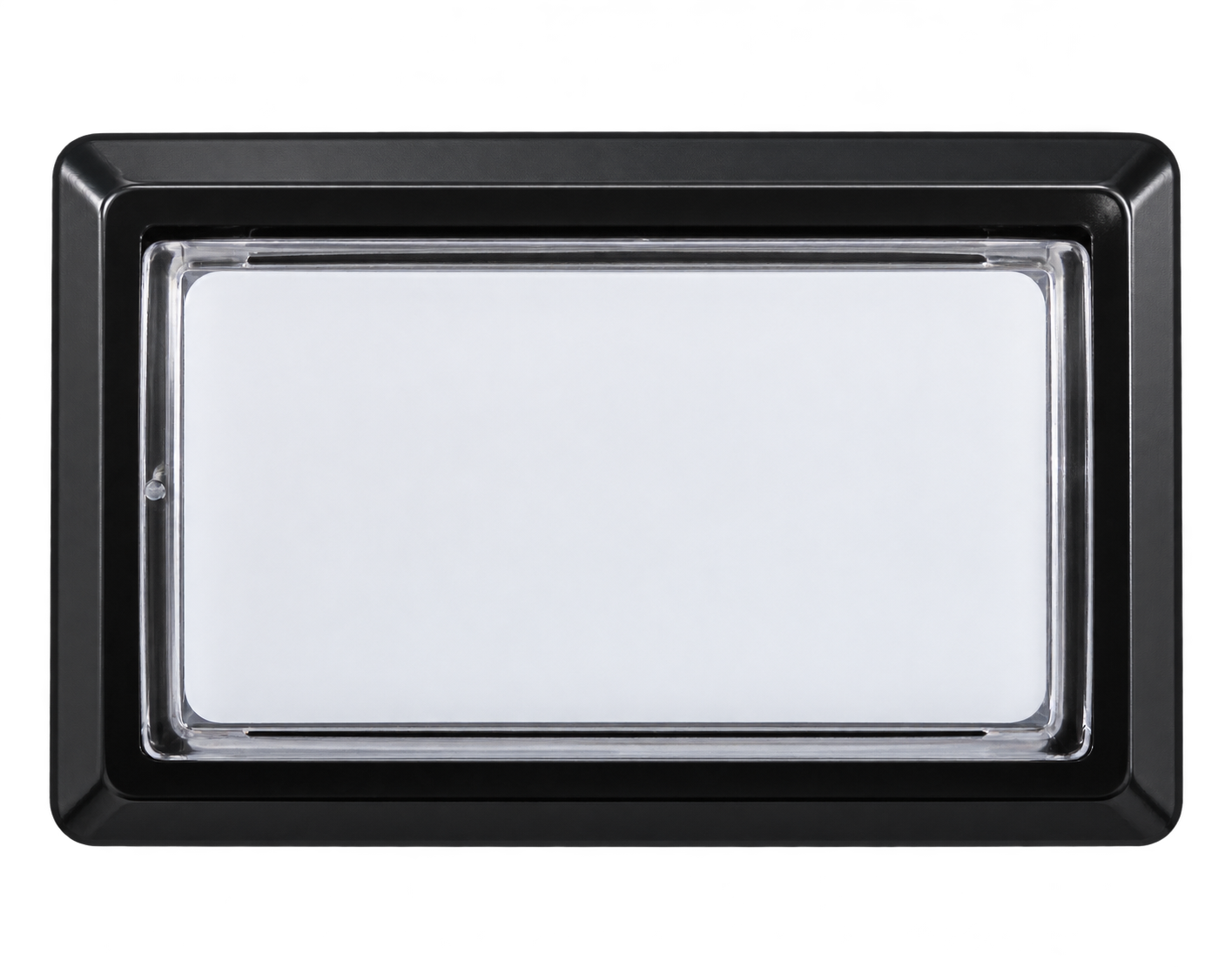
Minor marks in the transparent top
Inside the transparent upper part of the button, tiny speck-like inclusions or fine hairline scratches may be present.
These are cosmetic characteristics that may occur during production. These minor marks alone are not considered a defect. Please take this into account before purchasing.
11 · CWB 405
Frequently asked questions
Is an LED included?
No. The button, switch holder and microswitch are included, but an LED lamp is not included. For illumination, prepare a separate LED and power supply compatible with the holder and your controller.
Do I need to buy a spring separately?
For standard use, a new-generation SAMDUCKSA 30g spring is pre-installed inside the body as supplied.
If you want to tune the feel, purchase a spring with a different resistance separately.
Can I just push the holder straight in?
For the CWB 405, insert the holder at an angle and rotate it to lock it in place. Even if you are familiar with the Sanwa OBSA method, check the assembly GIF above first.
How does durability compare with Sanwa buttons?
The internal switch has a greater influence on durability. The CWB 405 is an accessible option, while its feel depends on the spring, switch, panel and your personal preferences.
If you have concerns about the Gersung switch, we recommend purchasing a compatible Zippy or Omron switch separately and replacing it.
Can I install it directly in my existing controller?
Do not judge compatibility by the button's appearance alone. First check the panel cutout dimensions and shape, cover, clearance below the panel, terminals and wiring specifications.
ISTMALL · SAMDUCKSA
6 colors · New-generation 30g spring · Gersung V-0303A06
LED lamp sold separately · Insert the holder at an angle, then rotate to lock



