

- 현재 위치
- HOME > Lever > Sanjuks Lever


|
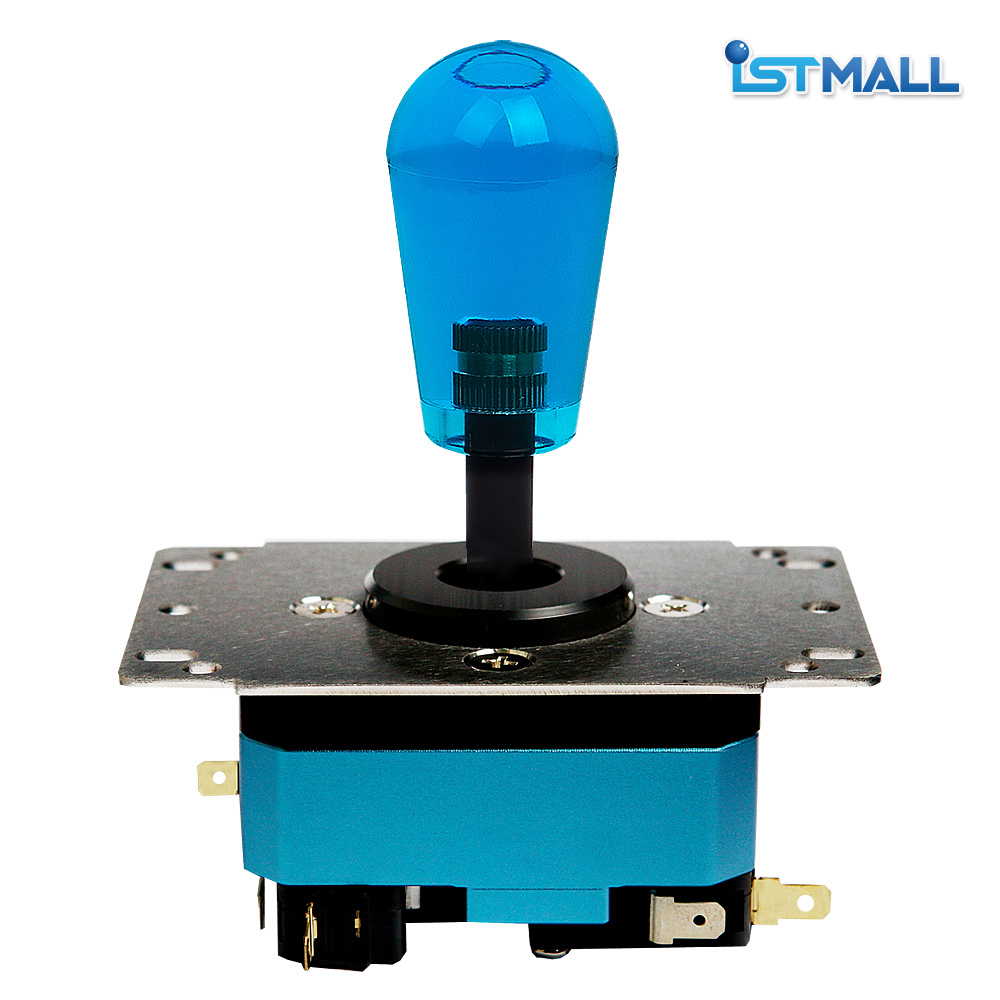
ISTMALL · SANJUKS LEVER SANJUKS V6-2SANJUKS V6-2 · Korean Lever The V6 foundation. Smaller mounting plate · Redesigned upper and lower housing
Samducksa 30-tension grommet · Omron microswitches 2 metal body colors · 6 clear grip colors Before You OrderColor options — Choose your combination of 2 body colors and 6 grip colors. Standard configuration — The V6-2 features a low-profile collar and a circular guide. Wiring — Uses 8-pin wiring connected to individual switch terminals. A compatible adapter harness is required for an existing 5-pin connection. 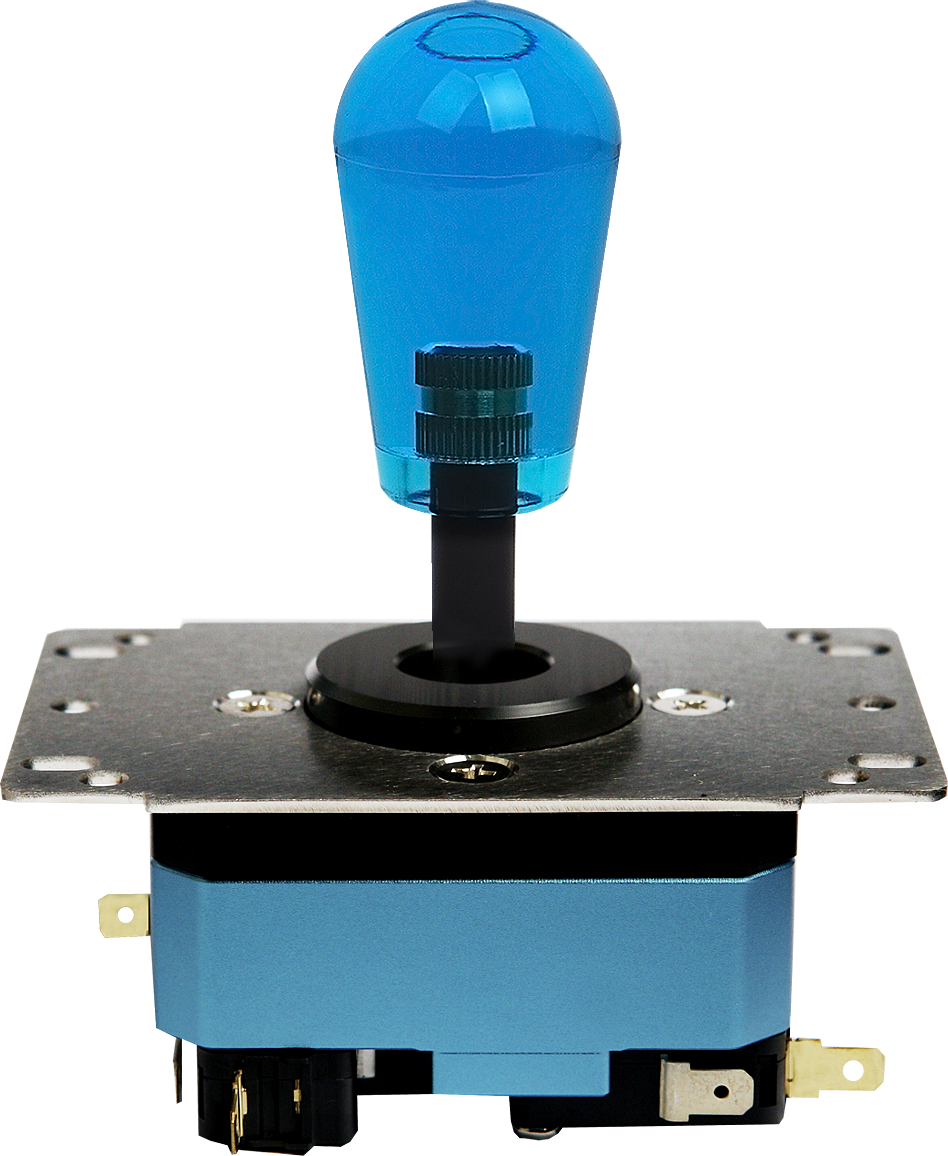
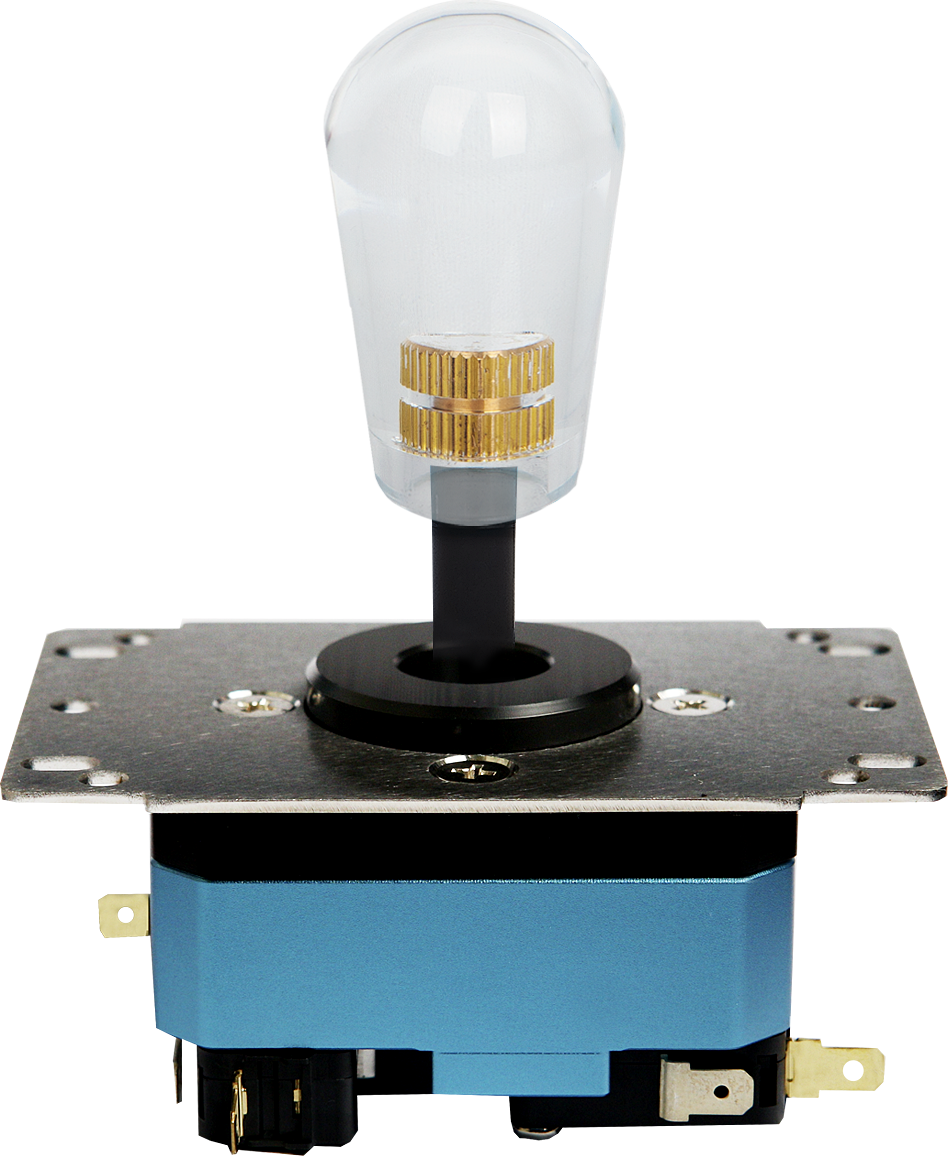
Shown with a Metal Blue body and Clear Blue grip. Your lever will be supplied in the body and grip colors selected when ordering. 01 · SANJUKS V6-2 Updated Housing and Mounting PlateThe SANJUKS V6-2 updates the size and design of the original V6 mounting plate and upper and lower housing. These changes address installation difficulties caused by the size of the V6 mounting plate in some arcade sticks. 01. Smaller Mounting PlateThe mounting plate has been reduced in size compared with the original V6 to accommodate more installation layouts. Check the mounting hole positions and available space inside your case before installation. 02. Redesigned Upper and Lower HousingThe upper and lower housing have also been updated in size and design. The V6-2 upper housing, lower housing, and mounting plate are not interchangeable with those of the original V6. 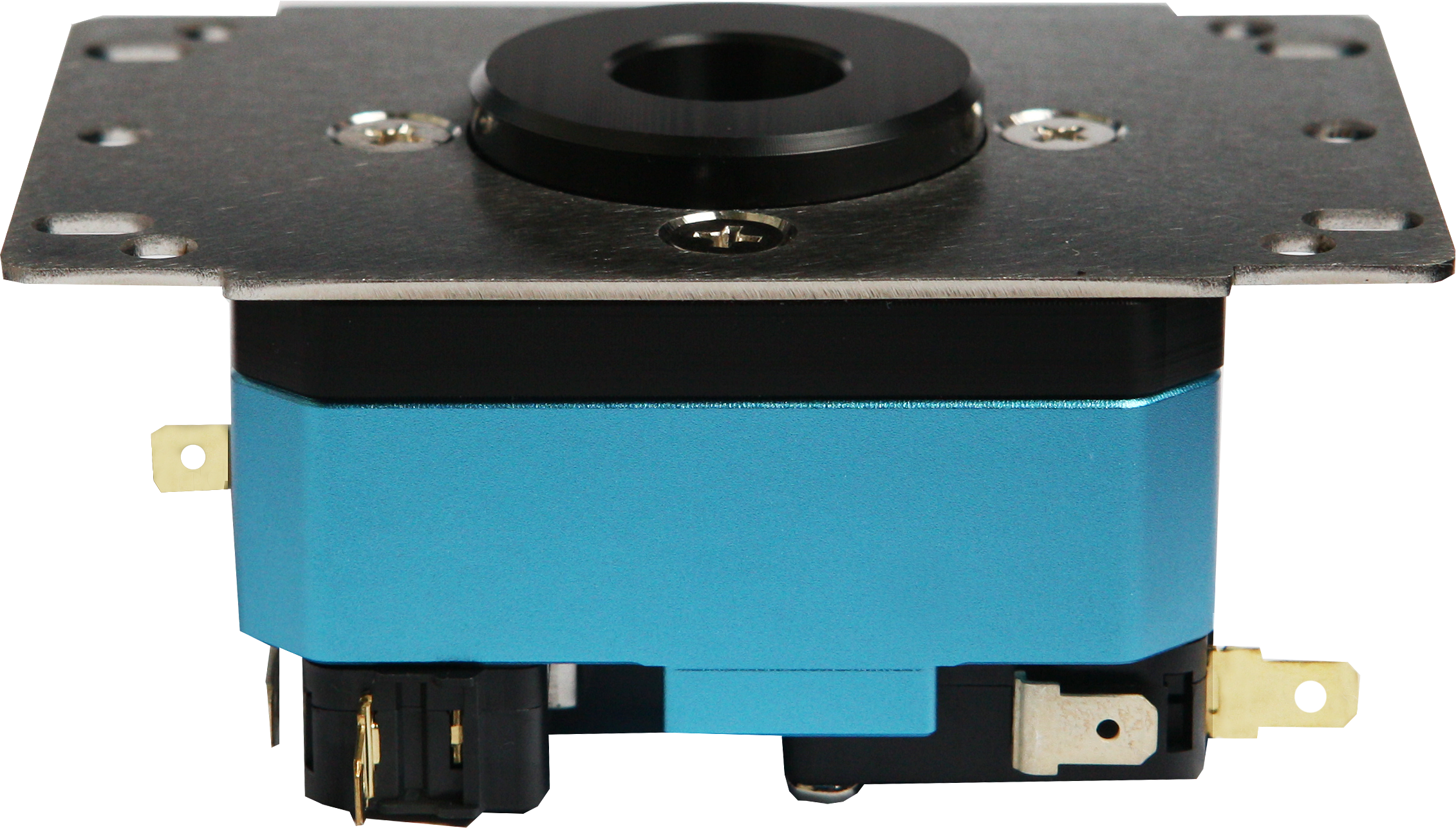
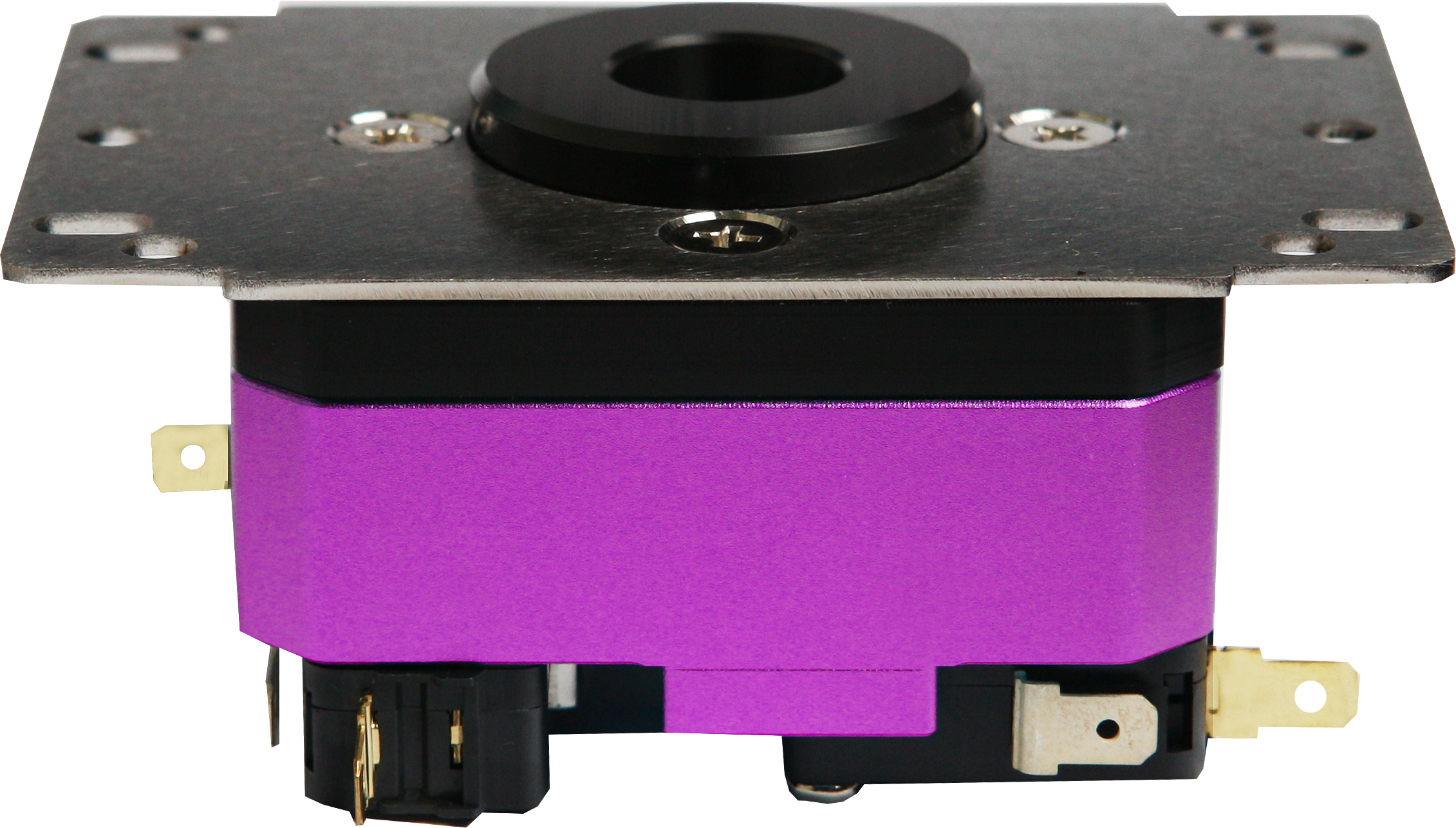
A closer look at the V6-2 housing and mounting plate. 03. Parts Shared with the V6The product listing identifies the guide, shaft, grommet, switches, and other parts as shared with the original V6. When choosing replacement parts, check their V6-2 compatibility information and specifications. 04. Standard Grommet and SwitchesEquipped with a Samducksa 30-tension grommet (purple) and Omron V-16-3C26 microswitches. The grommet provides resistance and return-to-center feel, while the switches register directional inputs. 02 · SANJUKS V6-2 Choose Your Body and Grip Colors
Body Colors · 2 Choices
Clear Grips · 6 Choices
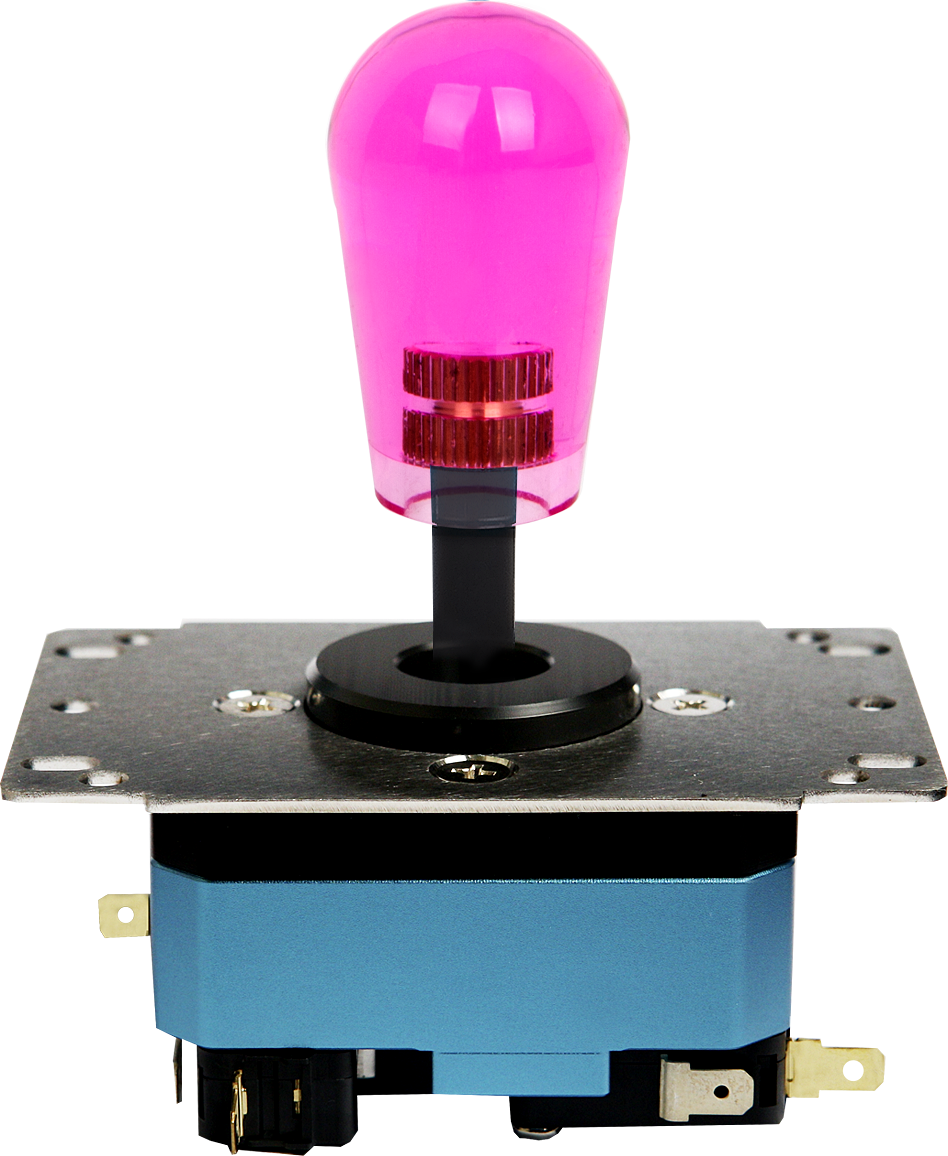
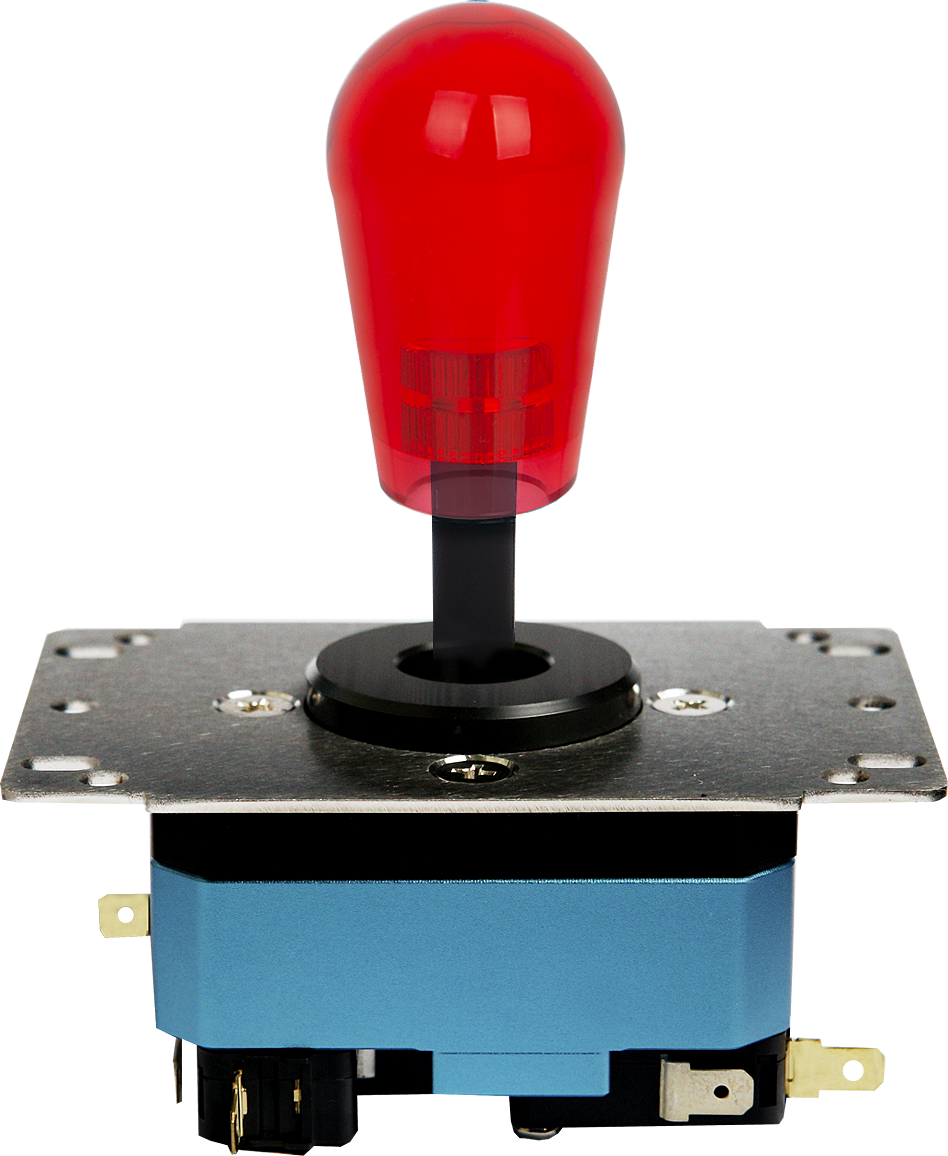
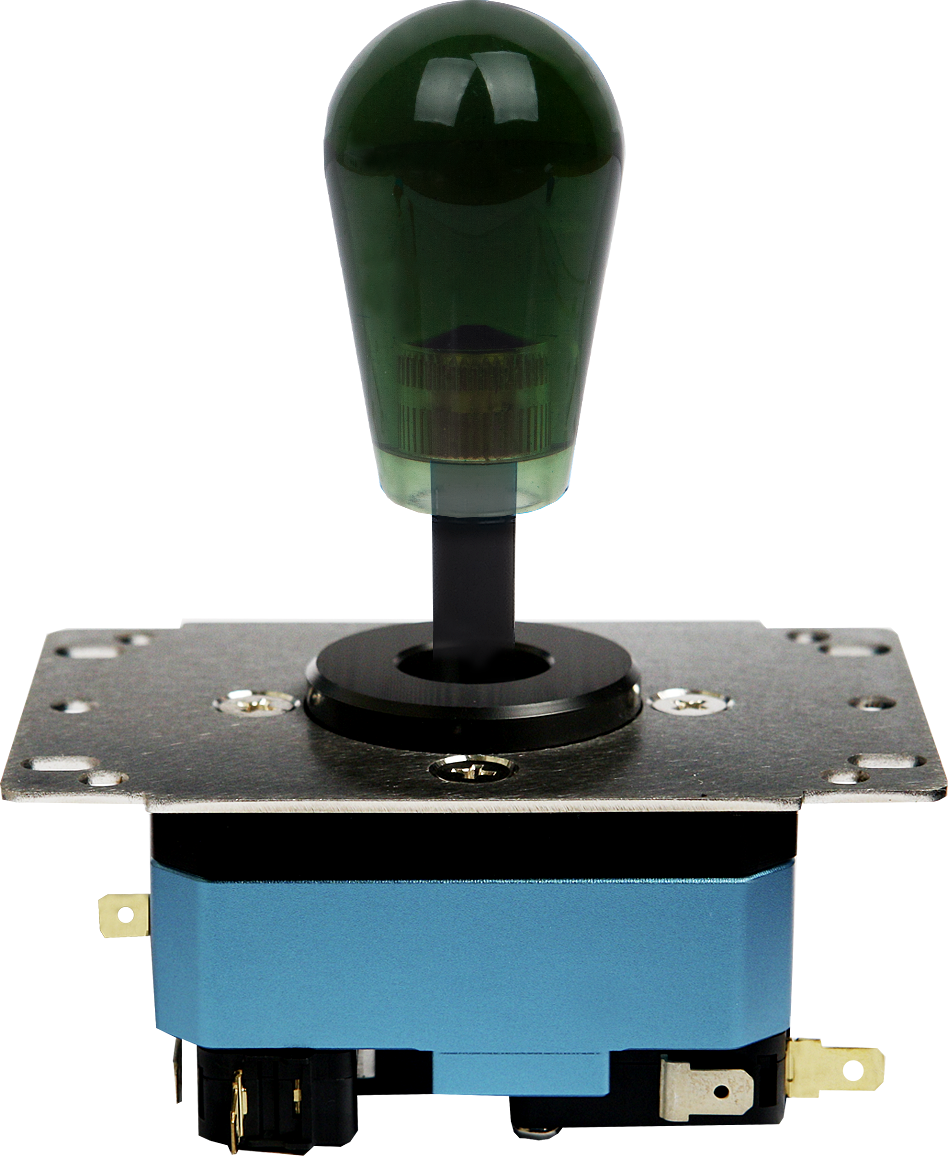
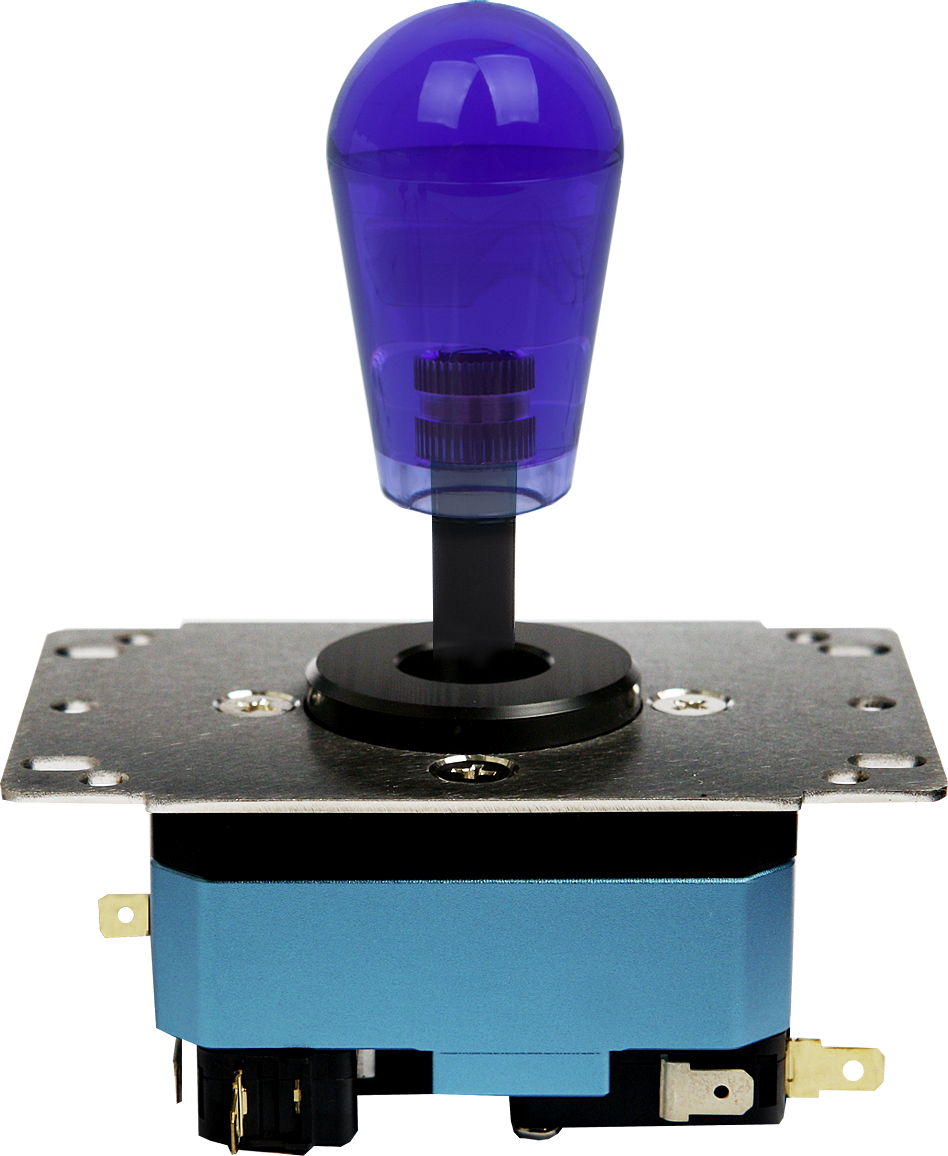
Grip comparison photos show a Metal Blue body. Body and grip colors can be selected independently; one lever in your selected combination is supplied. Actual colors may vary depending on lighting and display settings. 03 · SANJUKS V6-2 Low-Profile Collar and Circular GuideThe V6-2 comes with a low-profile Mid Collar. It has a reduced collar height around the shaft and uses a circular guide as standard. Mid Collar · Low-Profile DesignEven with a low-profile collar, fit depends on the panel hole diameter and surrounding structure. After removing the existing lever, check the panel and mounting plate positions, along with clearance around the shaft. Circular Guide · Round Travel BoundaryAt the outer limit of travel, the lever follows a circular boundary. It supports up, down, left, right, and diagonal inputs. The clicking sound comes from the microswitch contacts actuating. The ordering options on this page are body color and grip color. If you plan to use a different guide or collar, check its V6-2 compatibility first. 04 · SANJUKS V6-2 Check Your Arcade Stick Before InstallationTo confirm fit, check the panel opening, mounting hole positions, internal clearance, and wiring together. A smaller mounting plate does not guarantee compatibility with every case.
This table summarizes selected models mentioned in the original product listing. Different generations and modified cases may have different panels or internal layouts and require a separate fit check. 01. Check the V6-2 Mounting PositionsUses an MJ mounting plate for the V6-2. It is not interchangeable with the original V6 mounting plate, so do not determine compatibility using V6 plate dimensions alone. 02. Allow Space Below the Lever and Around WiringThe listed body height is approximately 36 mm. This reference measurement excludes the grip, shaft, and collar; the listing notes a possible 2–3 mm variation. Also allow room for the lower shaft, actuator, switch terminals, and wiring. 03. Use an Adapter Harness for 5-Pin WiringThe V6-2 uses 8-pin wiring connected to individual microswitch terminals. If your arcade stick uses a 5-pin connector, prepare a compatible 5-pin-to-8-pin adapter harness. Check the PCB pinout and switch terminal specifications as well. 05 · SANJUKS V6-2 Specifications and Included Components
Included Components
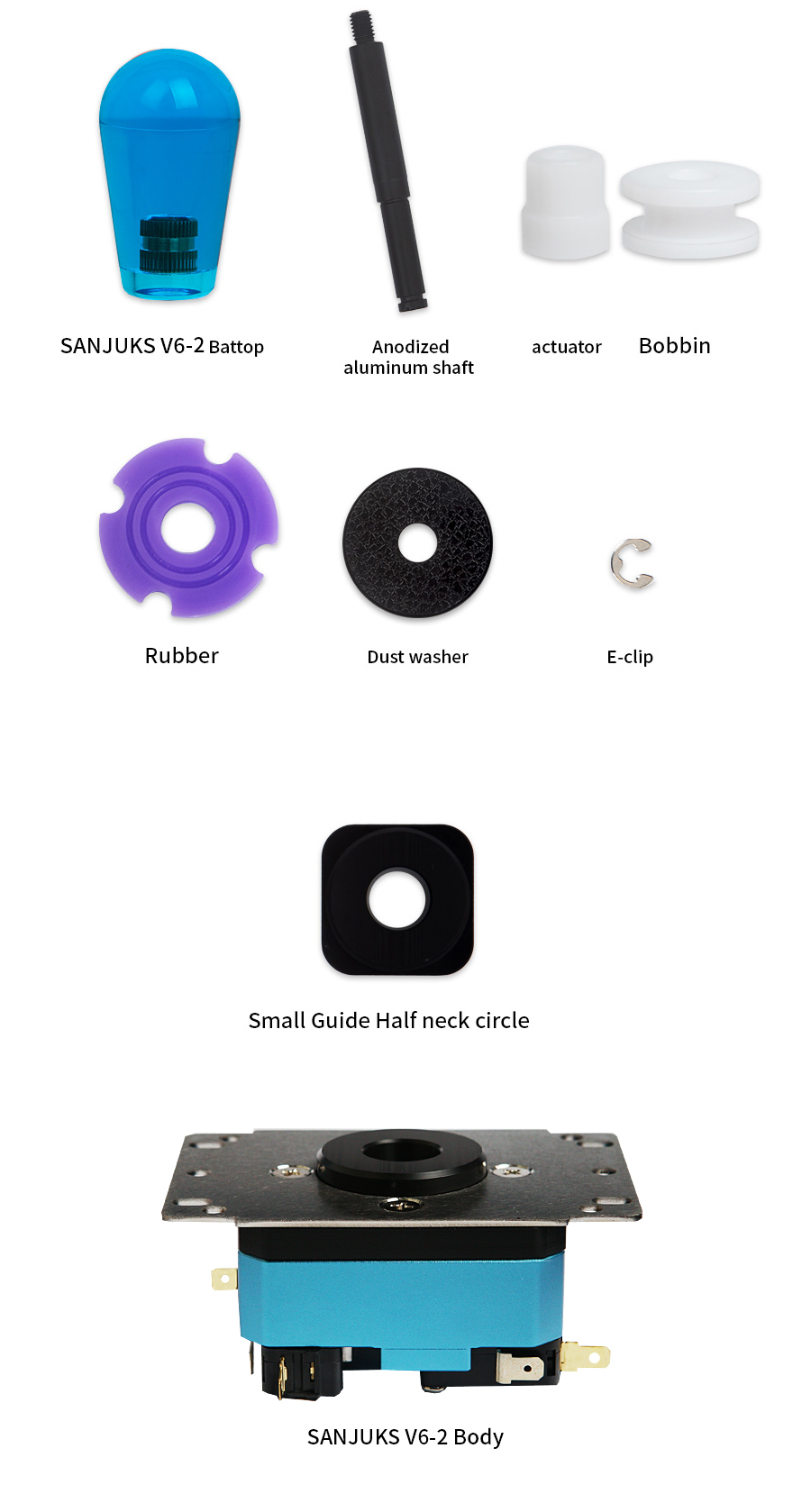
Component layout shown for reference. Body and grip colors depend on your selected options. This list includes both preassembled and separately packed components. Prepare a 5-pin-to-8-pin adapter harness separately if your setup requires one. 06 · SANJUKS V6-2 Understanding Lever Feel and ComponentsSamducksa 30-Tension GrommetThe standard grommet is a purple Samducksa 30-tension grommet. Resistance during movement and the feel of the return to neutral can vary with grommet condition, component combinations, and personal preference. What the Bobbin and Actuator DoThe bobbin transfers shaft movement through the center of the grommet. The actuator, located below the shaft, presses the microswitches to register directional inputs. When replacing either part, check its supported models and specifications as well as its shape. Reusing Parts from a V6The guide, shaft, grommet, and switches are listed as shared with the original V6, but the upper housing, lower housing, and mounting plate are specific to the V6-2. Check the product name and supported model before choosing housing or mounting parts. Get Familiar with the Standard Setup FirstStart by checking the return-to-center feel, diagonal inputs, and how your grip position affects control. Changing one component at a time makes it easier to identify differences in feel. 07 · SANJUKS V6-2 First-Time InstallationSTEP 01 Disconnect Power and Record the Existing SetupDisconnect the arcade stick’s USB cable and power before opening the case. Take photos of the existing lever orientation, wiring, and mounting screw positions to help with reassembly. STEP 02 Check the Mounting Plate and Lower ClearanceCompare the V6-2 mounting holes with those in your case and make sure the Mid Collar does not interfere with the panel. Before securing the lever, check clearance for the lower shaft, switch terminals, and wiring. STEP 03 Check the Grip and Lower ComponentsSecure the grip so it does not loosen, and check that the actuator and bobbin are correctly assembled. Make sure the E-Clip is fully seated in the shaft groove. STEP 04 Connect the Wiring and Test Every DirectionConnect the switch terminals without pulling or pinching the wiring. Keep your hands and tools clear of the interior, then reconnect power. On an input test screen, check up, down, left, right, all diagonals, and neutral. Once everything works correctly, disconnect power again and close the bottom panel. If Directions Are ReversedDisconnect power, then check your reference photos and the PCB pinout. Identify the common ground and directional signal wires; do not rely on wire colors alone. Unsure About Fit or Part Compatibility?
|